Update of 22 November 2026: a new look for every Arteon tool
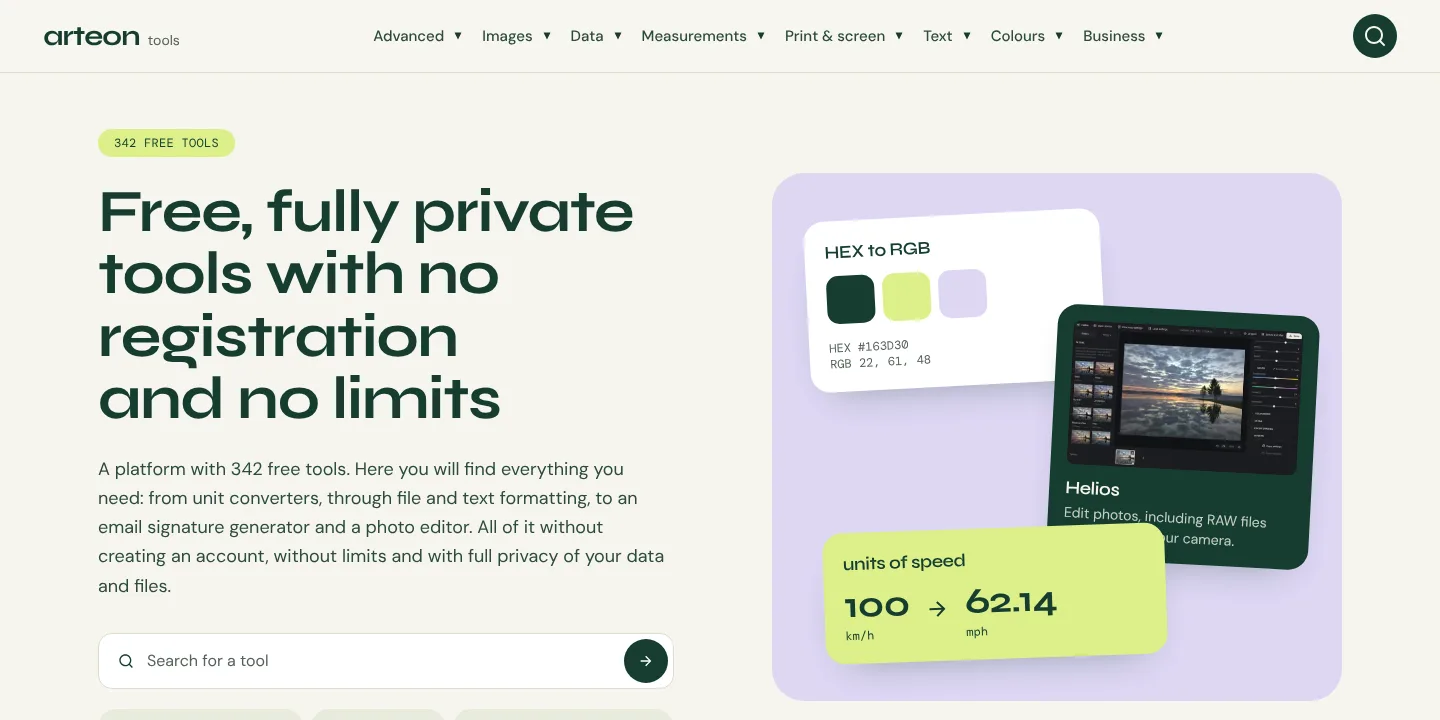
Every page of Arteon tools now has a new design. Converters show the field you type in more clearly, the formula behind the result and the same value in related units. Image, colour, text and business tools have new layouts, and category pages explain what each group of tools does. This post shows each change next to how the same tool looked before.
A new look across the whole site
The site has a new set of colours and fonts. Pages sit on a warm cream background, headings and buttons use a deep green, and lime and lavender mark the cards you work with. Headings are set in Syne, body text in DM Sans, and numbers, units and small labels in DM Mono, so values in converters and tables line up in neat columns. Greek, Ukrainian, Vietnamese, Arabic, Thai, Japanese and Hindi pages keep fonts that cover their alphabets.
- Cards, fields and buttons have rounded corners, and the browser tab shows a new icon with the letter a.
- The menu at the top opens each category as a panel of links, and the phone menu uses the same colours and rounded rows.
- Tables have rounded rows with alternating backgrounds, and the most common values stand out on dark green.
- The table of contents on longer pages is a lavender box with numbered links.
- Sections with a photo split into text on one side and the photo on the other, and the photo stays in view while you scroll through the text.
Unit converters
Every unit converter, such as centimetres to inches or megabytes to gigabytes, now has two cards: a white one for the value you type and a lime one for the result. The field you type in has a clear frame, and it glows lime when you click into it.
- A round button between the cards swaps the order of the units. It replaces the old Swap order text button and keeps the same label for screen readers.
- Under the cards, a line shows the formula with your own number, for example 100 km/h ÷ 1.609344 = 62.14 mph. Before you type anything, it shows the formula for one unit.
- Buttons next to Examples type 5, 10, 50 or 100 into the field in one click.
- Cards under the converter show the same value in related units. Next to centimetres and inches, for example, you see millimetres, metres, feet and yards. The cards are there from the start, calculated for one unit.
- The Copy result and Clear all buttons are gone, so the cards hold only the numbers and their units.
- Every table of values has a Copy table button. It copies the table so that each value lands in its own cell when you paste it into Excel or Google Sheets.
- Links to related converters at the bottom of the page sit four in a row, so the list is shorter.
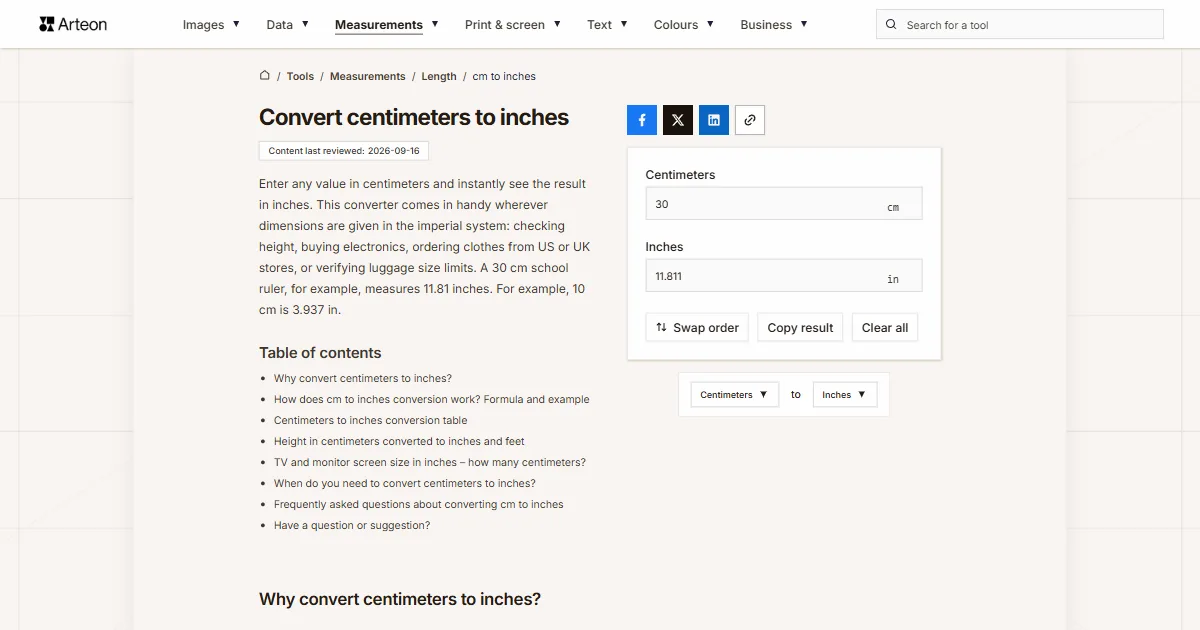
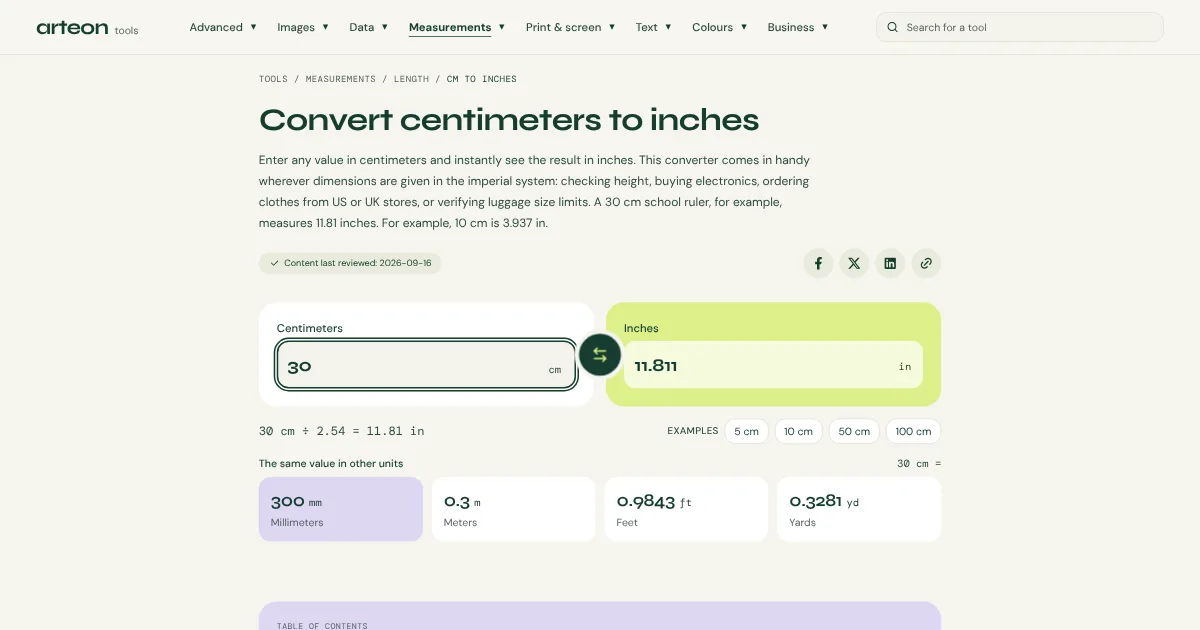
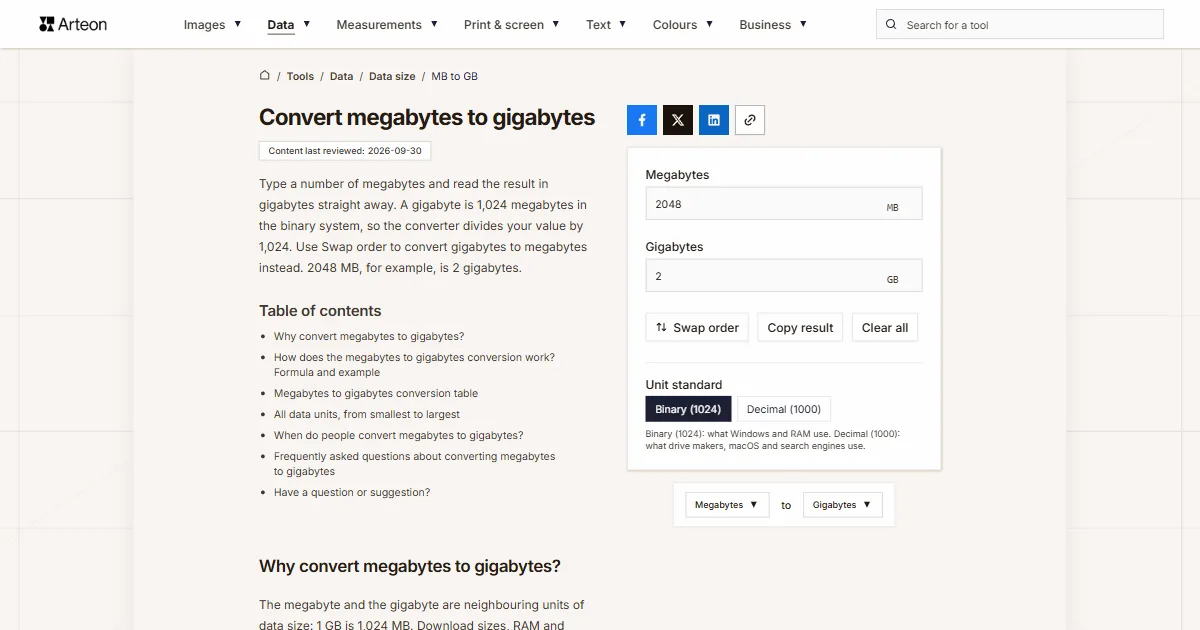
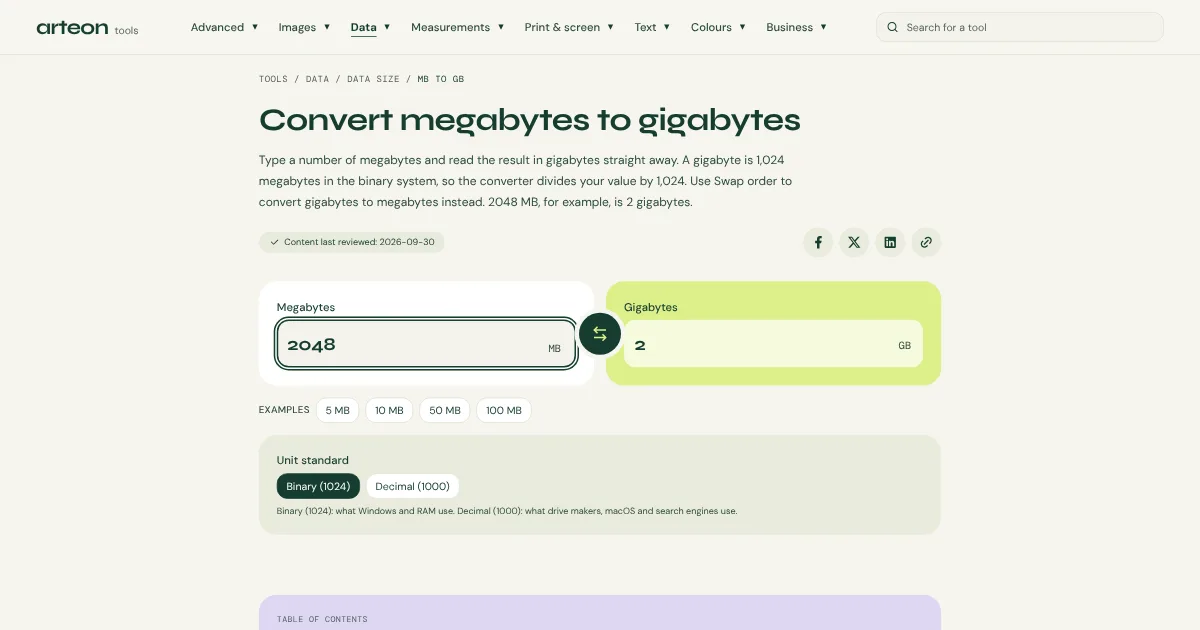
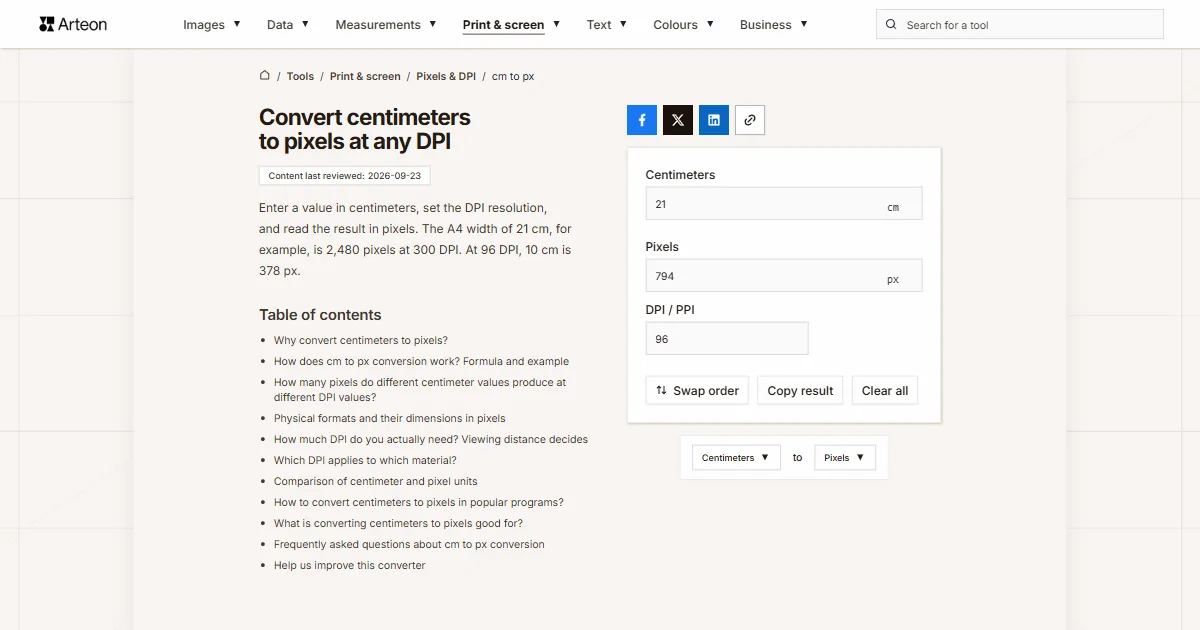
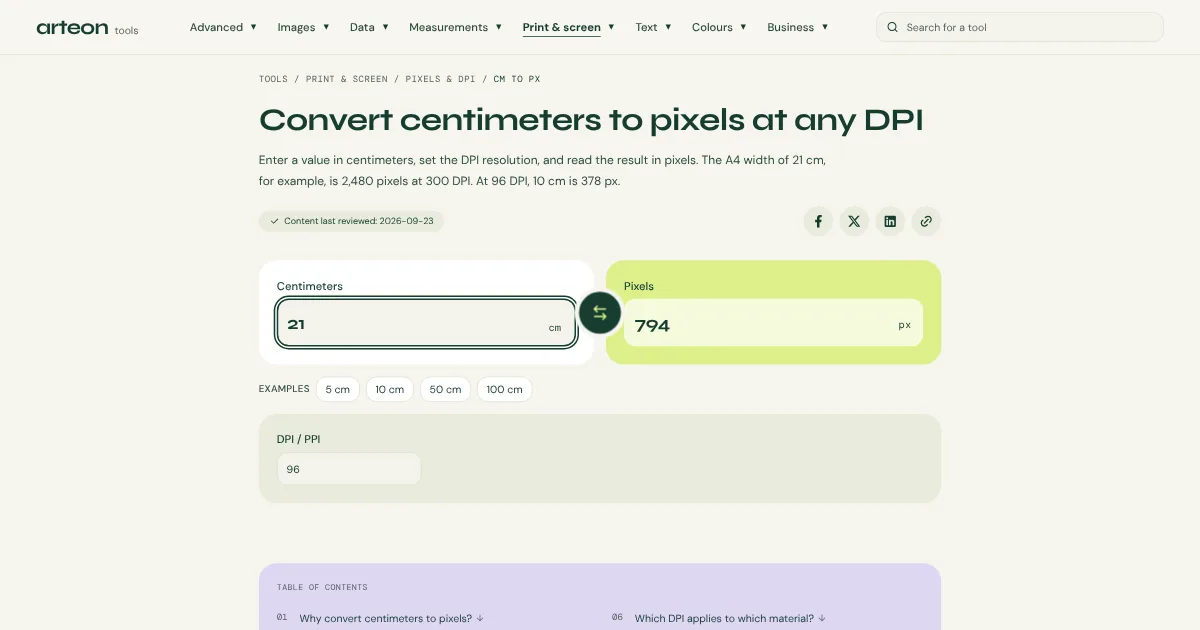
Image tools
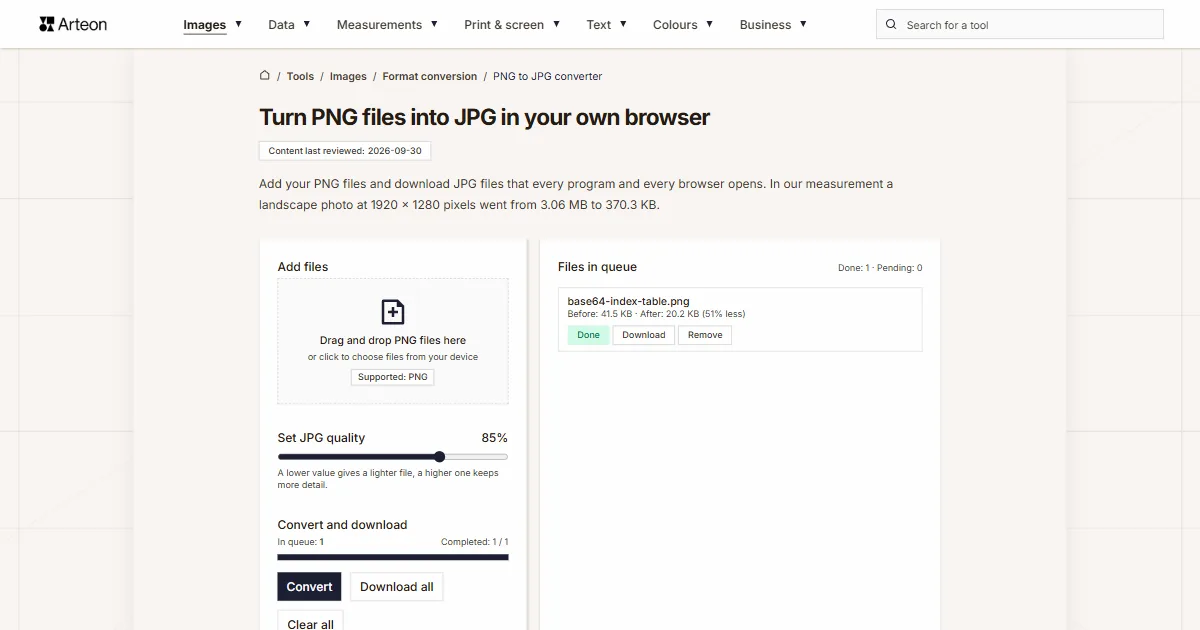
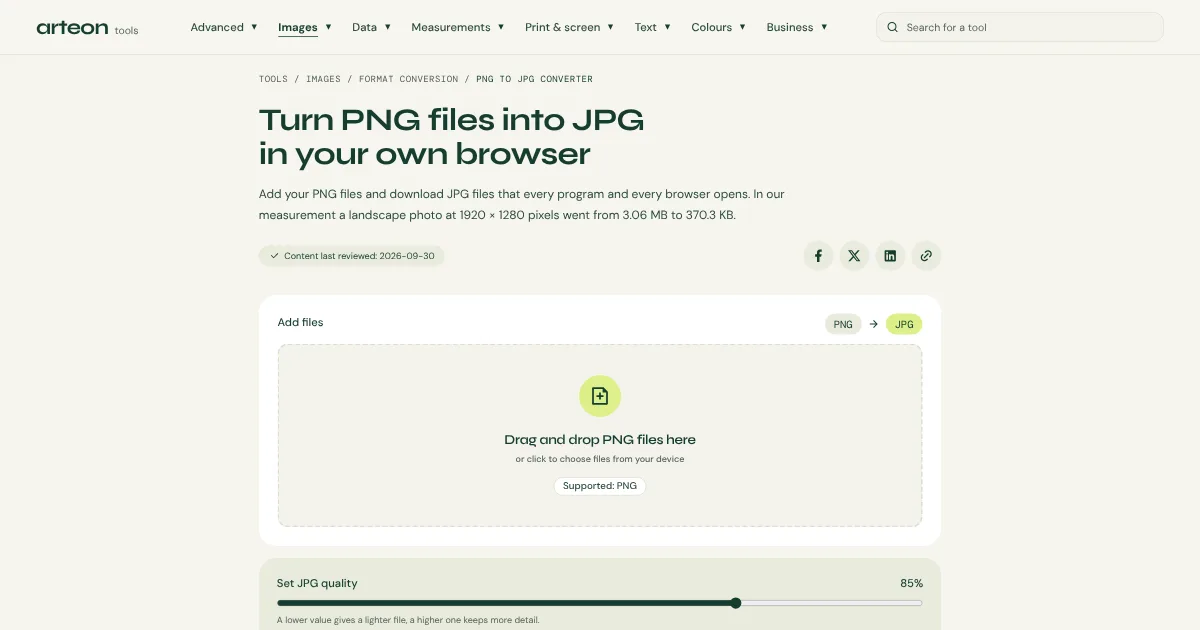
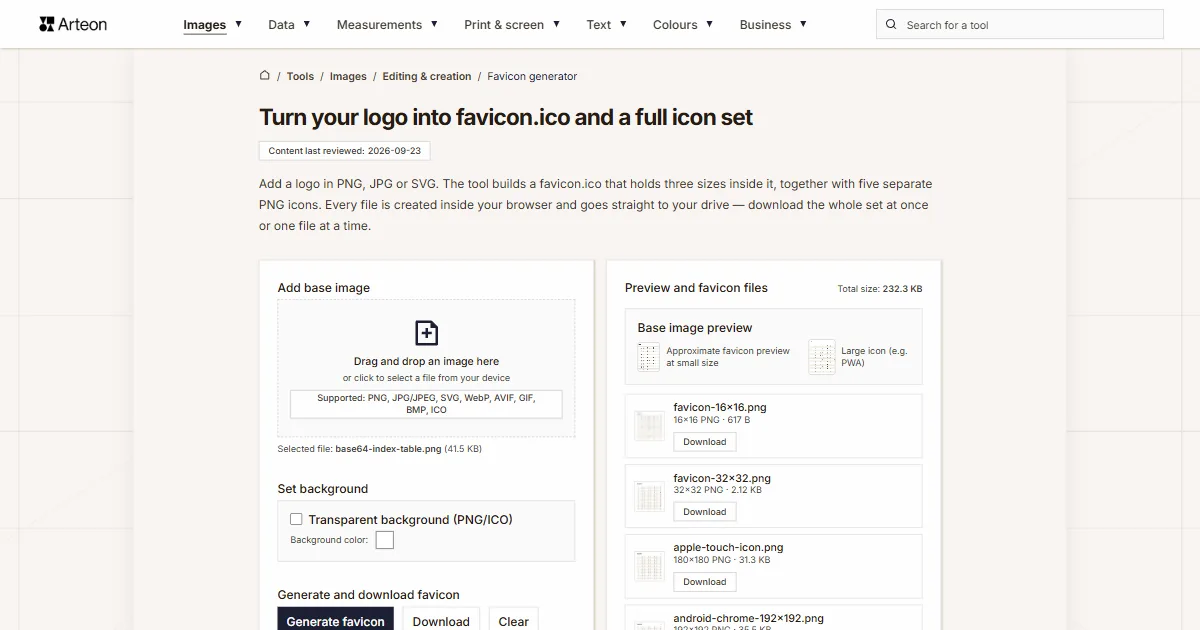
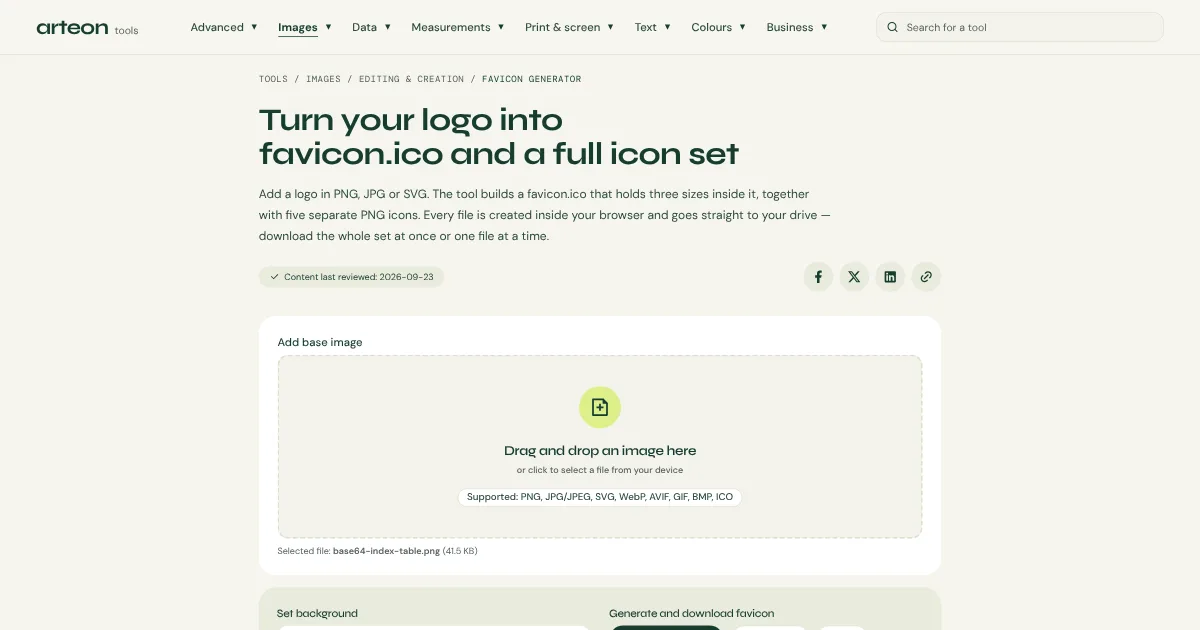
The image converters, such as PNG to JPG, now walk you through three steps from top to bottom: a white card where you add files, a sage card with the settings and the Convert button, and a lavender card with your file queue. The drop area is larger and tells you which formats it accepts. The favicon generator follows the same order and shows the finished files in a grid below the settings.
Colour tools
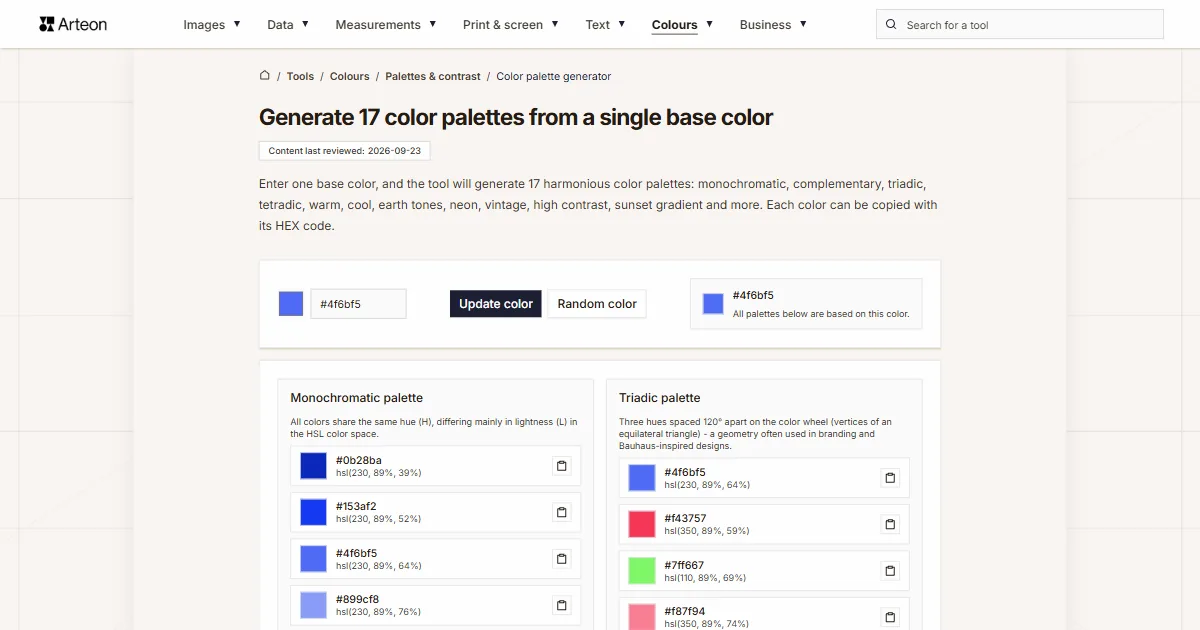
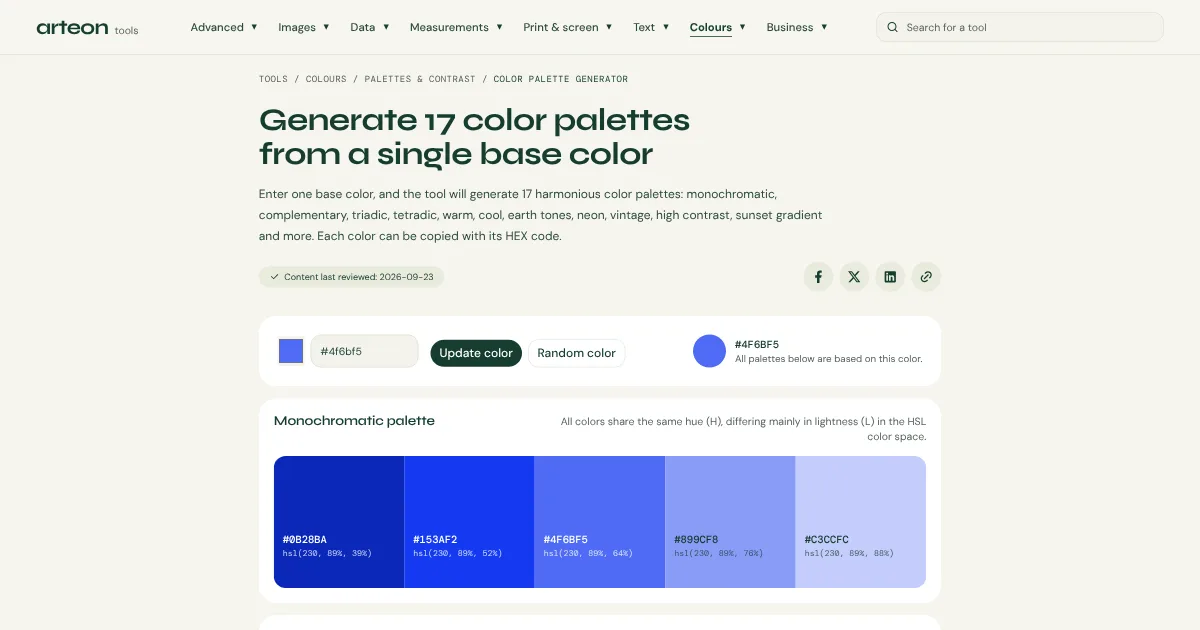
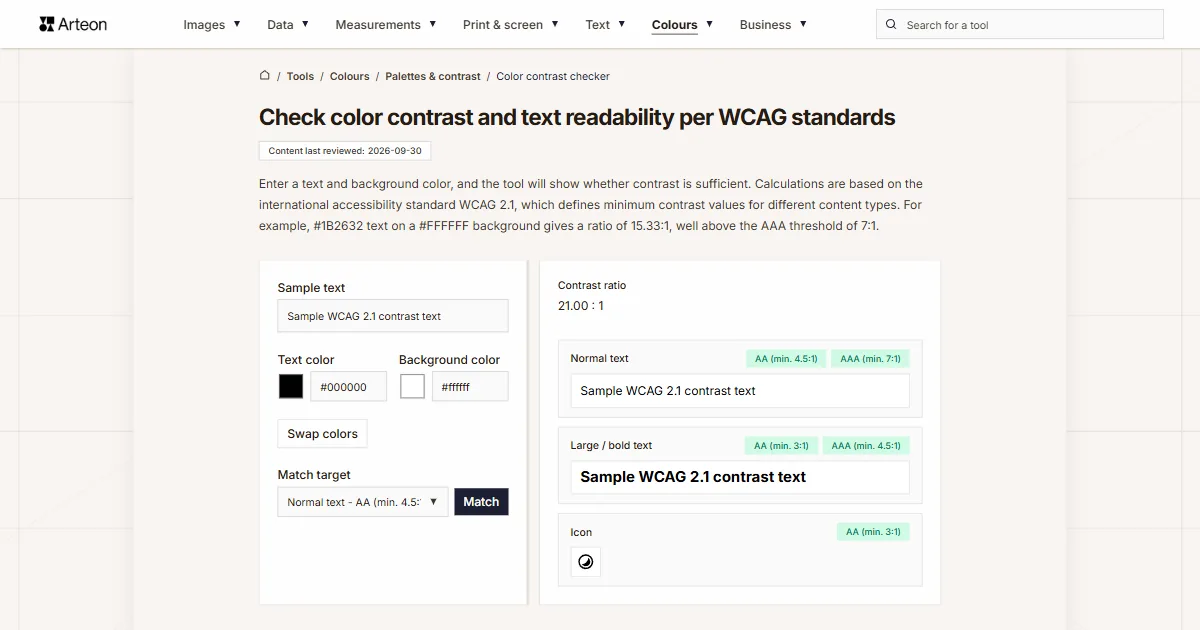
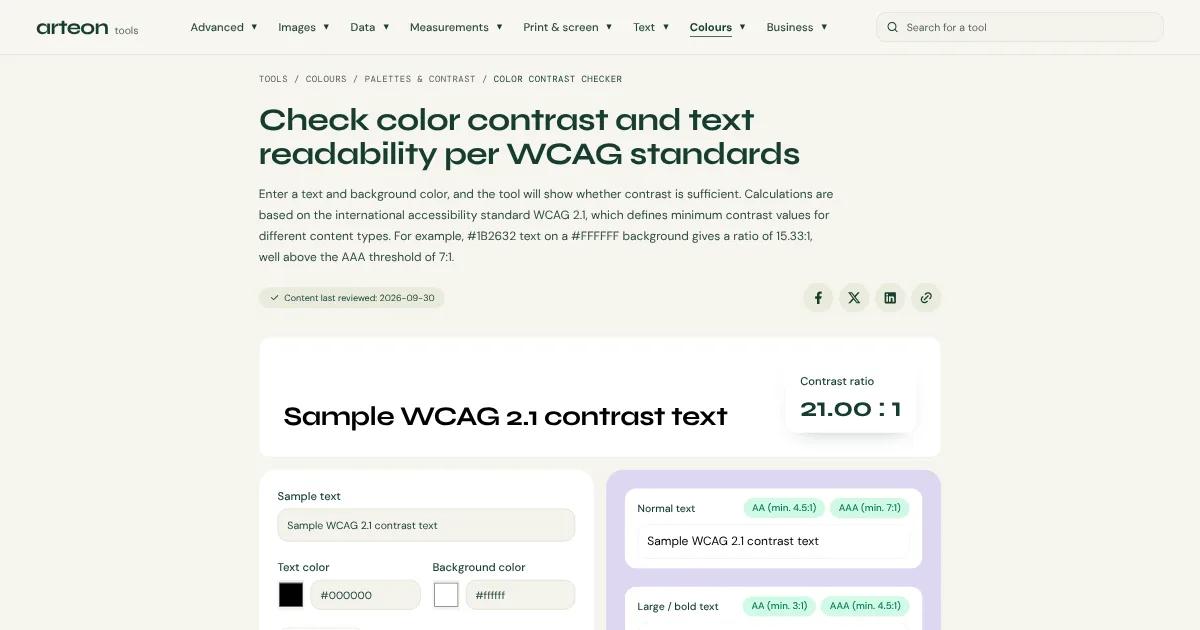
The colour palette generator shows each palette as large stripes of colour side by side, with the code on every stripe, so you can judge the colours together instead of reading a list. The colour contrast checker opens with a large preview of your text on your background and the contrast ratio right next to it, and the results for each WCAG level appear as round badges.
Business and text tools
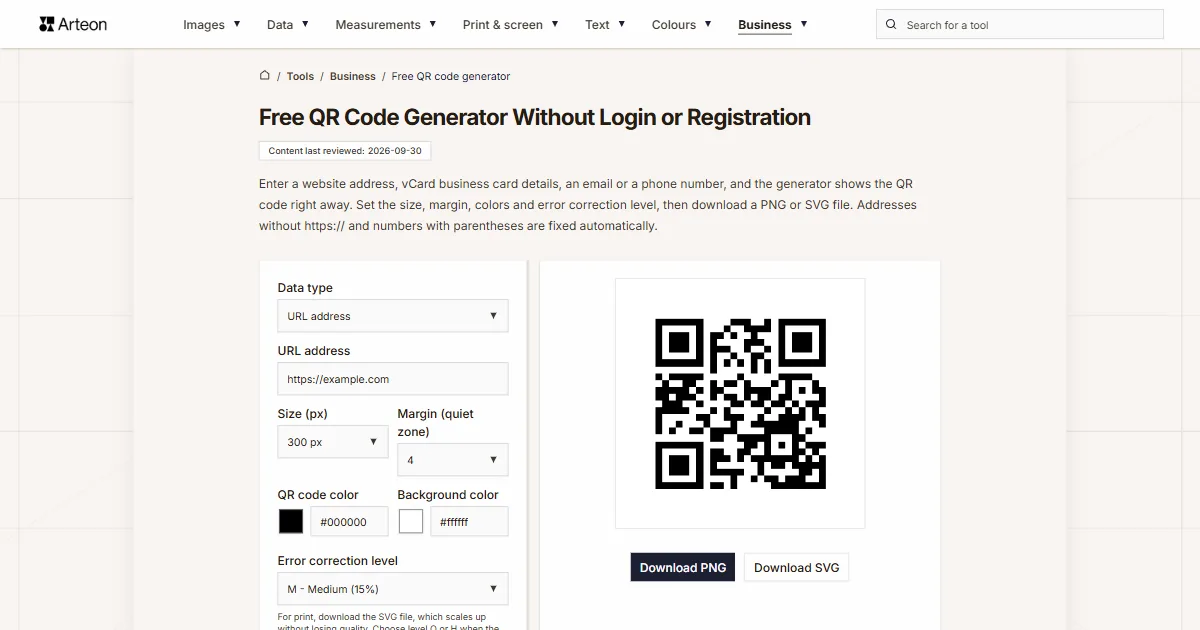
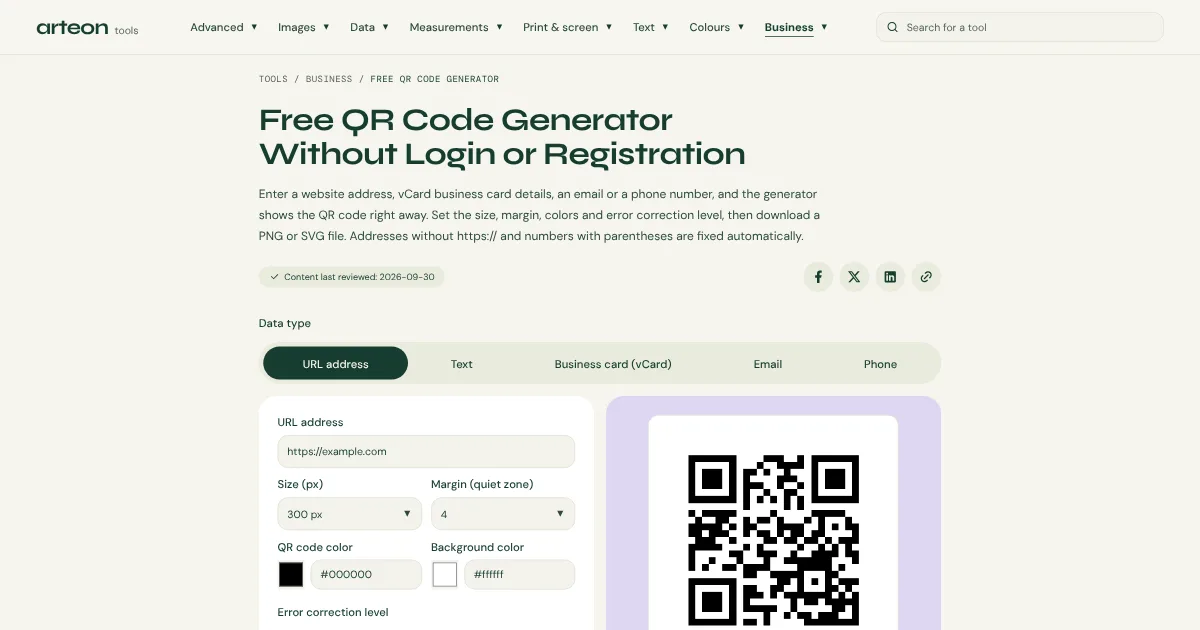
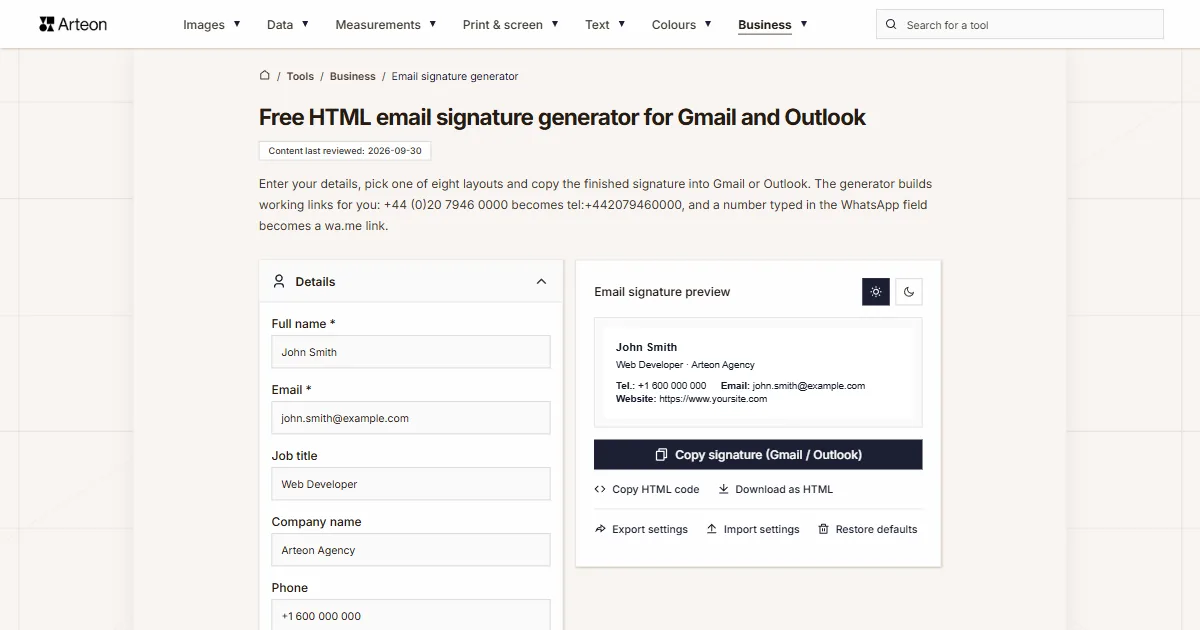
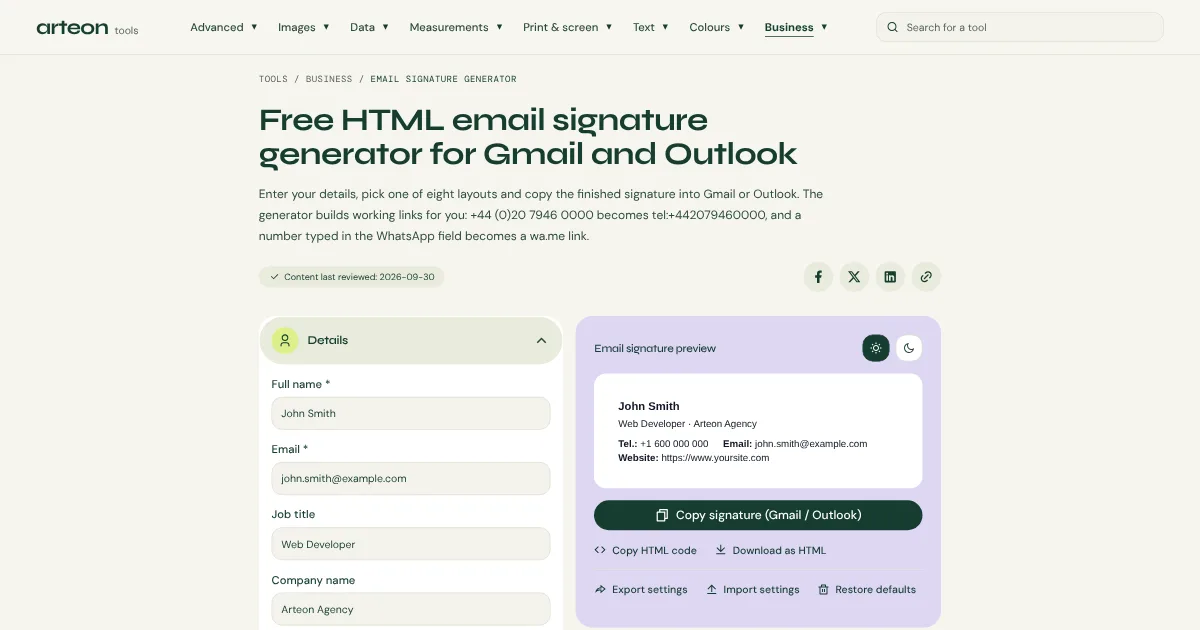
In the QR code generator, the data types (URL, text, contact card, email and phone) are now tabs at the top, so you choose what the code holds before you fill in anything else. The email signature generator is built the same way, with the form on one side and the live signature preview on the other. Before you type your details, the preview shows a faded example signature.
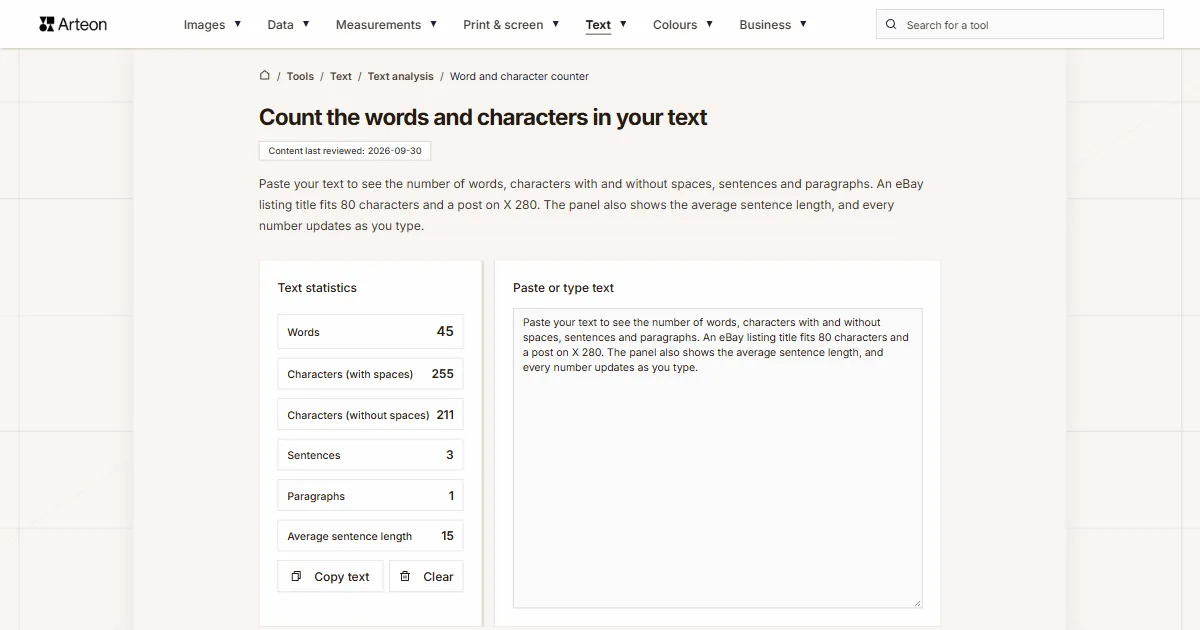
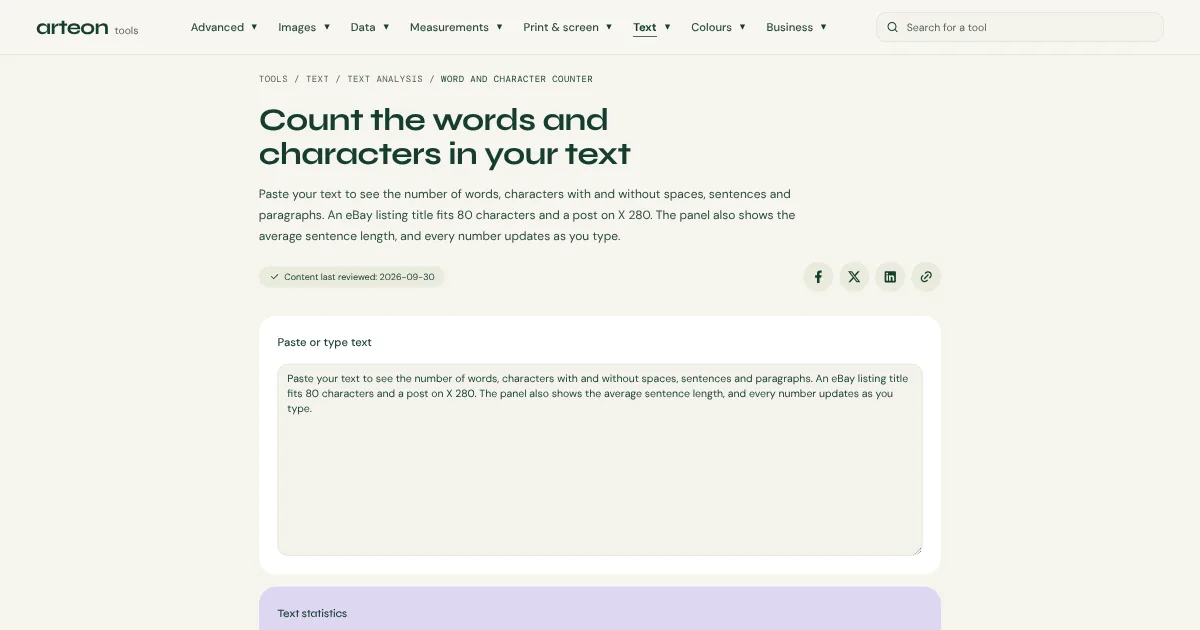
The word and character counter puts the text field first and the results in a lavender panel below it, with each number in its own card.
Helios, category pages and the rest of the site
- The Advanced page and the Helios page have a large Open Helios button and a short video that shows the editor at work. The video plays without sound, has a pause button, and does not start on its own if your device is set to reduce motion. Each of the 18 languages has its own recording with the editor in that language.
- Category pages, such as Images or Measurements, open with a short description of what you can do there, and below the list of tools they answer the most common questions about the group. This text is written separately for each of the 18 languages.
- Home pages in languages with fewer tools now show three tool cards at the top, one of them for Helios.
- The About page explains in more detail how the tools work: which open-source libraries convert your images in the browser, what stays on your device and how you can check that nothing is uploaded.
- The search page, the blog and this news section use the new cards and colours.
How the tools work has not changed: they still run in your browser, files and text are not sent to a server, and you do not need an account.
More news
 Published:
Update of 20 November 2026: nine new guides and newer cameras in Helios
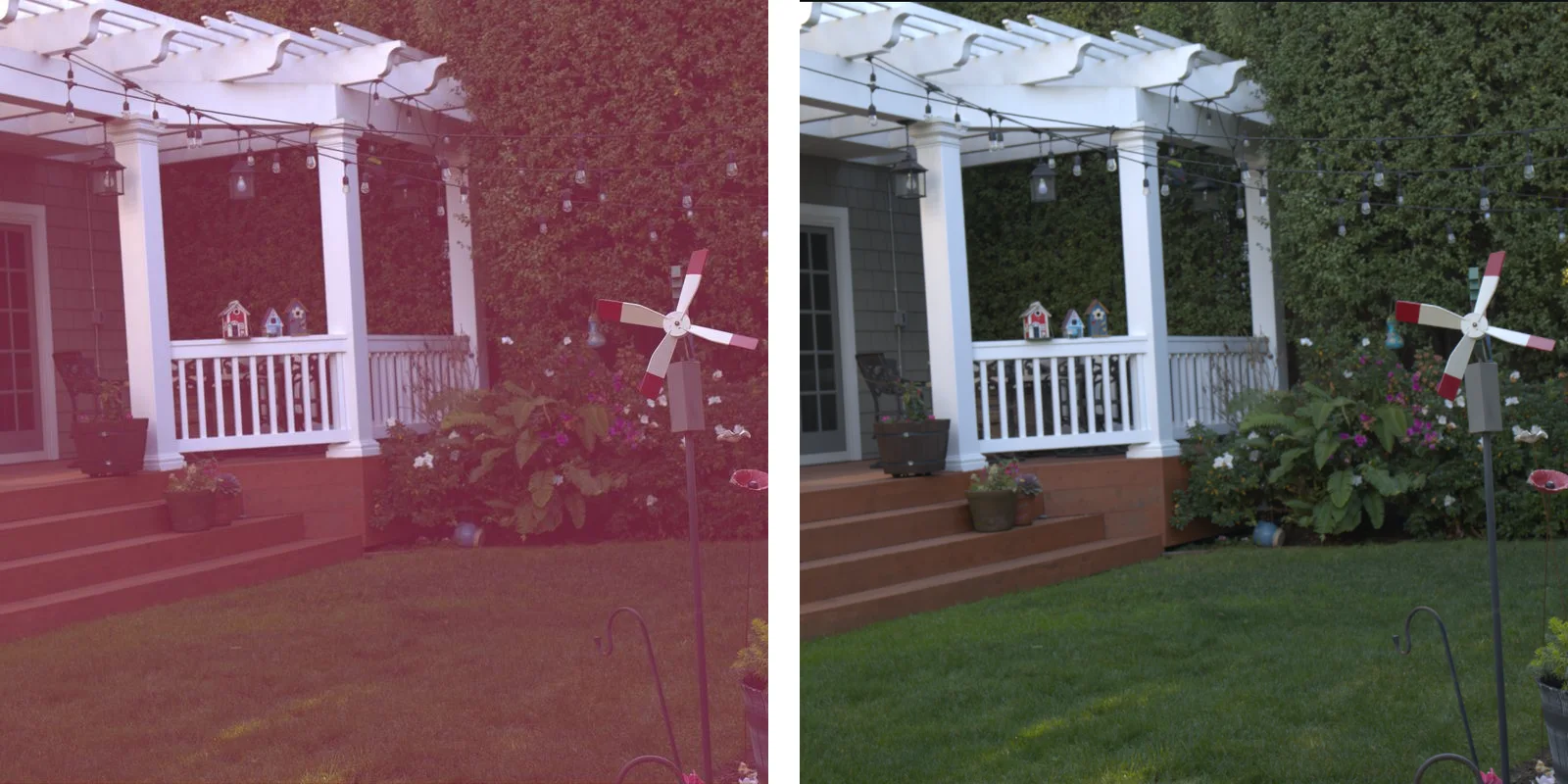
The blog gets nine new guides about photo editing, and each of them is based on tests we ran ourselves in Helios. Helios now uses a newer RAW decoder, so files from cameras such as the Canon EOS R6 Mark III and the Sony α7 V open with the right colours. Sony ARW files saved in a smaller RAW size no longer show up as damaged. See what the 20 November 2026 update brings.Read the full post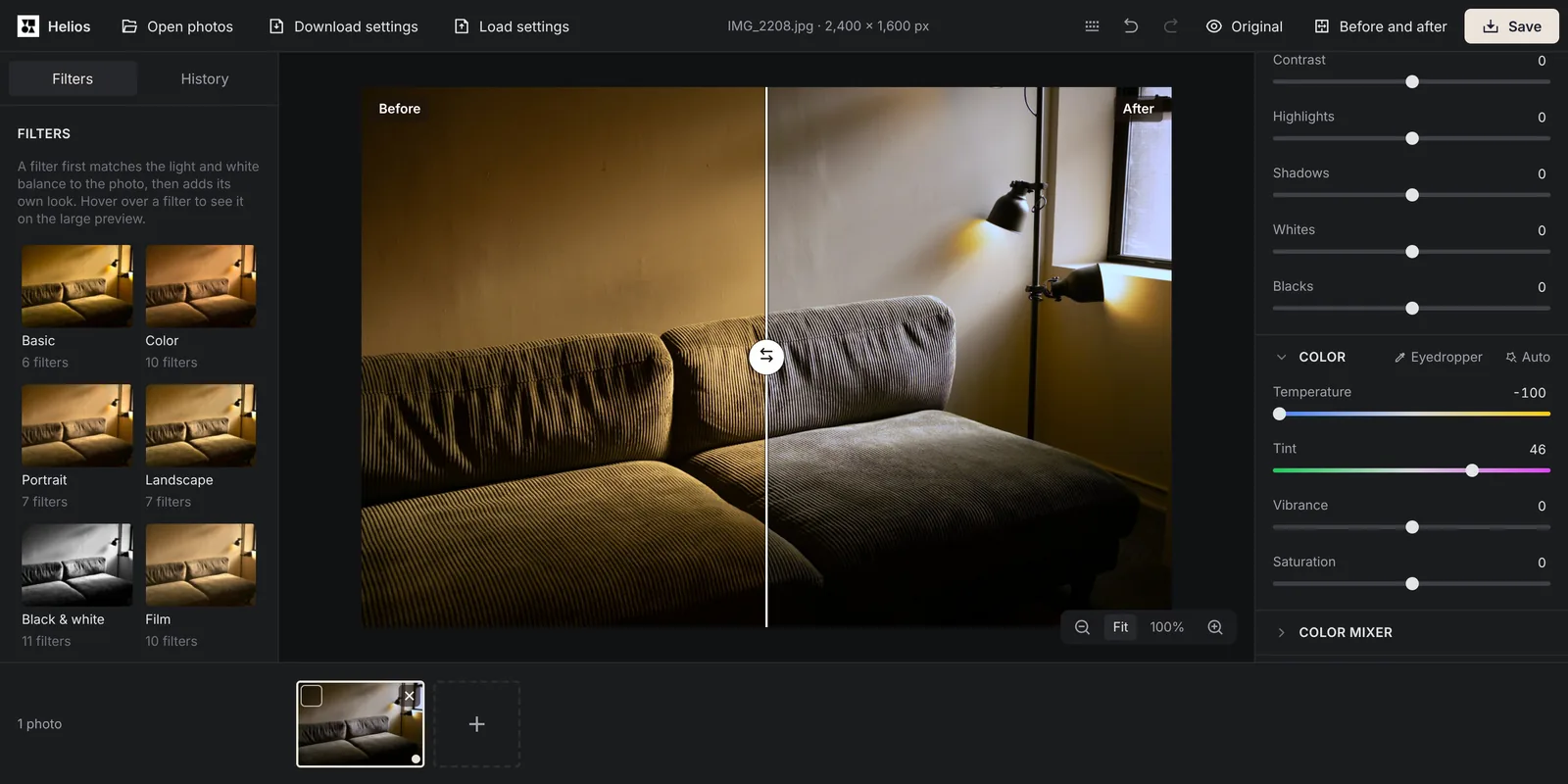 Published:
Update of 16 November 2026: the Arteon blog starts with six photo guides
Arteon now has a blog. Each guide explains one task step by step and shows it in our free tools, with screenshots of where to click and photos before and after the edit. The first six guides are about editing photos in Helios. See what the 16 November 2026 update brings.Read the full post Published:
Update of 6 November 2026: ten new languages, Helios and print and screen converters
Arteon tools now work in 18 languages. This update adds Arabic, Indonesian, Turkish, Greek, Ukrainian, Romanian, Thai, Japanese, Vietnamese and Hindi, each with the Helios photo editor and part of the Print and screen category. The Helios guide now explains how your work is saved in the browser, and the privacy policy describes it in every language. See the details of the 6 November 2026 update.Read the full post