Advanced tools
This is where we collect larger programs that run entirely in your browser: you open the page and start working, with nothing to install and no account. Your files stay on your device, because none of these tools sends them to a server.
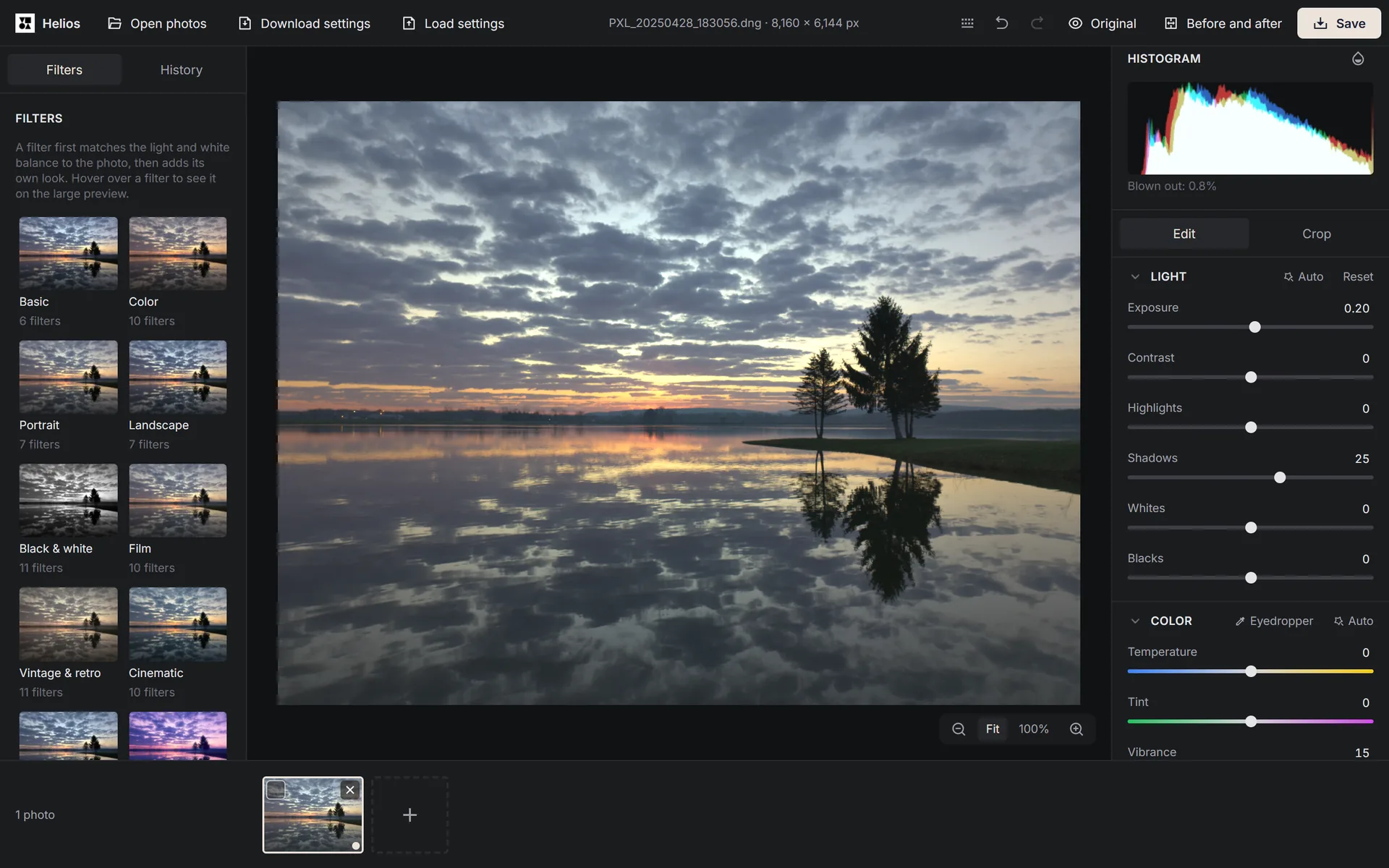
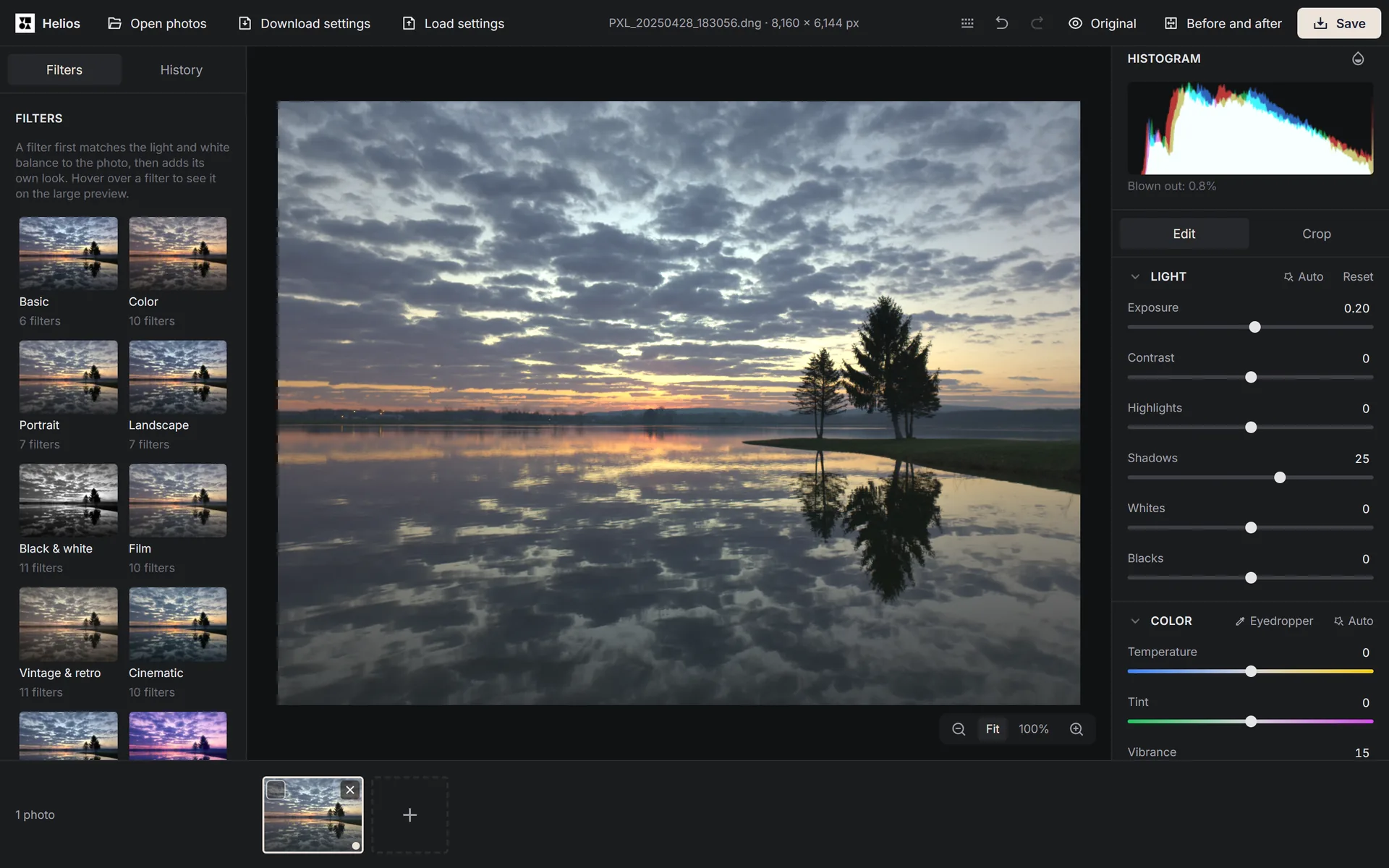
Helios shows a RAW file from a Google Pixel 8 Pro phone after a light touch-up of exposure, shadows and vibrance. You see every change on the photo straight away, and the original stays untouched. Screenshot: Arteon, photo: raw.pixls.us, CC0. Helios
Edit photos, including RAW files straight from your camera.
In Helios you can fix the light and colour, crop and straighten a photo, choose one of 100 filters and copy your settings to a whole set of photos. Your photos never reach a server, and saving is free with no account needed.
Open Helios
How is an advanced tool different from a regular one?
A regular Arteon tool does one job on one page, such as turning HEIC photos into JPGs or converting centimetres to pixels. An advanced tool is a whole program. It opens full screen, works on many files at once, has keyboard shortcuts and a history of changes, and saves your work in the browser, so you can come back to it after closing the tab.
Each advanced tool has its own page with a guide that covers all of its features, the files it accepts and its messages. The button on the card opens the program itself, and the tool’s name in the menu takes you to the guide.
What hardware do the advanced tools need?
They work in up-to-date versions of Chrome, Edge, Firefox and Safari, on computers, phones and tablets. They use your graphics card through WebGL2, the technology browsers use to draw graphics. In a browser without WebGL2, the tool won’t start and shows a list of browsers it works in. Large files, such as camera RAW photos, also need more memory, so if there isn’t enough, the tool tells you in a message instead of stopping without a word.