Convert bits to kilobytes
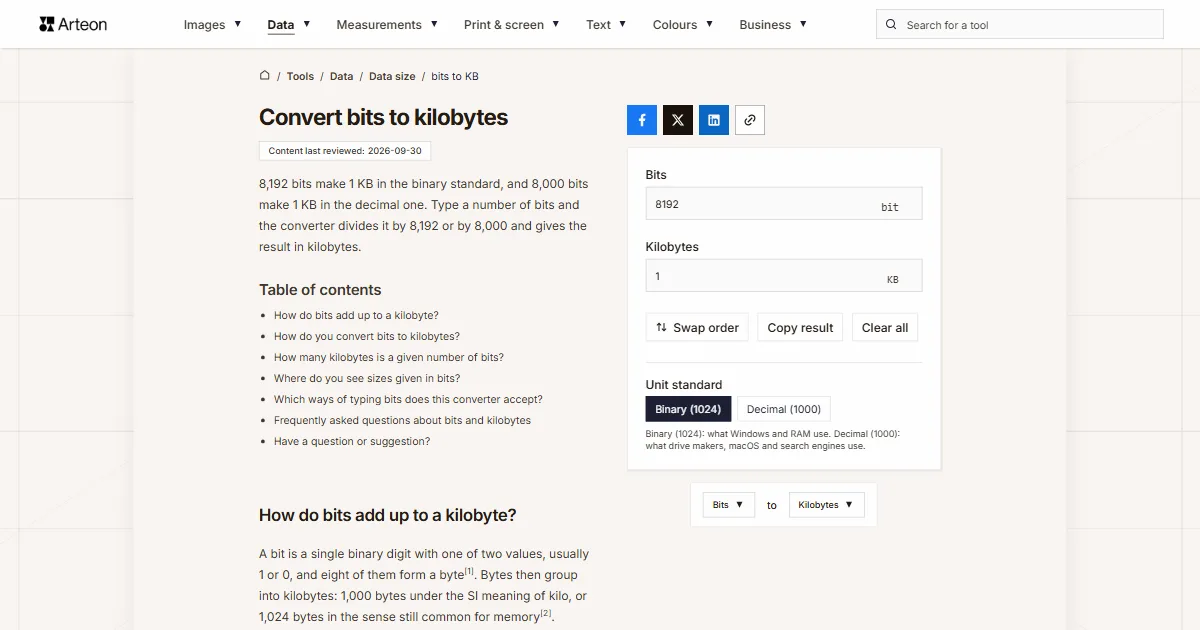
8,192 bits make 1 KB in the binary standard, and 8,000 bits make 1 KB in the decimal one. Type a number of bits and the converter divides it by 8,192 or by 8,000 and gives the result in kilobytes.
How do bits add up to a kilobyte?
A bit is a single binary digit with one of two values, usually 1 or 0, and eight of them form a byte[1]. Bytes then group into kilobytes: 1,000 bytes under the SI meaning of kilo, or 1,024 bytes in the sense still common for memory[2].
A single bit is therefore a tiny slice of a kilobyte: 0.0001220703125 KB in binary and 0.000125 KB in decimal. Amounts in bits usually turn up on memory chips, encryption keys and connection speeds, while file sizes come in bytes and their multiples.
How do you convert bits to kilobytes?
Divide the number of bits by 8,192 in the binary standard or by 8,000 in the decimal one. The first step divides by 8, because a byte has 8 bits, and the second by the 1,024 or 1,000 bytes in a kilobyte.
- binary: KB = bits ÷ 8,192,
- decimal: KB = bits ÷ 8,000.
For example, 100,000 bits is 12.20703125 KB in binary and 12.5 KB in decimal. With tens of millions of bits the kilobyte result runs into the thousands, so the data unit converter gives a handier number in megabytes. Pick Binary (1024) when you want to compare the result with a file size in Windows, and Decimal (1000) when the figure comes from a document that uses SI units.
In Excel, type =CONVERT(A2,"bit","kibyte") for the binary standard or =CONVERT(A2,"bit","kbyte") for the decimal one[3]. The prefix ki means 1,024 in Excel, and k means 1,000.
How many kilobytes is a given number of bits?
| Bits | Binary (1024) | Decimal (1000) |
|---|---|---|
| 1 bit | 0.0001220703125 KB | 0.000125 KB |
| 8 bits | 0.0009765625 KB | 0.001 KB |
| 64 bits | 0.0078125 KB | 0.008 KB |
| 128 bits | 0.015625 KB | 0.016 KB |
| 256 bits | 0.03125 KB | 0.032 KB |
| 512 bits | 0.0625 KB | 0.064 KB |
| 1,024 bits | 0.125 KB | 0.128 KB |
| 2,048 bits | 0.25 KB | 0.256 KB |
| 4,096 bits | 0.5 KB | 0.512 KB |
| 8,000 bits | 0.9765625 KB | 1 KB |
| 8,192 bits | 1 KB | 1.024 KB |
| 16,384 bits | 2 KB | 2.048 KB |
| 65,536 bits | 8 KB | 8.192 KB |
| 100,000 bits | 12.20703125 KB | 12.5 KB |
| 262,144 bits | 32 KB | 32.768 KB |
| 1,000,000 bits | 122.0703125 KB | 125 KB |
Where do you see sizes given in bits?
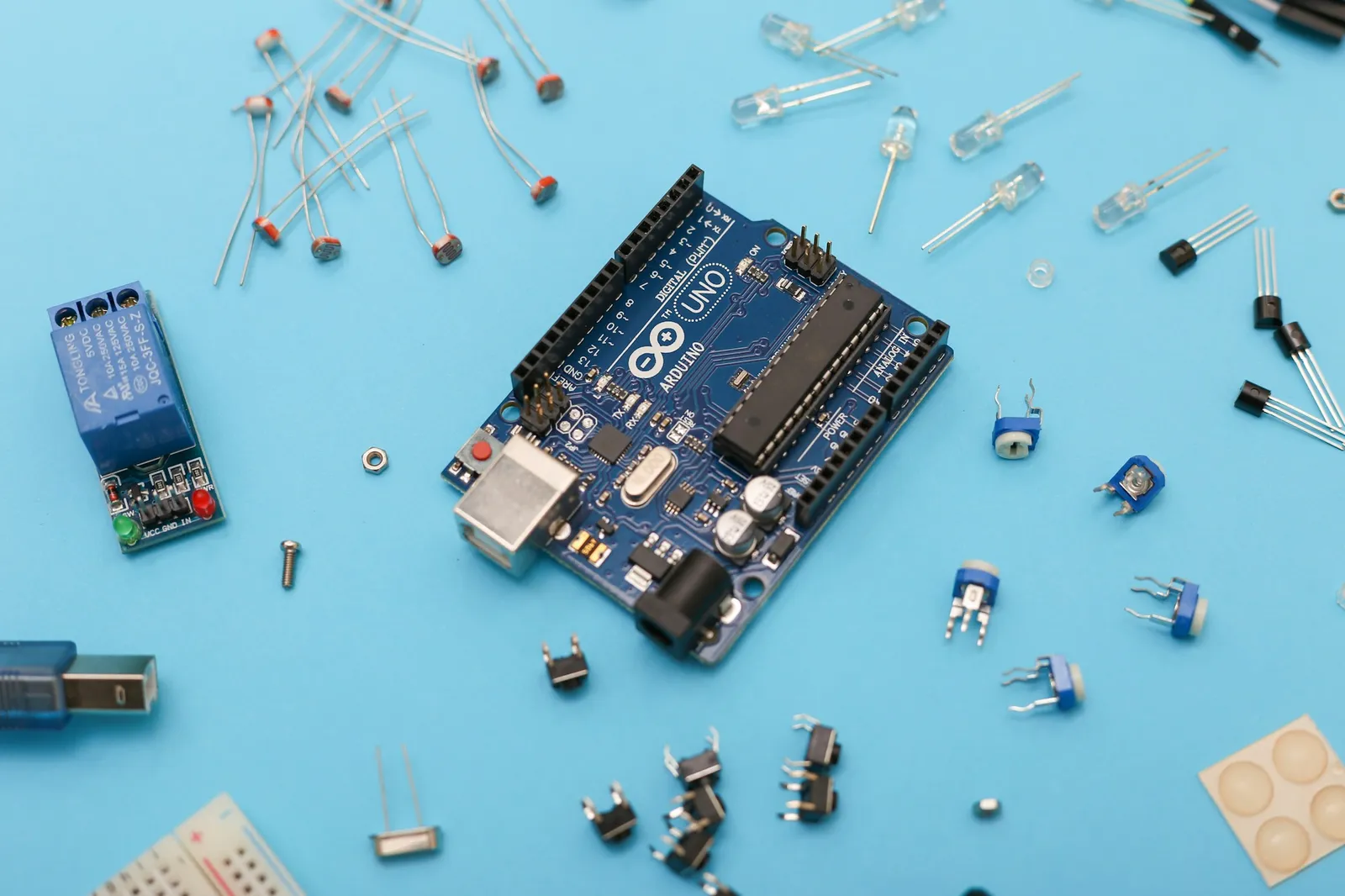
Microcontroller memory. The ATmega328P microcontroller that runs the Arduino Uno has 1,024 bytes of EEPROM, memory that keeps its data when the power is off[4]. That is 8,192 bits, or exactly 1 KB in the binary standard.
EEPROM chips. Their capacity appears in kilobits in the part name and the data sheet. The 24LC256 chip, described as "32K x 8 (256 Kbit)", uses addresses 0000 to 7FFF, which is 32,768 bytes[5]. Its 256 kilobits are therefore counted at 1,024 bits each and come to 262,144 bits, or 32 KB in binary. To check, type 262144 in the field.
Encryption keys. RSA key length is given in bits, and since 2015 NIST has recommended at least 2,048 bits[6]. A key that long is 256 bytes, or 0.25 KB in binary.
Which ways of typing bits does this converter accept?
| What you type | What the converter shows | How we read it |
|---|---|---|
| 8,192 | 1 KB | A comma before three digits groups the thousands, so the field holds eight thousand one hundred ninety-two bits. A note below the field says so, and if you meant just over eight bits, type 8.192. |
| 8 192 | 1 KB | We skip a space between the thousands, as written in much of Europe, so the result is the same. |
| 8.192 | 0.001 KB | The point separates the decimal part, so the field holds just over eight bits. A note below the field says so, and eight thousand one hundred ninety-two goes in as 8192. |
| 8192 bits | 1 KB | The word "bits" pasted with the number does no harm, because we take the number in front of it. |
| 2048-bit | 0.25 KB | We read a key length written with a hyphen, as on a certificate, as 2,048 bits. |
| 1e6 | 122.070313 KB | We read spreadsheet scientific notation as it stands: 1e6 is a million bits. |
| ½ | 0.00006104 KB | We turn a ½ character copied from text into half a bit and show the result with four significant digits. |
| 1 KB | 1 KB | Kilobytes pasted into the bits field go in as 8192 bits, with a note below the field. |
| 1024 bytes | 1 KB | Bytes go into the field as 8192 bits, at 8 bits per byte, with a note below it. |
| 256 Kbit | 31.25 KB | We count kilobits at 1,000 bits, as the prefix kilo says, so the field holds 256000 bits. A memory chip labeled 256 Kbit is counted at 1,024 bits per kilobit, so to check its capacity, type 262144. |
| 1 Kb | 0.12207 KB | We read Kb with a lowercase b as a kilobit, the way Windows Calculator abbreviates it, so the field holds 1000 bits. |
Convert other units to Kilobytes
Convert Bits to other units
Sources
- Bit — Wikipedia
- Kilobyte — Wikipedia
- CONVERT function — Microsoft
- EEPROM Library — Arduino
- 24AA256/24LC256/24FC256 Data Sheet — Microchip Technology
- Key size — Wikipedia
Every figure in the tables was computed from the unit definitions and checked arithmetically before publication. Historical values and the names of local units come from the sources listed above.
Content last reviewed: · written and checked by the Arteon team
Frequently asked questions about bits and kilobytes
Is 1,000 bits a kilobyte?
No. 1,000 bits is a kilobit, and a kilobyte is eight times larger: 8,000 bits in decimal or 8,192 bits in binary. 1,000 bits is 0.125 KB in decimal and 0.1220703125 KB in binary.
What is the difference between b and B?
A lowercase b stands for a bit and a capital B for a byte, which has 8 bits. That is why 64 Kb and 64 KB are very different amounts: 64 kilobits is 8 kilobytes in the same standard. To go the other way, use the KB to bits converter.
Have a question or suggestion?
If you spot a mistake in a table or miss a conversion, write to us.