Free JSON to YAML converter
Paste your JSON data and the tool returns it as YAML indented with two spaces and free of curly braces. Text that would otherwise read as a number or a boolean is quoted, so the result loaded back gives the same data. Everything runs in your browser.
What is JSON and what is YAML?
JSON is the format programs use to talk to one another. An API response, an export from a document database and a cloud service template all arrive in that shape. RFC 8259 from the IETF (Internet Engineering Task Force), published in December 2017, describes it in short rules: a key name is a string in double quotes, a colon follows the name, and a comma separates the pairs[1].
A program reads that shape with no doubt about the structure. Someone working on a file of several hundred entries needs something else: room for a note beside a value, and a layout that shows where one block ends and the next begins.
YAML gives both. The name is an acronym that expands into itself: “YAML Ain't Markup Language”[2]. The format writes the same structure with indentation, separates entries with a new line, and after a # lets you add a comment anywhere in the file. That is what makes the format suited to configuration people read and edit.
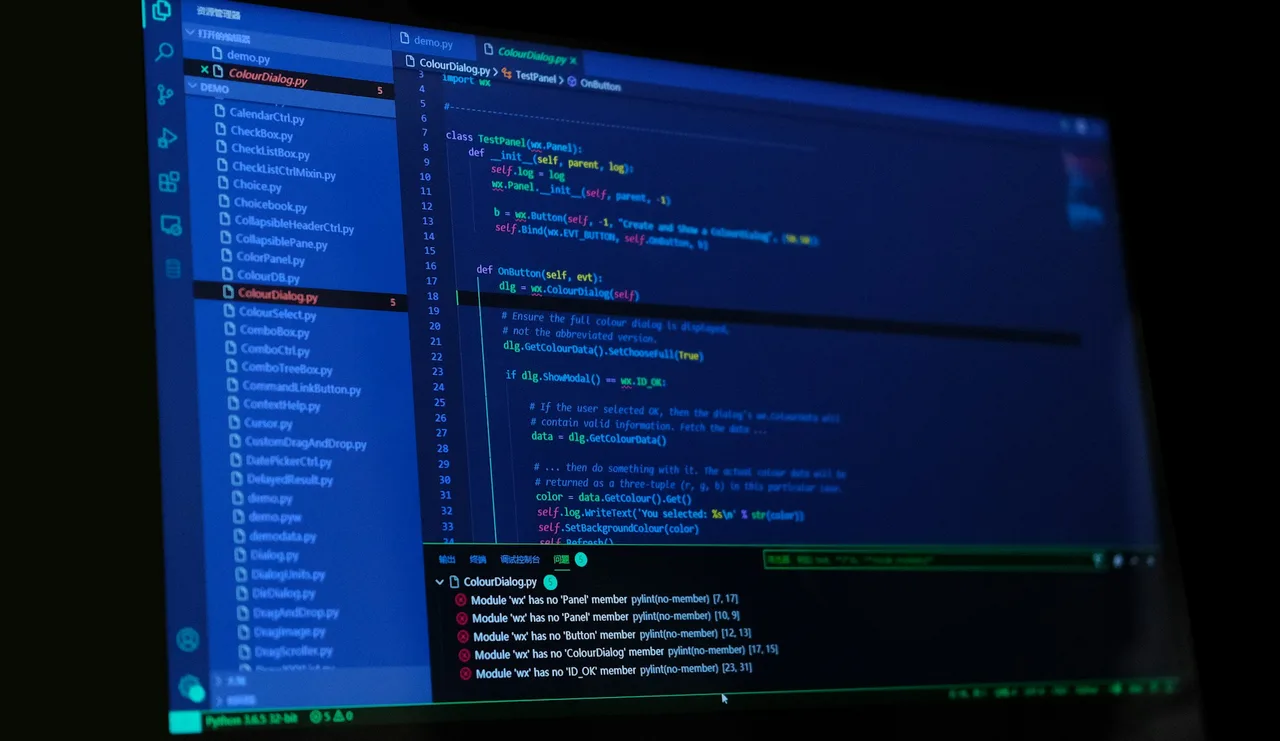
#, which is exactly the notation you gain by moving to YAML. At the bottom sits a list of errors carrying a line and column number for each entry — that is how an editor flags a stray comma in a JSON file, among other things. Photo: Riku Lu, Unsplash.The move between these formats is faithful both ways, because since release 1.2 YAML is a strict superset of JSON[2]. The OpenAPI specification builds on that directly: an API description document is a JSON object which may be written in either format, and YAML 1.2 is recommended there precisely so the round trip stays faithful[3].
How do you convert JSON to YAML?
Paste your JSON data into the left box and click Convert. YAML indented with two spaces appears on the right. The object {"service": {"port": 8080}} comes back as two lines, with port indented under the service key, and an array turns into a list where a dash opens every item.
To take a file from disk, use the Add JSON file link above the input box. Move the result on with Copy or save it with Download, which names the file converted.yaml. Clear all empties both boxes. Below the tool sits a source and target format picker leading to neighbouring pairs: the same data goes into a spreadsheet through the JSON to CSV converter or into a document through the JSON to XML converter.
The whole conversion runs in your browser. The API response you paste into the box stays on your computer together with everything inside it — customer identifiers, addresses and tokens.
How does the converter write text, lists and ambiguous values?
One decision settles how faithful the conversion is: when to add quotes. In JSON every string sits in double quotes, so "yes" and "1.10" are unambiguously text. In YAML a value without quotes is read by the rules of the format, so the bare spelling 1.10 would already be a number.
The converter takes care of that for you. Text that would change type if written plainly gets single quotes: "yes" comes out as 'yes', "NO" as 'NO', and "1.10" as '1.10'. There is a historical reason for the caution. Release 1.1 of the YAML specification also read yes, no, on, off and the single letters y and n as booleans[4], and some tools still work by those rules. The quotes make the result behave the same way whichever parser loads it.
Text carrying line breaks is written as a block after a vertical bar, so the file shows the separate lines instead of a \n spelling inside one long value. A value longer than 120 characters moves into block style and folds at spaces, and loading it back joins it into the same content. Characters beyond ASCII reach the result directly, so Zürich stays the word Zürich.
We checked how faithful the conversion is by measurement: five hundred sample structures travelled from JSON to YAML and back, and every result matched the input in value and in type. The test guarding that behaviour runs on every change to the tool's code.
Check one more thing before you paste your data. RFC 8259 states that names within an object should be unique, and adds plainly that with a repeated name the behaviour of the receiving software is unpredictable, with many implementations reporting only the last pair[1]. This converter works the same way, so {"a": 1, "a": 2} gives a: 2.

The way back, from a finished configuration to the format an API expects, is handled by the YAML to JSON converter. Data held in a spreadsheet becomes JSON through the CSV to JSON converter, and a response from an older interface, arriving as XML, is handled by the XML to JSON converter.
What does every JSON value look like in YAML?
| Kind of value | JSON example | Result in YAML |
|---|---|---|
| Name and value pair | {"port": 8080} | port: 8080 |
| Nested object | {"service": {"port": 8080}} | service: port: 8080 |
| Array of numbers | {"ports": [80, 443]} | ports: - 80 - 443 |
| Number larger than 9,007,199,254,740,991 | {"id": 12345678901234567890} | id: 12345678901234567890 |
| Array of objects | [{"id": 1}, {"id": 2}] | - id: 1 - id: 2 |
| Boolean | {"debug": true} | debug: true |
| The text yes | {"debug": "yes"} | debug: 'yes' |
| The text NO | {"country": "NO"} | country: 'NO' |
| Text holding a version number | {"version": "1.10"} | version: '1.10' |
| Text with a leading zero | {"code": "01234"} | code: '01234' |
| Empty value | {"notes": null} | notes: null |
| Empty object and empty array | {"a": {}, "b": []} | a: {} b: [] |
| Multi-line text | {"notes": "first line\nsecond line\n"} | notes: | first line second line |
| Text opened with a hash | {"notes": "# not a comment"} | notes: '# not a comment' |
| Characters beyond ASCII | {"city": "Zürich"} | city: Zürich |
| Key name with a space | {"service name": "web"} | service name: web |
How do YAML and JSON differ according to their specifications?
| Property | YAML | JSON |
|---|---|---|
| Document describing the format | YAML specification 1.2.2 | RFC 8259 from the IETF |
| What carries the structure | Indentation or brackets, your choice | Curly braces and square brackets |
| Quotes around a key name | Optional | Required on every name |
| What separates entries | A new line in block style | A comma |
| Kind of key name | Any node, limited to strings in OpenAPI | Strings only |
| Booleans | true, True, TRUE and false, False, FALSE | true and false |
| Comments | A line opened with # | Outside the syntax of the format |
| Documents per file | Any number, split by a --- line | One document per file |
| Reference to the same block | Anchor & and alias * | Outside the syntax of the format |
| Multi-line text | A block after | or > | A \n spelling inside one value |
| Repeated key name | Conversion stops with a message | Behaviour depends on the implementation |
| Relationship between the formats | A strict superset of JSON since release 1.2 | A subset of YAML 1.2 |
What to do when the converter shows a JSON error message
An invalid JSON message then appears under the input box, and the cause is usually one of four things:
A key name without quotes
RFC 8259 requires a key name to be a string in double quotes. The spelling {a: 1} holds in YAML and in JavaScript, and in a JSON file it takes the form {"a": 1}.A comma after the last entry
A comma separates the pairs, so after the last value only the closing bracket remains. Code editors call the extra one a trailing comma and underline it themselves.Single quotes instead of double
A string in JSON sits in double quotes. Values copied from Python code or from a text editor sometimes arrive in single quotes and then need swapping.A comment in the JSON file
Lines opened with // or # come from editor configuration files, which allow that notation. Remove them before converting, and add the same notes after a # once you are on YAML.
Convert JSON to other formats
Sources
- RFC 8259: The JavaScript Object Notation (JSON) Data Interchange Format — IETF
- YAML Ain't Markup Language (YAML™) version 1.2.2 — yaml.org
- OpenAPI Specification v3.1.0 — OpenAPI Initiative
- YAML 1.1: Boolean Language-Independent Type — yaml.org
Every figure in the tables was computed from the unit definitions and checked arithmetically before publication. Historical values and the names of local units come from the sources listed above.
Content last reviewed: · written and checked by the Arteon team
Frequently asked questions about converting JSON to YAML
Why did some values come out in single quotes?
Quotes go around text that would change type when loaded back. That covers values such as yes, NO and null, and spellings that look like a number, such as 1.10 or 01234. Thanks to the quotes, the file loaded back gives the same text it was in the JSON data.
Is the JSON to YAML conversion lossless?
Yes, for the data and its types. We checked that by measurement on five hundred sample structures, which travelled both ways and came back in the same shape every time. Key order is kept as well.
What happens to very long text in a single value?
A value longer than 120 characters moves into block style opened with a greater-than sign and a dash, and it folds at spaces. The content stays the same: a parser loading that spelling joins the lines back into one string. Text that already carried line breaks is written as a block after a vertical bar.
How do I add comments to the finished YAML file?
A comment opens with # and runs to the end of the line. You can put it on its own line above an entry or after a value. The converter moves the data only, so you add comments after copying the result.
Is the result usable in a docker-compose file or a Kubernetes manifest?
Yes, provided the JSON data has the structure that tool expects. The converter is responsible for the notation: keys, indentation, lists and value types. Whether the file holds the required fields is decided by the tool you load it into. If you later need that configuration as JSON, the YAML to JSON converter gives it back.
What should I do with a JSON file where the same key name appears twice?
RFC 8259 states that names within an object should be unique, and notes that with a repetition the behaviour of the receiving software is unpredictable. This converter keeps the last pair, so {"a": 1, "a": 2} gives a: 2. If both values matter, give them different names before converting.
How do I convert JSON to YAML in a script or on the command line?
In Python two modules are enough: json reads the data with json.load, and yaml writes it with yaml.safe_dump. In Node.js the JSON.parse method does it together with the js-yaml library. On the command line the yq program handles it in a single command.
Help us improve our tools
Have an idea, found a bug, or want to suggest a feature? Drop us a message.
Explore other useful tools


Meta title & description checker
Check title and description length in pixels. Live Google preview and optimization tips.

PNG to JPG
Convert PNG files to JPG in your browser. No file limits, no signup, no server uploads.

Favicon generator
Create a complete favicon.ico set for your website from one image. All required sizes, no login.

Color palette generator
Generate 17 palettes from one color: monochromatic, complementary, triadic and more. HEX codes.

WebP to JPG
Convert WebP files to universally compatible JPG. Works in every app and platform.

Color contrast checker
Check text and background contrast per WCAG 2.1 AA and AAA. Automatic color correction.

Free QR code generator
Create a QR code for a website, vCard business card or print. Export PNG and SVG, no registration.

Word & character counter
Count words, characters with and without spaces, sentences, paragraphs and the average sentence length.

Lorem Ipsum Generator
Free Lorem Ipsum generator — 8 text styles, paragraphs, sentences or words. Copy in one click.