Convert RGB values to HSV
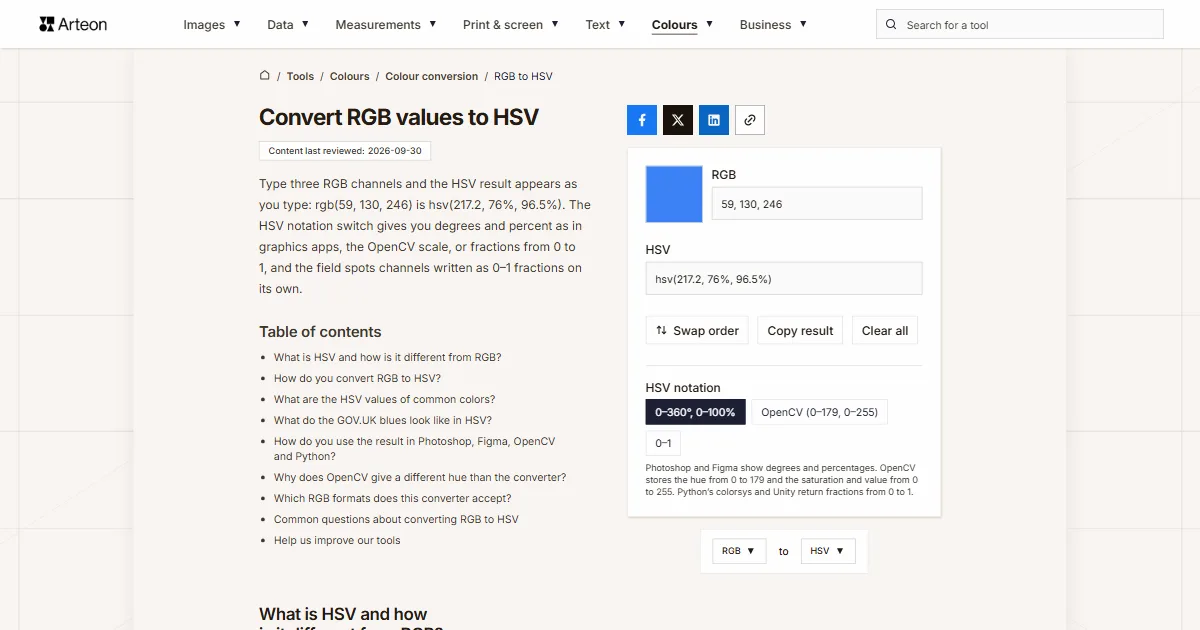
Type three RGB channels and the HSV result appears as you type: rgb(59, 130, 246) is hsv(217.2, 76%, 96.5%). The HSV notation switch gives you degrees and percent as in graphics apps, the OpenCV scale, or fractions from 0 to 1, and the field spots channels written as 0–1 fractions on its own.
What is HSV and how is it different from RGB?
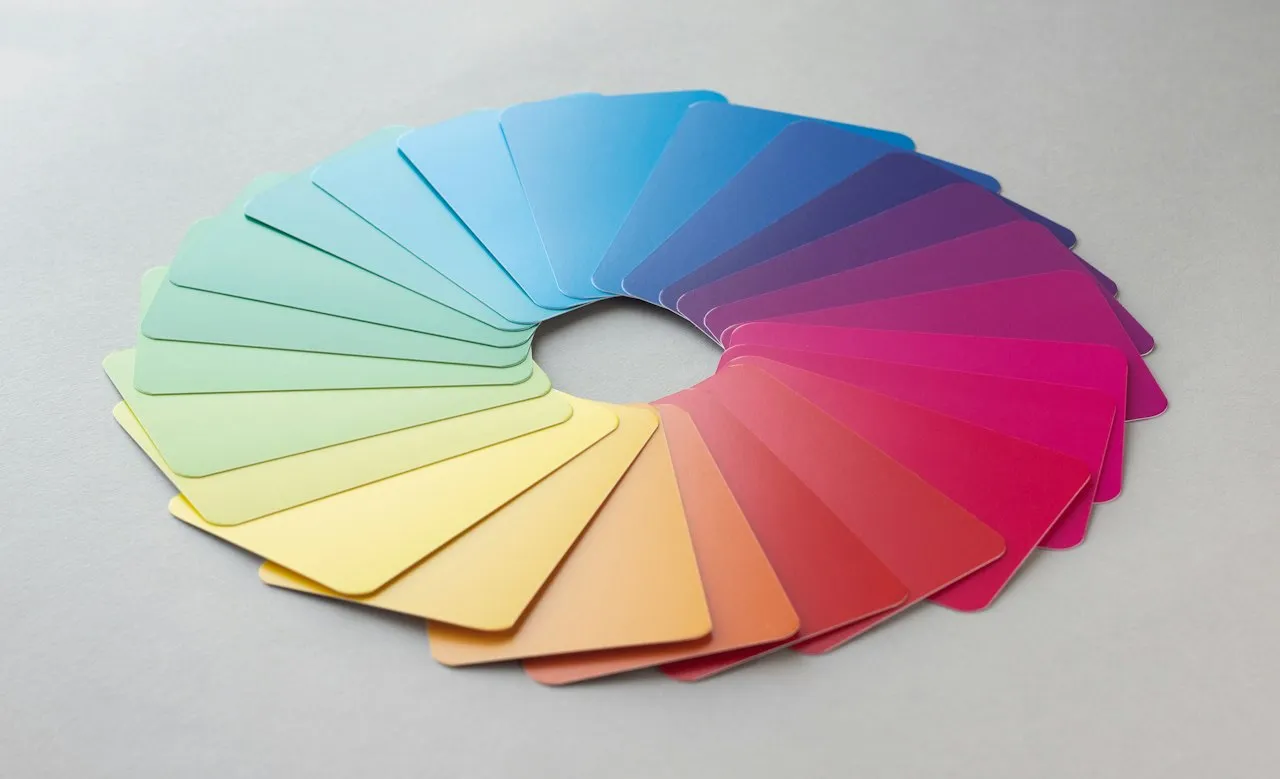
RGB describes a color by how much red, green and blue light a screen gives off in one spot. HSV describes the same color by three things that are easier to picture: hue (H), the position on the color wheel as an angle where red sits at 0°, green at 120° and blue at 240°, saturation (S), the amount of color, and value (V), how strongly the color shines[1].
Alvy Ray Smith described the model in 1978. He wanted people to pick screen colors the way a painter mixes paint: choose a pure hue, then lighten it with white or darken it with black. In his model, lower saturation means more white and lower value means more black[2].
The same model is often called HSB, with B for brightness[1]. That is the name Photoshop uses in its Color Picker, where hue is an angle from 0° to 360° and saturation and brightness are percentages[3]. If you need the same RGB color as a hex code, the RGB to HEX converter writes it out.
If your color is in another format, such as OKLCH, Lab or Android code, the color converter shows it in every format at once.
How do you convert RGB to HSV?
Divide each channel by 255. Value is the largest of the three results. Saturation is the gap between the largest and the smallest, divided by the largest. Hue depends on which channel is the strongest[4].
Formula: V = max, S = (max − min) ÷ max, and when blue is the strongest channel, H = 240° + 60° × (R − G) ÷ (max − min). With red on top the hue counts from 0°, and with green on top it counts from 120°[4].
Take rgb(59, 130, 246). Divided by 255, the channels are 0.231, 0.510 and 0.965. Blue is the highest, so value is 96.5%. The gap between the highest and lowest is 0.733, and 0.733 ÷ 0.965 gives a saturation of 76%.
Hue is 240° + 60° × (0.231 − 0.510) ÷ 0.733, which is 240° − 22.8° = 217.2°. The whole color is hsv(217.2, 76%, 96.5%). When all three channels are equal the color is a gray, saturation is 0 and hue has no meaning[2], so the converter puts 0 there.
What are the HSV values of common colors?
| Color and RGB values | HEX code | 0–360°, 0–100% | OpenCV (0–179, 0–255) | 0–1 |
|---|---|---|---|---|
| Red 255, 0, 0 | #FF0000 | hsv(0, 100%, 100%) | 0, 255, 255 | 0, 1, 1 |
| Orange 255, 165, 0 | #FFA500 | hsv(38.8, 100%, 100%) | 19, 255, 255 | 0.1078, 1, 1 |
| Yellow 255, 255, 0 | #FFFF00 | hsv(60, 100%, 100%) | 30, 255, 255 | 0.1667, 1, 1 |
| Green 0, 255, 0 | #00FF00 | hsv(120, 100%, 100%) | 60, 255, 255 | 0.3333, 1, 1 |
| Cyan 0, 255, 255 | #00FFFF | hsv(180, 100%, 100%) | 90, 255, 255 | 0.5, 1, 1 |
| Blue 0, 0, 255 | #0000FF | hsv(240, 100%, 100%) | 120, 255, 255 | 0.6667, 1, 1 |
| Purple 128, 0, 128 | #800080 | hsv(300, 100%, 50.2%) | 150, 255, 128 | 0.8333, 1, 0.502 |
| Magenta 255, 0, 255 | #FF00FF | hsv(300, 100%, 100%) | 150, 255, 255 | 0.8333, 1, 1 |
| White 255, 255, 255 | #FFFFFF | hsv(0, 0%, 100%) | 0, 0, 255 | 0, 0, 1 |
| Gray 128, 128, 128 | #808080 | hsv(0, 0%, 50.2%) | 0, 0, 128 | 0, 0, 0.502 |
| Black 0, 0, 0 | #000000 | hsv(0, 0%, 0%) | 0, 0, 0 | 0, 0, 0 |
| Blue 59, 130, 246 | #3B82F6 | hsv(217.2, 76%, 96.5%) | 109, 194, 246 | 0.6034, 0.7602, 0.9647 |
What do the GOV.UK blues look like in HSV?
| GOV.UK color and variant | HEX code | RGB values | HSV |
|---|---|---|---|
| blue tint-95 | #F4F8FB | 244, 248, 251 | hsv(205.7, 2.8%, 98.4%) |
| blue tint-80 | #D2E2F1 | 210, 226, 241 | hsv(209, 12.9%, 94.5%) |
| blue tint-50 | #8EB8DC | 142, 184, 220 | hsv(207.7, 35.5%, 86.3%) |
| blue tint-25 | #5694CA | 86, 148, 202 | hsv(207.9, 57.4%, 79.2%) |
| blue primary | #1D70B8 | 29, 112, 184 | hsv(207.9, 84.2%, 72.2%) |
| blue shade-25 | #16548A | 22, 84, 138 | hsv(207.9, 84.1%, 54.1%) |
| blue shade-50 | #0F385C | 15, 56, 92 | hsv(208.1, 83.7%, 36.1%) |
How do you use the result in Photoshop, Figma, OpenCV and Python?
Each of these tools writes HSV on its own scale. For each one we name the option of the HSV notation switch that gives numbers in the same form.
Photoshop
In the Color Picker, type the result into the H, S and B fields. Hue is an angle from 0° to 360° there, and saturation and brightness are percentages[3], so pick 0–360°, 0–100%.Figma
Choose HSB from the color model list under the picker's sliders. Figma takes whole numbers here: hue from 0 to 360, and saturation and brightness from 0 to 100[6]. Round the 0–360°, 0–100% result to whole numbers.OpenCV
An 8-bit image aftercv2.cvtColor(image, cv2.COLOR_RGB2HSV)has hue from 0 to 180 and saturation and value from 0 to 255[4]. The OpenCV (0–179, 0–255) option uses the same integer arithmetic. We checked it against OpenCV.js 4.10 on all 16,777,216 RGB colors and every result matched.Python and Unity
Why does OpenCV give a different hue than the converter?
Most often because OpenCV loads an image with its channels in blue, green, red order[9]. Convert an image from cv2.imread with cv2.COLOR_BGR2HSV, not COLOR_RGB2HSV. The mix-up changes the hue alone: the same three bytes 59, 130, 246 read as BGR give OpenCV a hue of 11 instead of 109, an orange instead of a blue.
The second trap is red. It sits at both ends of the hue scale, so pure red has an OpenCV hue of 0, while rgb(225, 0, 15), a red with a touch of blue, is already at 178. A range meant to pick red pixels has to cover both ends of the scale.
Which RGB formats does this converter accept?
| What you type | What the converter shows | How we read it |
|---|---|---|
| rgb(59, 130, 246) | hsv(217.2, 76%, 96.5%) | We take the CSS notation with brackets as it is. |
| 59 130 246 | hsv(217.2, 76%, 96.5%) | Three numbers separated by spaces are enough, because brackets and commas are optional. |
| R: 59, G: 130, B: 246 | hsv(217.2, 76%, 96.5%) | We skip the channel letters that brand guidelines often print and keep the numbers. |
| rgb(23.1%, 51%, 96.5%) | hsv(217.2, 76%, 96.5%) | We convert channels given as percentages to the 0 to 255 scale ourselves. |
| rgba(59, 130, 246, 0.5) | hsva(217.2, 76%, 96.5%, 0.5) | We carry the opacity over into the result as hsva. |
| 0.2314, 0.5098, 0.9647 | hsv(217.2, 76%, 96.5%) | We recognize channels written as fractions from 0 to 1 by their decimal part and scale them to 0 to 255. |
| (59, 130, 246) | hsv(217.2, 76%, 96.5%) | We read the tuple that Python prints, brackets and all. |
| [59, 130, 246] | hsv(217.2, 76%, 96.5%) | We read a NumPy array printed by Python, square brackets and all. |
| background-color: rgb(59, 130, 246); | hsv(217.2, 76%, 96.5%) | We accept a whole line pasted from a style sheet and take the color out of it. |
| 300, -20, 128 | hsv(329.9, 100%, 100%) | We clip values outside the range the same way a browser does: 300 becomes 255 and −20 becomes 0. |
Convert RGB to other units
Sources
- HSL and HSV — Wikipedia
- Color Gamut Transform Pairs (SIGGRAPH 78) — Alvy Ray Smith
- Choose colors in Adobe Photoshop — Adobe
- Color conversions: RGB ↔ HSV — OpenCV
- Colour — GOV.UK Design System
- About color models — Figma Help Center
- colorsys — Conversions between color systems — Python Software Foundation
- Color.RGBToHSV — Unity
- Image file reading and writing: imread — OpenCV
- Changing Colorspaces — OpenCV
Every figure in the tables was computed from the unit definitions and checked arithmetically before publication. Historical values and the names of local units come from the sources listed above.
Content last reviewed: · written and checked by the Arteon team
Common questions about converting RGB to HSV
When is HSV better than RGB?
When you pick or adjust a color by its hue, amount of color and brightness. The OpenCV documentation says a color is easier to describe in HSV than in BGR[10], which is why it uses HSV to find objects of a given color. Style sheets and image files usually store colors as RGB or HEX, though, so the finished color goes back to channels at the end.
What is the difference between HSV and HSL?
Both share the same hue but work out the other two numbers differently. In HSV pure red has a value of 100%, hsv(0, 100%, 100%), while in HSL its lightness is 50%, hsl(0, 100%, 50%). The RGB to HSL converter gives you the HSL version of the same color.
How do I convert a hex code to HSV?
Turn the code into three channels with the HEX to RGB converter and paste the result here. The field takes it with the rgb() brackets included.
Does the converter keep the opacity?
Yes. In degrees and percent the opacity goes into hsva(), and in the 0–1 notation it becomes a fourth number. The OpenCV notation leaves it out, because an HSV image in OpenCV has only three channels.
How do I convert HSV back to RGB?
Enter the result in the HSV to RGB converter. The Swap order button takes you there with the current result.
Help us improve our tools
Got an idea for a new feature, found a bug or want to suggest another tool? Write to us.