Convert gibibytes to gigabytes
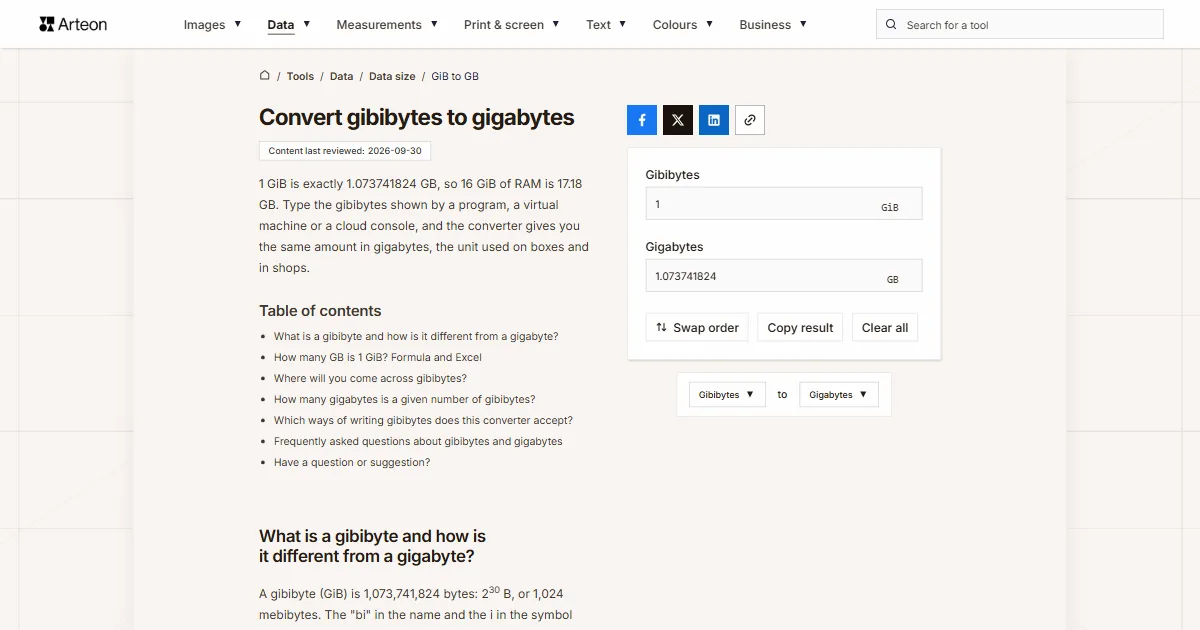
1 GiB is exactly 1.073741824 GB, so 16 GiB of RAM is 17.18 GB. Type the gibibytes shown by a program, a virtual machine or a cloud console, and the converter gives you the same amount in gigabytes, the unit used on boxes and in shops.
What is a gibibyte and how is it different from a gigabyte?
A gibibyte (GiB) is 1,073,741,824 bytes: 230 B, or 1,024 mebibytes. The "bi" in the name and the i in the symbol mark a binary multiple, one of the prefixes the IEC published in January 1999[1].
A gigabyte (GB) is a little smaller: exactly one billion bytes, like every other unit with the SI prefix giga[2]. One gibibyte is therefore 1.073741824 GB, and any number of gibibytes grows by 7.37% when you convert it to gigabytes.
The same gap explains why a new drive shows fewer gigabytes in Windows than on the box. That side of the story is on the GB to GiB converter; here you go the other way, from the figure a program shows you to the figure a shop would use.
How many GB is 1 GiB? Formula and Excel
Multiply the gibibytes by 1.073741824. The factor is exact, because it comes from dividing 1,073,741,824 bytes by one billion, so the result never needs rounding.
16 GiB is 16 × 1.073741824 = 17.179869184 GB, or 17.18 GB rounded. 64 GiB gives 68.72 GB, and 512 MiB, half a gibibyte, is 0.54 GB. The result is always a little over 7% larger than the number you type.
In Excel, use =CONVERT(A2,"Gibyte","Gbyte"). In this function "Gi" stands for gibi, 230, and plain "G" for giga[3].
The GB to GiB converter does the reverse, and the Swap order button carries your number over. Larger binary units are covered by the data size converter.
Where will you come across gibibytes?
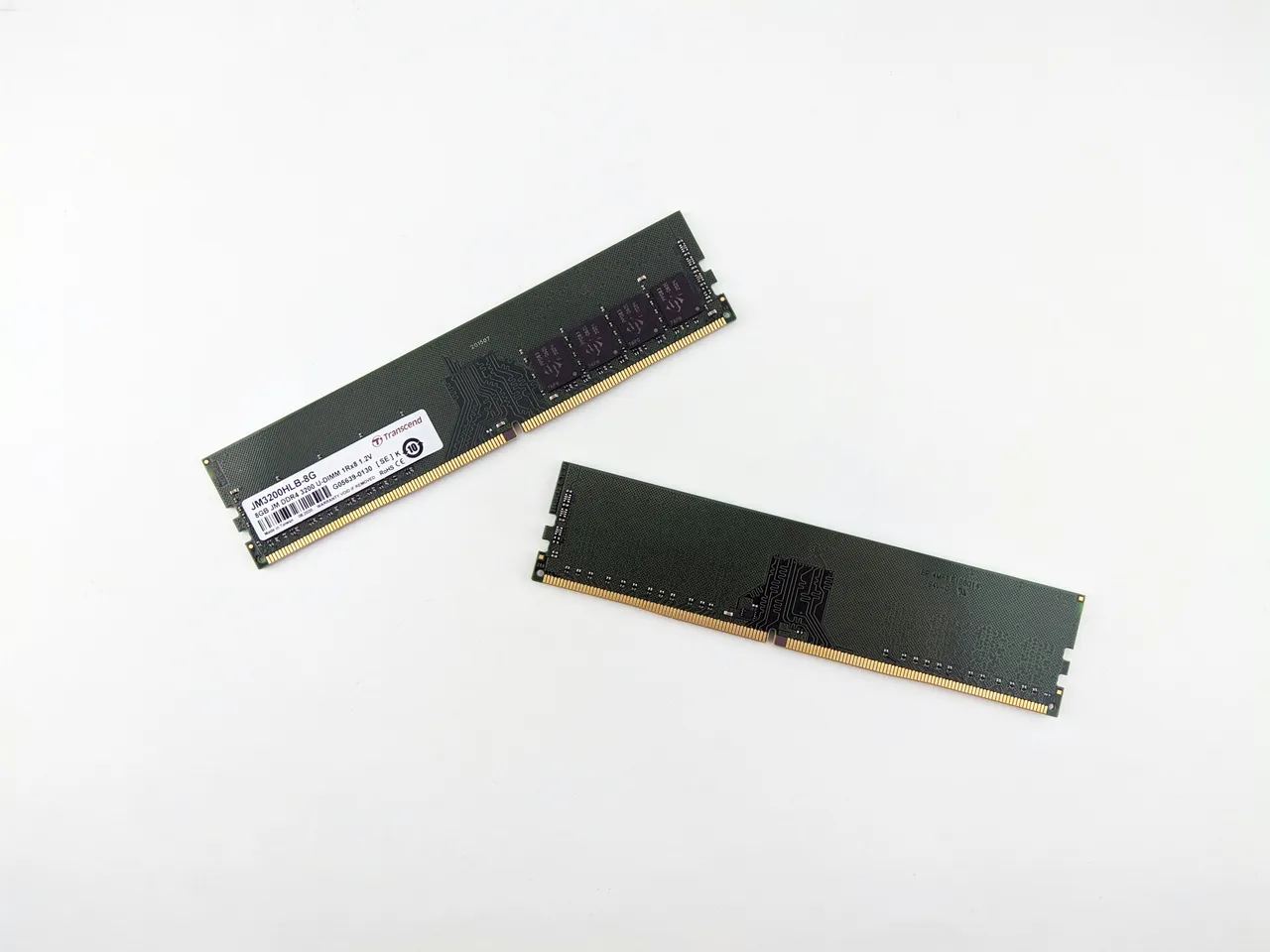
RAM. Memory modules say GB on the label, but their capacity is still counted in powers of two. A module sold as 512 MB holds 512 MiB[1], and one sold as 16 GB holds 16 GiB. A laptop with 16 GB of RAM therefore has 17.18 GB of memory in decimal terms. The Raspberry Pi 5, the single-board computer from Britain’s Raspberry Pi, comes with 1, 2, 4, 8 or 16 GB of RAM[4], so the 4 GB board has 4 GiB, which is 4.29 GB.
Linux tools. GNOME's partition editor, GParted, shows partition sizes in GiB[1], so a 120 GB drive appears there as about 111.76 GiB. Type that figure into the field above to compare it with the drive's listing.
Cloud storage. Amazon Web Services sizes its EBS volumes in GiB: a gp3 volume can range from 1 GiB to 64 TiB[5]. A 100 GiB volume from the console is 107.37 GB, so it holds more than the bare number suggests.
How many gigabytes is a given number of gibibytes?
| Gibibytes | Gigabytes |
|---|---|
| 0.5 GiB | 0.536870912 GB |
| 1 GiB | 1.073741824 GB |
| 2 GiB | 2.147483648 GB |
| 4 GiB | 4.294967296 GB |
| 8 GiB | 8.589934592 GB |
| 12 GiB | 12.884901888 GB |
| 16 GiB | 17.179869184 GB |
| 24 GiB | 25.769803776 GB |
| 32 GiB | 34.359738368 GB |
| 48 GiB | 51.539607552 GB |
| 64 GiB | 68.719476736 GB |
| 96 GiB | 103.079215104 GB |
| 128 GiB | 137.438953472 GB |
| 256 GiB | 274.877906944 GB |
| 512 GiB | 549.755813888 GB |
| 1,024 GiB | 1,099.511627776 GB |
Which ways of writing gibibytes does this converter accept?
| What you type | What the converter shows | How we read it |
|---|---|---|
| 1.5 | 1.610612736 GB | The point marks the decimal part, so the field holds one and a half gibibytes. |
| 1,500 | 1610.612736 GB | A comma before three digits separates thousands in English, so the field holds fifteen hundred gibibytes. A note under the field says so; type one and a half as 1.5. |
| 1.500 | 1.610612736 GB | A single dot is always read as a decimal point, so the field counts one and a half gibibytes. A note under the field says so; type fifteen hundred as 1500 or 1,500. |
| 1024 | 1099.511627776 GB | A plain number is read as gibibytes: 1,024 GiB is one tebibyte. |
| ½ | 0.536870912 GB | A ½ sign on its own, copied from a text, counts as half a gibibyte. |
| 3/4 | 0.805306368 GB | We work out fractions with a slash ourselves, so there is no need to turn it into 0.75 first. |
| 16 GiB | 17.179869184 GB | The field's own symbol pasted with the number is dropped and only the number counts. |
| 8GiB | 8.589934592 GB | A symbol stuck to the number without a space, as in file names and settings, works just as well. |
| 2 TiB | 2199.023255552 GB | Tebibytes pasted into the gibibyte field are rewritten as 2048 GiB, with a note under the field. |
| 512 MiB | 0.536870912 GB | Mebibytes are rewritten in the field as 0.5 GiB, so the result is half a gibibyte in gigabytes. |
| 32 GB | 32 GB | Gigabytes pasted into the gibibyte field are rewritten as 29.802322 GiB, so the result comes back to the same 32 GB. |
Convert other units to Gigabytes
Sources
- Binary prefix — Wikipedia
- Gigabyte — Wikipedia
- CONVERT function — Microsoft
- Raspberry Pi 5 — Raspberry Pi
- Amazon EBS General Purpose SSD volumes — Amazon Web Services
Every figure in the tables was computed from the unit definitions and checked arithmetically before publication. Historical values and the names of local units come from the sources listed above.
Content last reviewed: · written and checked by the Arteon team
Frequently asked questions about gibibytes and gigabytes
Why does a RAM module say GB and not GiB?
That is how the semiconductor industry labels memory. JEDEC, the body that writes memory standards, still keeps the old binary meanings of kilo, mega and giga in its terminology document[1]. So 16 GB on a RAM module means 16 GiB, while the same letters on a drive box mean billions of bytes.
Have a question or suggestion?
If you have spotted an error in the table or would like us to add a capacity, write to us.