Convert gigabytes to gibibytes
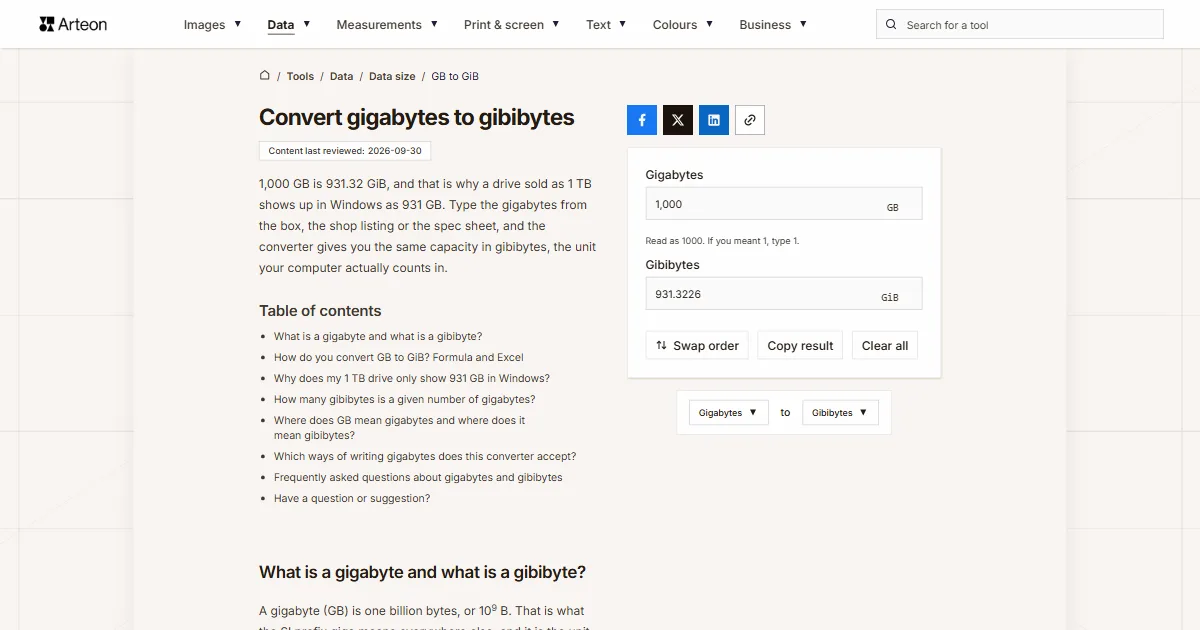
1,000 GB is 931.32 GiB, and that is why a drive sold as 1 TB shows up in Windows as 931 GB. Type the gigabytes from the box, the shop listing or the spec sheet, and the converter gives you the same capacity in gibibytes, the unit your computer actually counts in.
What is a gigabyte and what is a gibibyte?
A gigabyte (GB) is one billion bytes, or 109 B. That is what the SI prefix giga means everywhere else, and it is the unit drive, memory card and phone makers use for capacity[1].
A gibibyte (GiB) is 230 bytes, or 1,073,741,824 B. In 1998 the International Electrotechnical Commission (IEC) published binary prefixes such as gibi so that a size counted in powers of 1024 would no longer share a name with one counted in powers of 1000[1]. The extra i in the symbol tells you at a glance which one you are looking at.
A gibibyte is 7.37% larger than a gigabyte, so the same capacity written in GiB is always a smaller number. For a single photo that makes no difference, but on a 1,000 GB drive the figure drops to 931.32. Terabytes follow the same pattern, and the GB to TB converter handles that step, and the TB to TiB converter gives a 4 TB drive in tebibytes.
How do you convert GB to GiB? Formula and Excel
Multiply the gigabytes by one billion to get bytes, then divide by 1,073,741,824. In one step: GiB = GB × 0.9313226.
A 500 GB SSD from a product listing is 500 × 0.9313226 = 465.66 GiB. The OCR GCSE Computer Science specification taught in schools in England defines a gigabyte as 1,000 MB, but also accepts calculations with 1,024[2]. That is why a 128 GB memory card can be 128 GB in one answer and 119.21 GiB in another, the second being the figure Windows shows. A 2,000 GB drive holds 1,862.65 GiB. The result always comes out roughly 7% lower than the number on the box.
In Excel, use =CONVERT(A2,"Gbyte","Gibyte"). In this function the prefix "Gi" stands for gibi, 230, and plain "G" stands for giga[3].
To go the other way, open the GiB to GB converter. The Swap order button takes your number there, and the data size converter covers every other pair of units.
Why does my 1 TB drive only show 931 GB in Windows?
The manufacturer counts in decimal, so a 1 TB drive holds one trillion bytes, or 1,000 GB. Seagate puts it plainly: people are often confused when a new 1 TB drive shows only about 931 GB, because the storage industry states capacity in decimal[4]. Windows divides the same number of bytes by powers of 1024 but still labels the result GB rather than GiB[5]. So This PC shows 931 GB, even though the drive holds exactly as many bytes as the label promised.
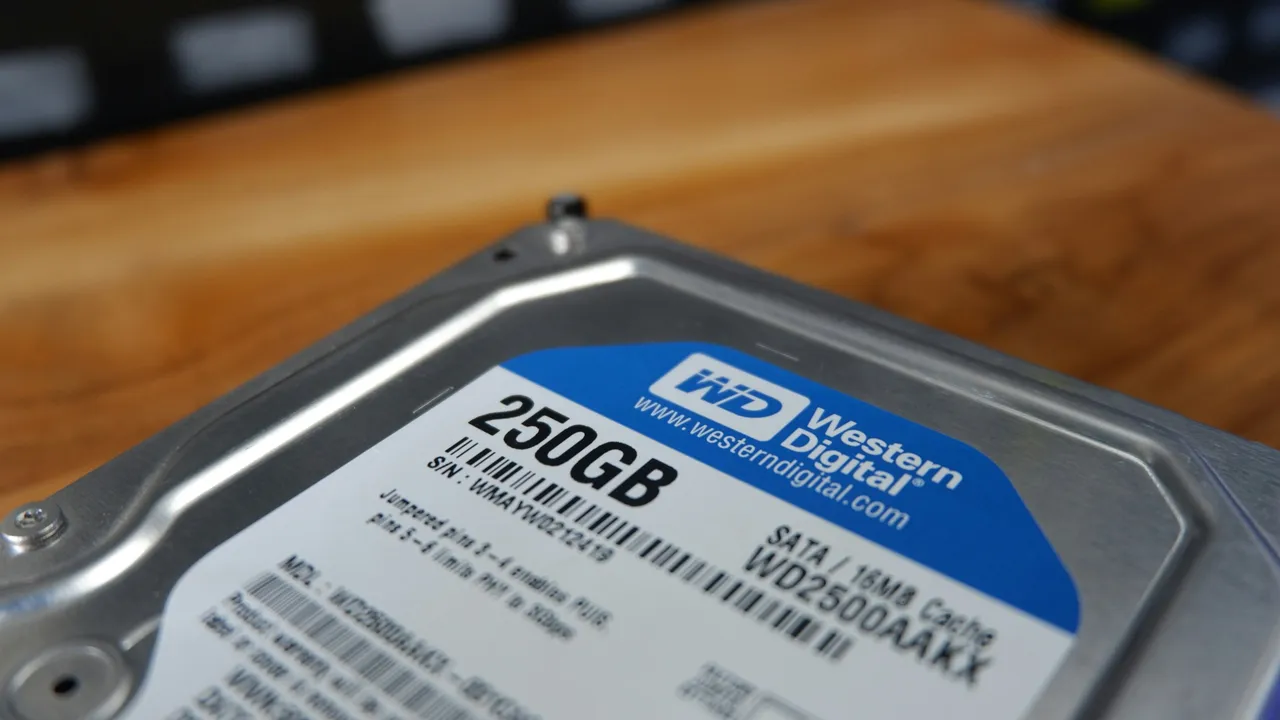
On a Mac the same drive shows 1 TB. Apple notes that OS X Leopard, iOS 10 and earlier versions reported capacity in binary[6], while current macOS reports it in decimal, as do Ubuntu and Debian[5]. If one external drive shows two different numbers on two computers, nothing is wrong with it.
A small part of the gap has a different cause. Formatting and the operating system take up some space, which is why Apple adds "actual formatted capacity less" next to the capacity of its devices[6].
How many gibibytes is a given number of gigabytes?
| Gigabytes | Gibibytes |
|---|---|
| 1 GB | 0.9313 GiB |
| 2 GB | 1.8626 GiB |
| 4 GB | 3.7253 GiB |
| 8 GB | 7.4506 GiB |
| 16 GB | 14.9012 GiB |
| 32 GB | 29.8023 GiB |
| 64 GB | 59.6046 GiB |
| 100 GB | 93.1323 GiB |
| 128 GB | 119.2093 GiB |
| 250 GB | 232.8306 GiB |
| 256 GB | 238.4186 GiB |
| 500 GB | 465.6613 GiB |
| 512 GB | 476.8372 GiB |
| 1,000 GB | 931.3226 GiB |
| 1,024 GB | 953.6743 GiB |
| 2,000 GB | 1,862.6451 GiB |
| 4,000 GB | 3,725.2903 GiB |
| 10,000 GB | 9,313.2257 GiB |
Where does GB mean gigabytes and where does it mean gibibytes?
| Where you see the number | What GB really means there | What to do with the number |
|---|---|---|
| Box, label or spec sheet of a drive, card or phone | Decimal gigabytes | Type it into this converter and you get the number Windows will show. |
| File Explorer and This PC in Windows | Gibibytes, even though they are labelled GB | Convert it with the GiB to GB converter if you want to compare it with the box. |
| Finder in macOS | Decimal gigabytes | Compare it with the box directly, because both numbers were counted the same way. |
| Ubuntu and Debian | Decimal gigabytes | Treat it like a macOS figure, and read a GiB symbol in a program as the binary unit. |
Which ways of writing gigabytes does this converter accept?
| What you type | What the converter shows | How we read it |
|---|---|---|
| 1.5 | 1.397 GiB | The point marks the decimal part, so the field holds one and a half gigabytes. |
| 1,500 | 1396.9839 GiB | A comma before three digits separates thousands in English, so the field holds fifteen hundred gigabytes. A note under the field says so; type one and a half as 1.5. |
| 1.500 | 1.397 GiB | A single dot is always read as a decimal point, so the field counts one and a half gigabytes. A note under the field says so; type fifteen hundred as 1500 or 1,500. |
| 1000 | 931.3226 GiB | A plain number is read as gigabytes, the unit of this field. |
| 2½ | 2.3283 GiB | A ½ sign copied from a text is added to the number in front of it. |
| 1e3 | 931.3226 GiB | Scientific notation from a spreadsheet is read as it stands: 1e3 is a thousand gigabytes. |
| 500GB | 465.6613 GiB | A GB symbol stuck to the number, as in a product name, is dropped and only the number counts. |
| 1 TB | 931.3226 GiB | A terabyte pasted into the gigabyte field is rewritten as 1000 GB, with a note under the field. |
| 1,000,204,886,016 bytes | 931.5134 GiB | A byte count from the drive's Properties window is first turned into gigabytes (1000.204886 GB) and then into gibibytes. |
| 931 GiB | 931 GiB | Gibibytes pasted into the gigabyte field are rewritten as 999.653638 GB, so the result comes back to the same 931 GiB. |
Convert Gigabytes to other units
Sources
- Gigabyte — Wikipedia
- GCSE (9–1) Computer Science J277 specification — OCR
- CONVERT function — Microsoft
- Storage capacity measurement standards — Seagate
- Binary prefix — Wikipedia
- How storage capacity is measured on Apple devices — Apple
Every figure in the tables was computed from the unit definitions and checked arithmetically before publication. Historical values and the names of local units come from the sources listed above.
Content last reviewed: · written and checked by the Arteon team
Frequently asked questions about gigabytes and gibibytes
How do I see exactly how many bytes my drive has?
In This PC, right-click the drive and choose Properties. Windows lists the capacity twice there: first as a decimal number of bytes, then as its binary equivalent[4]. You can paste the byte count into the field above together with the word "bytes", and the converter turns it into gigabytes and gibibytes for you.
Is RAM measured in gibibytes too?
Yes, even though the module usually says GB. A module sold as 16 GB holds 16 GiB[5], which the GiB to GB converter explains and converts.
Have a question or suggestion?
If you have spotted an error in the table or a capacity is missing, write to us.