Free GIF to AVIF converter
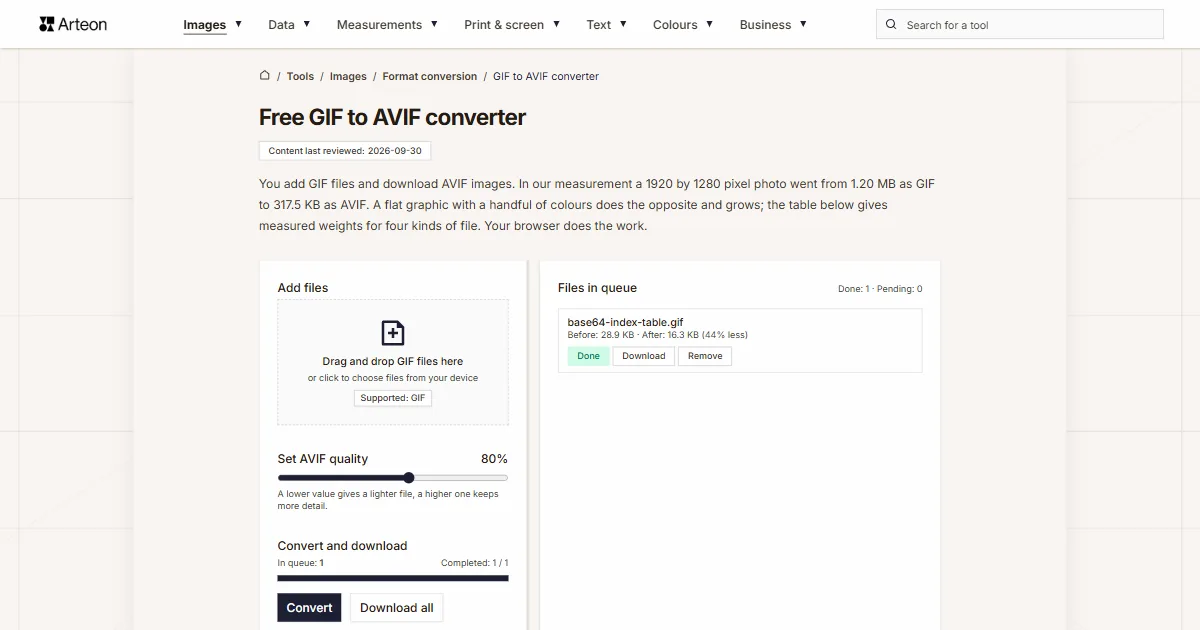
You add GIF files and download AVIF images. In our measurement a 1920 by 1280 pixel photo went from 1.20 MB as GIF to 317.5 KB as AVIF. A flat graphic with a handful of colours does the opposite and grows; the table below gives measured weights for four kinds of file. Your browser does the work.
Files in queue
What is a GIF and what is an AVIF?
A GIF describes an image through a colour table. The file carries a list of at most 256 colours and every pixel points to one entry on that list. This is how the GIF89a specification, published by CompuServe on 31 July 1990, sets it out.[1] One entry can be marked as transparent, and pixels holding that number become invisible. A single file also holds many frames, which is how the format shows short animations.
The format itself is three years older, from 1987, and the entry numbers are written by lossless LZW compression.[2] Lossless means here that unpacking returns exactly the numbers that were written. Cutting the image down to 256 colours happens earlier, while the file is being made, and stays in it.
AVIF writes the image with the AV1 video encoder. The AV1 Image File Format specification, version 1.2.0 of 16 October 2025, carries the image at 8, 10 or 12 bits per channel and writes transparency as a separate auxiliary stream.[3] A pixel gets its full colour stated directly, so the number of colours in the image has no ceiling written into the format.
AVIF files open in Chrome from version 85, Firefox from 93, Safari from 16.1 and Edge from 121.[4] Everything that happens during conversion follows from this difference: AVIF works with what the GIF file carries, so it receives exactly as many colours as the colour table held. The gain is the compression itself, because the same pixels written by the AV1 encoder take up markedly less space.
How much does a GIF weigh once it becomes an AVIF?
A photo 1200 by 900 pixels, saved as a GIF with a full table of 256 colours, weighs 707,911 bytes. After conversion at the starting quality of 80 percent the same image comes out as an AVIF file of 97,246 bytes. The queue prints “86% less” next to it. We took the measurement on 6 September 2026 in Chromium 151.
A flat graphic behaves differently. The same 1200 by 900 pixels, but sixteen colours and large single-colour areas, gives 7,522 bytes as a GIF. The AVIF result has 11,283 bytes, half as much again. LZW compression writes long runs of repeated numbers in a few bytes, while the AV1 encoder splits the image into blocks and adds a header of its own.
The third case is a graphic with a transparent background. The GIF file weighed 4,533 bytes and the AVIF result 24,085 bytes. Transparency sits in an AVIF file as a separate image written alongside the main one, so on a small graphic that addition weighs more than the image itself.
Three measurements give one rule for choosing. On photographs and richly coloured images the AVIF file comes out several times smaller. On simple graphics with a handful of colours the GIF stays smaller, and conversion then serves another purpose: keeping every image on the site in one format. The measured weights of all four cases are gathered in the table of file kinds.
How much does a file weigh before and after GIF to AVIF conversion?
| Test file | Dimensions in pixels | GIF | AVIF | Change |
|---|---|---|---|---|
| Landscape photo | 1920 × 1280 | 1.20 MB | 317.5 KB | 3.9 times smaller |
| Product photo on a light background | 1200 × 1200 | 1.21 MB | 287.7 KB | 4.3 times smaller |
| Screenshot with text | 1440 × 900 | 71.1 KB | 80.4 KB | 13 percent larger |
| Logo with a transparent background | 1024 × 1024 | 83.7 KB | 41.8 KB | 2 times smaller |
| Icon with transparency | 256 × 256 | 2.28 KB | 11.1 KB | 4.9 times larger |
| Text page, as from a scanner | 1654 × 2339 | 154.9 KB | 251.2 KB | 62 percent larger |
| Animated GIF, 4 frames | 480 × 270 | 262.4 KB | 23.6 KB | 11.1 times smaller |
What does the converter do with a GIF file?
The converter draws the image from the GIF file on the browser canvas and hands its pixels to the AVIF encoder. The canvas will not write an AVIF file on its own: a browser that does not know the requested format writes a PNG instead and says nothing about the swap.[5] That is why the file is assembled by libavif compiled to WebAssembly, the same encoder Squoosh uses.[6] The image stays on your device the whole time.
The slider in the Set AVIF quality section takes values from 60 to 95 percent and starts at 80. Image dimensions stay as they were, and you can change them in the Helios editor beforehand. Transparency carries over to the AVIF file as an alpha channel. The queue takes single files up to 100 MB, and above that it shows the message “File is too large (max 100 MB).”
From a file with animation the converter saves the first frame. Such a file gets the note “Animated file — the first frame is saved.” in the queue, so you see it before you click Convert. An animation of twelve frames, 480 by 360 pixels, weighed 975,752 bytes in the measurement, and the AVIF result 8,409 bytes — the weight of a single image.
The finished AVIF file carries the image alone, because the conversion works on the pixels drawn on the canvas. The queue gives the weight before and after conversion, separately for each file and for the whole batch.
How much does a file weigh after GIF becomes AVIF?
| Kind of GIF file | GIF file weight | AVIF file weight | Difference in the queue |
|---|---|---|---|
| Photo 1200 × 900, table of 256 colours | 691.3 KB (707,911 B) | 95.0 KB (97,246 B) | 86% less |
| Flat graphic 1200 × 900, sixteen colours | 7.35 KB (7,522 B) | 11.0 KB (11,283 B) | 50% more |
| Graphic 1200 × 900 with a transparent background | 4.43 KB (4,533 B) | 23.5 KB (24,085 B) | 431% more |
| Animation 480 × 360, twelve frames | 952.9 KB (975,752 B) | 8.21 KB (8,409 B) | 99% less |
What does the quality slider do to a photo from a GIF?
| Slider position | AVIF file weight | Difference in the queue | What it suits |
|---|---|---|---|
| 60 percent | 44.0 KB (45,095 B) | 94% less | Thumbnails and grid previews |
| 80 percent, the starting position | 95.0 KB (97,246 B) | 86% less | Photos in the body of a page |
| 95 percent | 289.0 KB (295,922 B) | 58% less | A file for further editing |
What carries over from a GIF file to an AVIF file?
| Property of the image | In the GIF file | In the AVIF file after conversion |
|---|---|---|
| Number of colours | At most 256 colour table entries | As many as the colour table held |
| Transparency | One table entry, a pixel visible or transparent | Alpha channel written as a separate stream |
| Animation frames | Many frames in one file | The first frame as a still image |
| Image dimensions | Up to 65,535 pixels per side | The same as in the GIF file, up to 16,384 pixels per side |
| Colour depth | 8 bits per colour component | 8 bits per colour component |
| Compression | Lossless LZW | Lossy, set by the slider from 60 to 95 percent |
How do you turn a GIF into an AVIF?
Add GIF files
Drag the images onto the Add files area or click it and pick files from your disk. You can choose a whole batch at once — the converter lines it up in the queue on the right and shows the weight of every file.Set AVIF quality
The slider takes values from 60 to 95 percent and starts at 80. A higher value gives a heavier file closer to the original, a lower one a lighter file. The measured weights for three positions are in the table of slider positions.Click Convert and download
The Convert button sits in the Convert and download section. A single file is saved with the Download button next to its name, the whole batch with Download all. The name stays the same and the extension changes to .avif.
Which quality should you set for a photo?
60 percent for thumbnails
Images viewed in a grid, a few centimetres wide, take stronger compression well. The photo from the measurement came down to 45,095 bytes at this setting, below one fifteenth of the weight of the GIF file.80 percent for the body of a page
The starting position suits photos viewed across the full width of a text column. The result from the measurement is 97,246 bytes against 707,911 bytes of the input file.95 percent before further editing
When the file still has cropping or scaling ahead of it, a higher value leaves more detail for the next save. The photo from the measurement then gave 295,922 bytes.
Where will an AVIF file open?
The MDN guide gives browser support for AVIF: Chrome from version 85, Firefox from 93, Safari from 16.1 and Edge from 121.[4] On a website the format therefore reaches almost every visitor today.
When a file is going to someone whose software you do not know, a format with wider support serves better. You can save the same image as a PNG with the GIF to PNG converter or as a JPG with the GIF to JPG converter. The way back is handled by the AVIF to GIF converter, which writes the image into a table of 256 colours again. Every other image converter is gathered in the Format conversion section.
Convert other files to AVIF
Convert GIF to other formats
Sources
- Graphics Interchange Format Version 89a, 31 July 1990 — CompuServe Incorporated
- GIF — Wikipedia
- AV1 Image File Format (AVIF), version 1.2.0 of 16 October 2025 — Alliance for Open Media
- Image file type and format guide — MDN Web Docs
- HTMLCanvasElement: toBlob() method — MDN Web Docs
- jSquash, image encoders compiled to WebAssembly — jamsinclair, GitHub
The file sizes in the tables were measured by running finished images through this converter in a browser, and we report them the way the tool counts them. What the page says about either format rests on the sources listed above.
Content last reviewed: · written and checked by the Arteon team
Common questions about turning GIF into AVIF
Will an animated GIF come out as an animated AVIF?
The converter saves the first frame of the animation as a still image, at the full resolution of the source file. You can spot a file with animation in the queue by the note “Animated file — the first frame is saved.”, before you click Convert.
How much will my photo weigh after conversion?
At the starting quality of 80 percent the photo 1200 by 900 pixels came down from 707,911 to 97,246 bytes in the measurement. The weight of the result depends on the content of the image and on the slider, so the queue shows it separately for every file, together with the difference in percent.
Why did my graphic grow after conversion?
An image with a handful of colours and large single-colour areas is an ideal case for LZW compression: whole rows of repeated pixels go into a few bytes. The AV1 encoder splits the image into blocks and adds a header of its own, so on such material the file comes out larger. In the measurement a graphic weighing 7,522 bytes gave 11,283 bytes. When such a graphic is going onto a web page, a lighter file comes out of the GIF to WebP converter.
Will a transparent background be kept?
Yes. Transparent pixels of the GIF file carry over to the alpha channel of the AVIF file and stay transparent after conversion. The file itself can be heavier than the source, because AVIF writes transparency as a separate image alongside the main one.
Which browsers will open an AVIF file?
Chrome from version 85, Firefox from 93, Safari from 16.1 and Edge from 121. The MDN guide to image formats gives these versions.
How large a file will the converter take?
A single file can be up to 100 MB. Above that the queue shows the message “File is too large (max 100 MB).” The number of files in one batch is not limited.
Do my files go to a server?
The conversion is done by code running in your browser, and the image stays on your device the whole time. On the first conversion the page downloads the AVIF encoder itself from the server, that is a program file.
Help us improve our tools
Got an idea for a new feature, found a bug or want to suggest another tool? Write to us.
Try our other useful tools


Meta title & description checker
Check title and description length in pixels. Live Google preview and optimization tips.

PNG to JPG
Convert PNG files to JPG in your browser. No file limits, no signup, no server uploads.

Favicon generator
Create a complete favicon.ico set for your website from one image. All required sizes, no login.

Color palette generator
Generate 17 palettes from one color: monochromatic, complementary, triadic and more. HEX codes.

WebP to JPG
Convert WebP files to universally compatible JPG. Works in every app and platform.

Color contrast checker
Check text and background contrast per WCAG 2.1 AA and AAA. Automatic color correction.

Free QR code generator
Create a QR code for a website, vCard business card or print. Export PNG and SVG, no registration.

Word & character counter
Count words, characters with and without spaces, sentences, paragraphs and the average sentence length.

Lorem Ipsum Generator
Free Lorem Ipsum generator — 8 text styles, paragraphs, sentences or words. Copy in one click.