Convert Mbps to Gbps
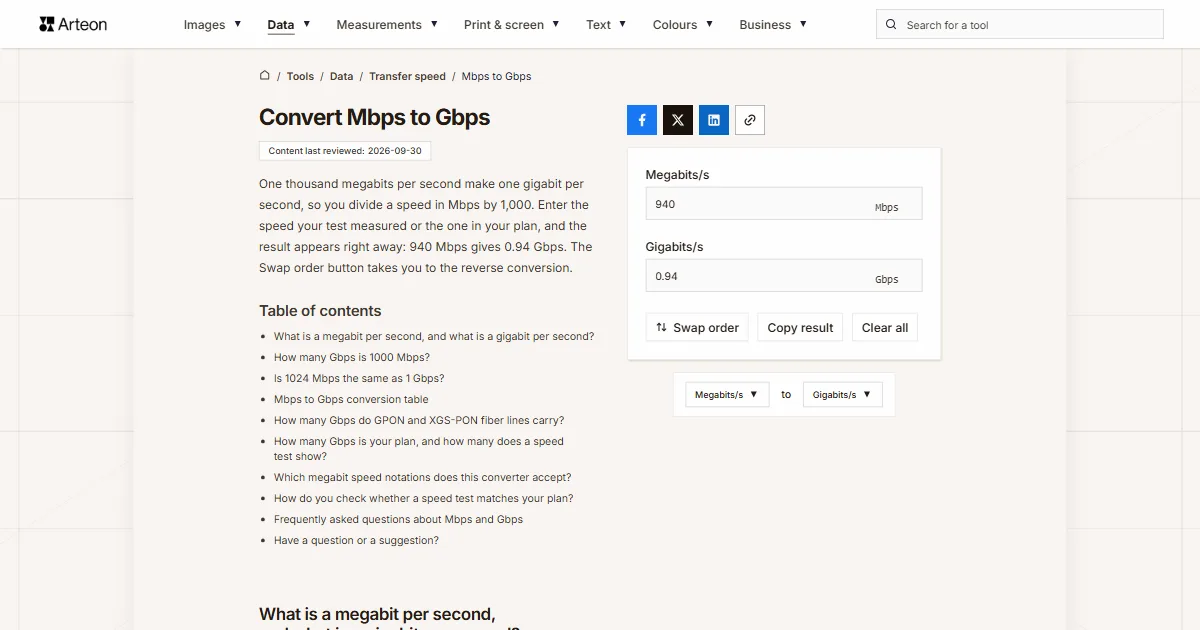
One thousand megabits per second make one gigabit per second, so you divide a speed in Mbps by 1,000. Enter the speed your test measured or the one in your plan, and the result appears right away: 940 Mbps gives 0.94 Gbps. The Swap order button takes you to the reverse conversion.
What is a megabit per second, and what is a gigabit per second?
A megabit per second, written Mbps, is the unit in which internet plans state connection speed and speed tests report their result. It stands for one million bits sent in one second. A bit is the smallest piece of information, a single zero or one.
A gigabit per second, or Gbps, is a thousand megabits per second, which makes a billion bits every second. In the International System of Units, the prefix mega means one million and the prefix giga one billion[1].
The forms Mb/s and Gb/s or Mbit/s and Gbit/s name the same units. A megabyte per second has a different symbol, MB/s with an uppercase B, and is eight times larger than a megabit per second.
How many Gbps is 1000 Mbps?
One thousand megabits per second is exactly 1 Gbps. To convert Mbps to Gbps, divide the number of megabits by 1,000: Gbps = Mbps ÷ 1,000.
Without a calculator, move the decimal point three places to the left. Below 100 Mbps a zero appears after the point, so 50 Mbps is 0.05 Gbps. Above a thousand megabits the result is larger than one, and 10,000 Mbps gives exactly 10 Gbps.
The conversion helps when you compare speeds written in different units, for example a 600 Mbps plan and a 1 Gbps plan. Once both are in gigabits, you can see the second one is 0.4 Gbps faster. The Gbps to Mbps converter turns gigabits back into megabits.
Is 1024 Mbps the same as 1 Gbps?
A speed of 1,024 Mbps is 1.024 Gbps. Mega and giga are SI prefixes, and the SI Brochure from the BIPM says plainly that they “should not be used to indicate powers of 2”[1]. That is why you divide a connection speed by 1,000.
NIST, the US National Institute of Standards and Technology, explains where 1,024 came from in networking. Some designers of local area networks used a megabit per second to mean 1,048,576 bits per second, while in telecommunications the unit means one million bits per second[2]. The binary values have their own units: the mebibit per second (Mibit/s) and the gibibit per second (Gibit/s)[2].
You will come across the factor 1,024 with file sizes, where the prefixes are sometimes counted in binary. That is why the MB to GB converter lets you choose between two ways of counting, while this converter always divides by 1,000.
Mbps to Gbps conversion table
| Speed in Mbps | Same speed in Gbps |
|---|---|
| 50 Mbps | 0.05 Gbps |
| 80 Mbps | 0.08 Gbps |
| 90 Mbps | 0.09 Gbps |
| 100 Mbps | 0.1 Gbps |
| 150 Mbps | 0.15 Gbps |
| 200 Mbps | 0.2 Gbps |
| 250 Mbps | 0.25 Gbps |
| 300 Mbps | 0.3 Gbps |
| 400 Mbps | 0.4 Gbps |
| 480 Mbps | 0.48 Gbps |
| 500 Mbps | 0.5 Gbps |
| 600 Mbps | 0.6 Gbps |
| 700 Mbps | 0.7 Gbps |
| 750 Mbps | 0.75 Gbps |
| 800 Mbps | 0.8 Gbps |
| 866 Mbps | 0.866 Gbps |
| 900 Mbps | 0.9 Gbps |
| 940 Mbps | 0.94 Gbps |
| 1,000 Mbps | 1 Gbps |
| 1,200 Mbps | 1.2 Gbps |
| 1,201 Mbps | 1.201 Gbps |
| 1,300 Mbps | 1.3 Gbps |
| 1,500 Mbps | 1.5 Gbps |
| 2,000 Mbps | 2 Gbps |
| 2,400 Mbps | 2.4 Gbps |
| 2,402 Mbps | 2.402 Gbps |
| 2,500 Mbps | 2.5 Gbps |
| 3,000 Mbps | 3 Gbps |
| 3,500 Mbps | 3.5 Gbps |
| 4,000 Mbps | 4 Gbps |
| 4,804 Mbps | 4.804 Gbps |
| 5,000 Mbps | 5 Gbps |
| 5,400 Mbps | 5.4 Gbps |
| 6,000 Mbps | 6 Gbps |
| 7,000 Mbps | 7 Gbps |
| 8,000 Mbps | 8 Gbps |
| 10,000 Mbps | 10 Gbps |
| 20,000 Mbps | 20 Gbps |
| 30,000 Mbps | 30 Gbps |
| 40,000 Mbps | 40 Gbps |
| 100,000 Mbps | 100 Gbps |
How many Gbps do GPON and XGS-PON fiber lines carry?
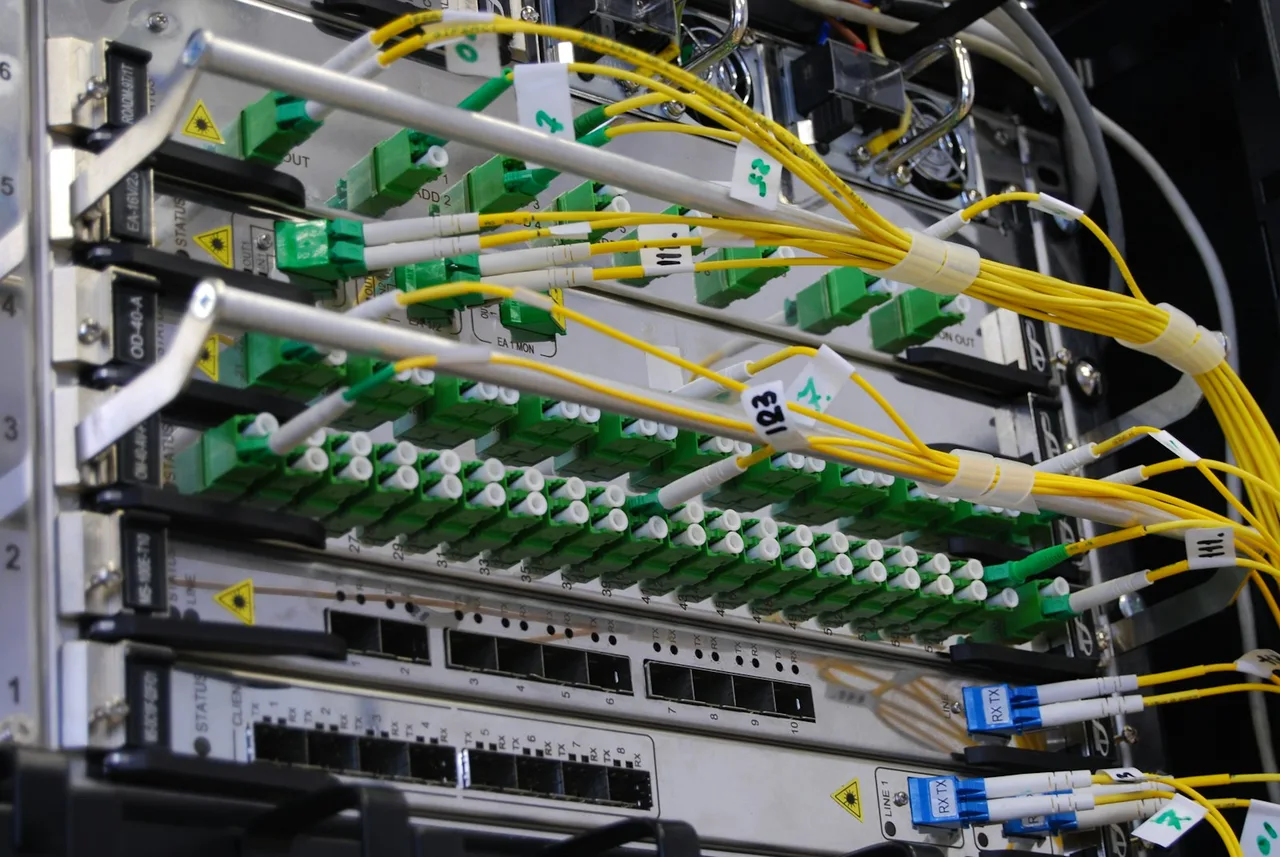
| Fiber line | In Mbps | Same speed in Gbps |
|---|---|---|
| GPON, toward the subscriber | 2,400 Mbps | 2.4 Gbps |
| GPON, from the subscriber | 1,200 Mbps | 1.2 Gbps |
| XG-PON1, from the subscriber | 2,500 Mbps | 2.5 Gbps |
| XGS-PON, nominal rate in both directions | 10,000 Mbps | 10 Gbps |
| XGS-PON, actual line rate | 9,953.28 Mbps | 9.95328 Gbps |
How many Gbps is your plan, and how many does a speed test show?
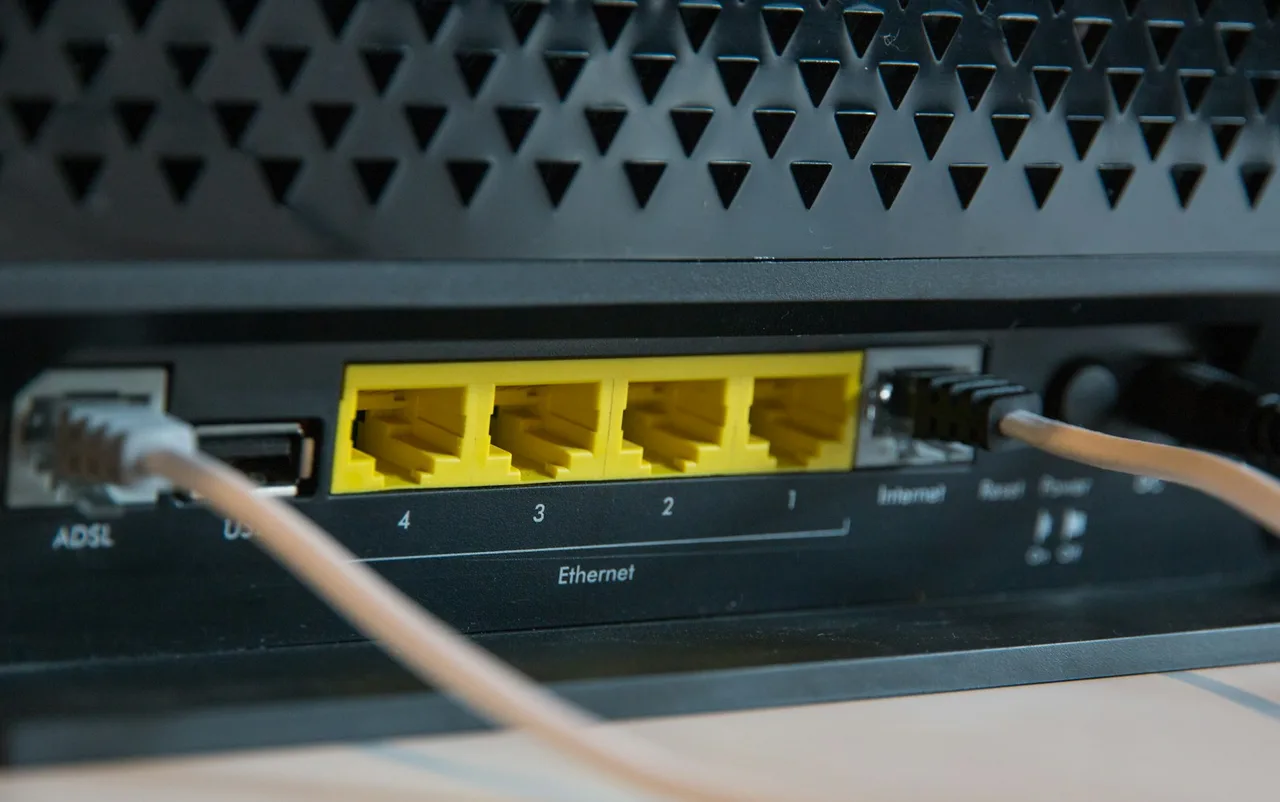
| Where the number comes from | In Mbps | Same speed in Gbps |
|---|---|---|
| A 1 Gbps plan and a Gigabit Ethernet port | 1,000 Mbps | 1 Gbps |
| Data in an Ethernet frame after its header and the gap between frames | 975.29 Mbps | 0.97529 Gbps |
| File data after the IP and TCP headers as well | 949.28 Mbps | 0.94928 Gbps |
| File data when TCP uses timestamps | 941.48 Mbps | 0.94148 Gbps |
| Wi-Fi 5, top link rate with two spatial streams on an 80 MHz channel | 866.7 Mbps | 0.8667 Gbps |
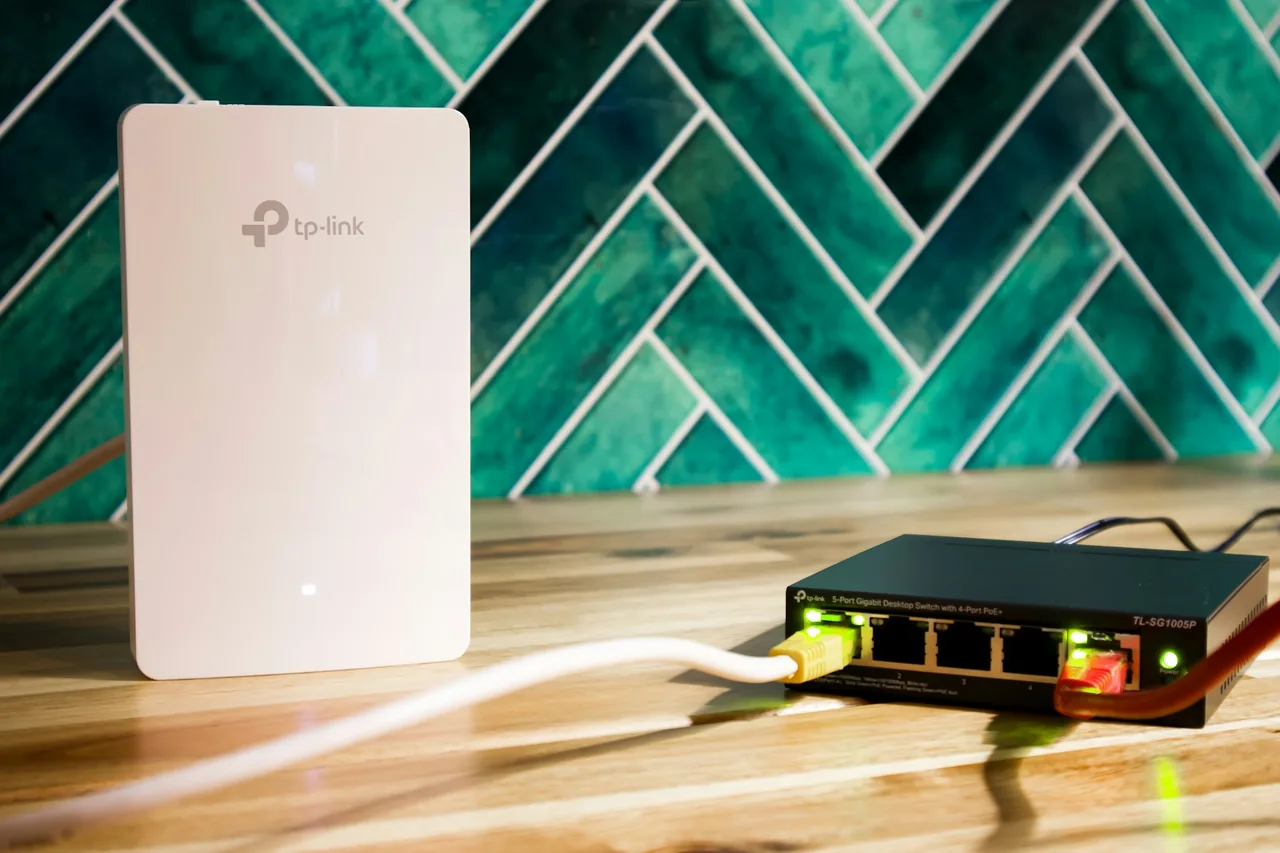
Which megabit speed notations does this converter accept?
| What you type | What the converter shows | How we read it |
|---|---|---|
| 940 | 0.94 Gbps | A number on its own is a speed in megabits per second, so we divide it by 1,000 and drop the trailing zero. |
| 940 Mbps | 0.94 Gbps | A unit pasted together with the number does no harm: we take the number and skip the unit. |
| Download: 941.2 Mbps | 0.941 Gbps | A speed test result copied with its label: we take the number before the unit and show the result to three decimal places. |
| 1,000 | 1 Gbps | A comma before three digits separates thousands, as in English notation. A note under the field shows the other possible reading, 1. |
| 12,500 | 12.5 Gbps | Groups of three digits separated by commas are read as one number: twelve thousand five hundred megabits. A note under the field shows the other possible reading, 12.5. |
| 2,500 Mbps | 2.5 Gbps | The comma separates thousands, so the field keeps 2500 Mbps. A note under the field shows the other possible reading, 2.5. |
| 2.500 Mbit/s | 0.0025 Gbps | On this English page, a dot before three digits is a decimal point, so the field keeps 2.5 Mbps. A note under the field shows the other possible reading, 2500. Type two and a half thousand as 2500. |
| 100 mb/s | 0.1 Gbps | A symbol written in lowercase is counted in this field as megabits per second, because that is the field's unit. |
| 1201 Mbps | 1.201 Gbps | A Wi-Fi link rate copied with its unit is in the same megabits, so the result keeps every decimal place. |
| 2.5 Gbps | 2.5 Gbps | Gigabits pasted into the megabit field are stored as 2500 Mbps, and a note under the field says what happened to the pasted value. |
| 118 MB/s | 0.944 Gbps | An uppercase B stands for bytes, and a byte has eight bits, so the field stores this download speed as 944 Mbps. |
| 1 Gbit | 1 Gbps | A unit without “/s” is read as gigabits per second and stored in the field as 1000 Mbps. |
| 1 gbps to mbps | 1 Gbps | A query copied from a search engine: the unit without a number is the one you convert to, so the field keeps 1000 Mbps. |
| 12.34 | 0.0123 Gbps | A result below 0.1 Gbps is shown to three significant digits, so a small speed never turns into zero. |
How do you check whether a speed test matches your plan?
Your plan gives one number and a speed test gives another. The steps take you through comparing both in the same unit.
Convert the speed in your plan
Type the number from your plan into the field. A speed of 1,000 Mbps gives 1 Gbps, and 600 Mbps gives 0.6 Gbps. This is the value you compare with the test.Test over a cable and enter the result
Run a speed test on a computer connected by cable and type the number it shows into the same field. A result of 940 Mbps gives 0.94 Gbps, so both numbers are now in one unit.Subtract what the headers take
Headers take up part of every Ethernet frame, so a test on a 1 Gbps port shows at most 949 Mbps, or 941 Mbps when the connection uses TCP timestamps. A result around 940 Mbps is therefore close to the most such a connection can show.Check how the computer is connected
Over Wi-Fi, the link rate is the upper limit: Wi-Fi 5 with two spatial streams on an 80 MHz channel connects at up to 866.7 Mbps[9], and a test over that link comes out lower. Compare your plan with the result of a wired test.
Convert other units to Gigabits/s
Convert Megabits/s to other units
Sources
- The International System of Units (SI), 9th edition — Bureau International des Poids et Mesures
- Prefixes for binary multiples — National Institute of Standards and Technology
- USB 3.2 to Gigabit Ethernet Converter — The Pi Hut
- Recommendation ITU-T G.984.1, Gigabit-capable passive optical networks (GPON) — International Telecommunication Union
- Recommendation ITU-T G.9807.1, 10-Gigabit-capable symmetric passive optical network (XGS-PON) — International Telecommunication Union
- Ethernet frame — Wikipedia
- RFC 791: Internet Protocol — Internet Engineering Task Force
- RFC 7323: TCP Extensions for High Performance — Internet Engineering Task Force
- IEEE 802.11ac — Wikipedia
Every figure in the tables was computed from the unit definitions and checked arithmetically before publication. Historical values and the names of local units come from the sources listed above.
Content last reviewed: · written and checked by the Arteon team
Frequently asked questions about Mbps and Gbps
What if my plan gives two speeds, download and upload?
Convert each one separately, because the divisor is the same for both directions. A plan with 1,000 Mbps down and 300 Mbps up gives 1 Gbps and 0.3 Gbps. A symmetric fiber plan has both numbers equal, while on a GPON network the upstream is narrower at the level of the line itself[4].
How do you convert megabits per second to kilobits per second?
One megabit per second is 1,000 kilobits per second, so this time you multiply by a thousand. A speed of 100 Mbps gives 100,000 kbps, and the Mbps to kbps converter does the conversion.
Have a question or a suggestion?
Write to us if you need another transmission unit converted or you spot a value in the tables worth correcting.