Convert points to inches
72 pt is exactly 1 inch, because Word, desktop publishing software and PDF files all define the point as 1/72 of an inch. Type a size in points and the converter shows it in inches as you type, so 12 pt comes out as 0.1667 in. The Point type selector under the fields also covers the TeX point and the Didot point.
What are a point and an inch?
The point (pt) is the unit for font size, line spacing and other small distances on a printed page. Word, desktop publishing programs and CSS all use the desktop publishing point, defined as exactly 1/72 of an inch, which is 0.3528 mm[1]. Twelve points make a pica and six picas make an inch, the relationship the pica to px converter builds on.
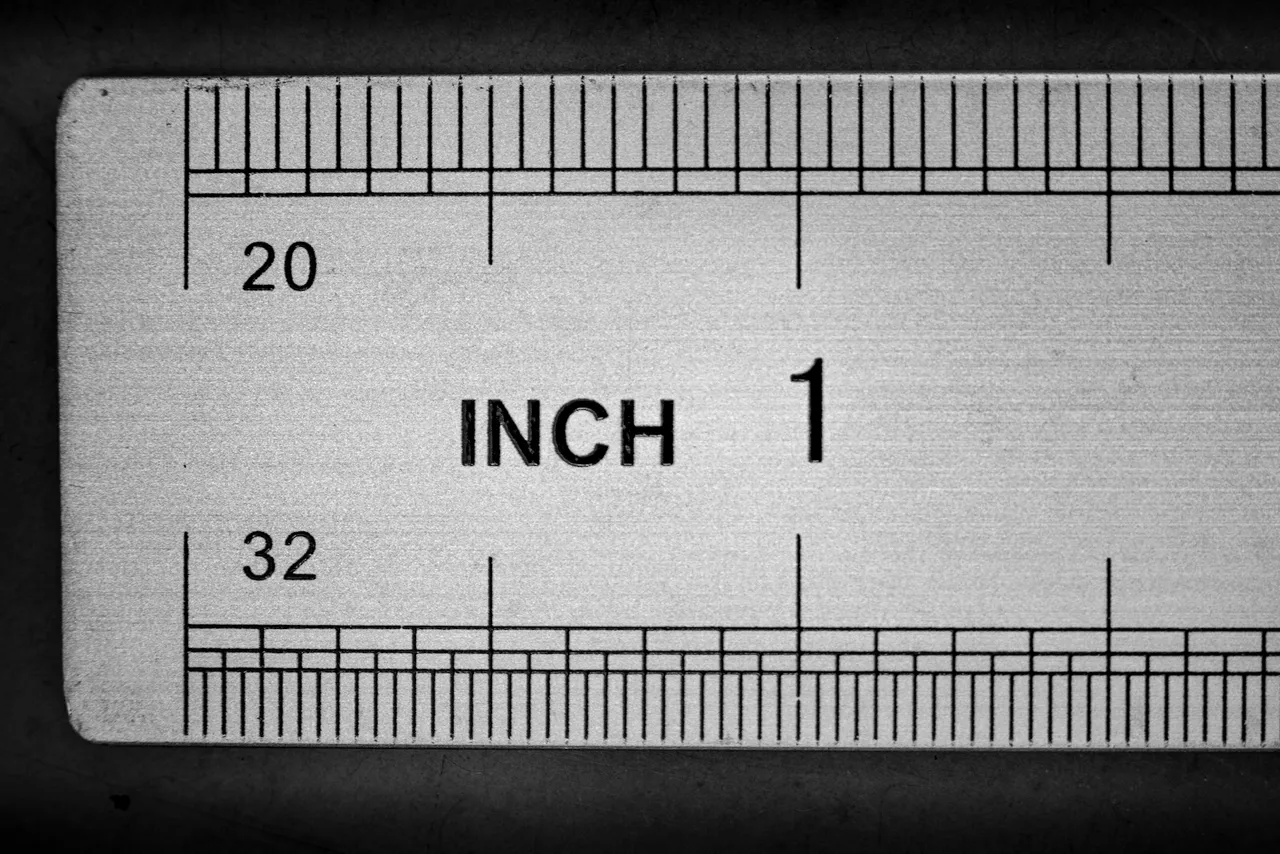
The inch has been exactly 25.4 mm since the international yard was adopted in the 1950s and 1960s[2]. In the US it is the everyday unit for paper, margins and book sizes, and the inches to cm converter takes it into metric.
Because the point is defined through the inch, the two convert without rounding: 72 pt is 1 in, 36 pt is half an inch and 18 pt a quarter. Screens follow a different rule, where 1 pt is 1.333 px, and the pt to px converter covers that case.
How many inches is a point? Formula and example
Divide the number of points by 72: inches = pt ÷ 72. One point is 0.0139 in, and 12 pt, the usual size for body text in documents, is 12 ÷ 72 = 0.1667 in, one sixth of an inch.
Microsoft Office works with the same ratio. The documentation of Word's InchesToPoints function states 1 inch = 72 points[3]. Excel measures row height in points, so the default row of 15 points is 0.2083 in tall and the maximum of 409 points is 5.6806 in[4].
When you start from inches, for a margin or a page size, the inches to pt converter does the multiplication by 72.
How many inches is each font size?
| Font size | Inches | Arial capital | Times New Roman capital |
|---|---|---|---|
| 6 pt | 0.0833 in | 0.06 in | 0.055 in |
| 8 pt | 0.1111 in | 0.08 in | 0.074 in |
| 9 pt | 0.125 in | 0.09 in | 0.083 in |
| 10 pt | 0.1389 in | 0.099 in | 0.092 in |
| 10.5 pt | 0.1458 in | 0.104 in | 0.097 in |
| 11 pt | 0.1528 in | 0.109 in | 0.101 in |
| 12 pt | 0.1667 in | 0.119 in | 0.11 in |
| 14 pt | 0.1944 in | 0.139 in | 0.129 in |
| 16 pt | 0.2222 in | 0.159 in | 0.147 in |
| 18 pt | 0.25 in | 0.179 in | 0.166 in |
| 20 pt | 0.2778 in | 0.199 in | 0.184 in |
| 24 pt | 0.3333 in | 0.239 in | 0.221 in |
| 28 pt | 0.3889 in | 0.279 in | 0.257 in |
| 36 pt | 0.5 in | 0.358 in | 0.331 in |
| 48 pt | 0.6667 in | 0.478 in | 0.441 in |
| 60 pt | 0.8333 in | 0.597 in | 0.552 in |
| 72 pt | 1 in | 0.716 in | 0.662 in |
| 96 pt | 1.3333 in | 0.955 in | 0.883 in |
| 144 pt | 2 in | 1.433 in | 1.324 in |
How tall is 12 point font in inches?
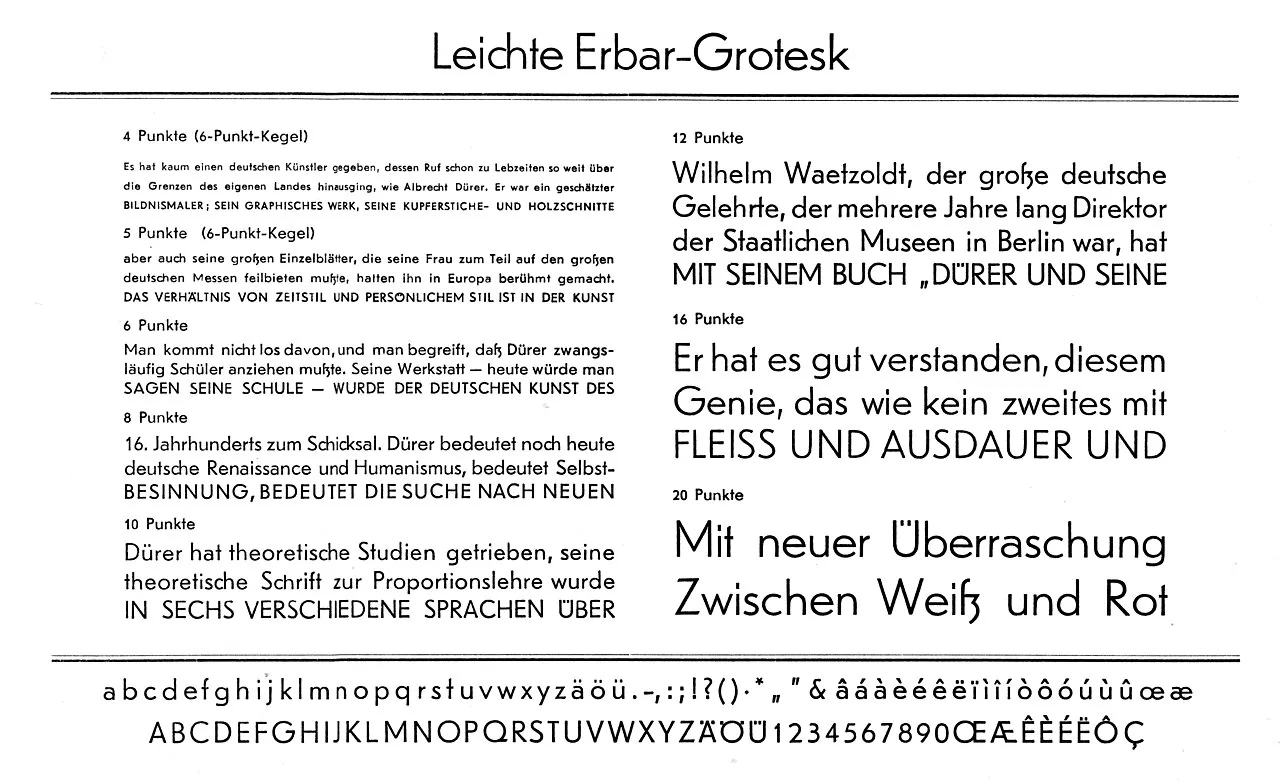
A 12 pt font sits on a body 0.1667 in tall, but the letters themselves are smaller. The point size measures the em square, the imaginary box each character is designed in, and says nothing fixed about any visible part of a letter[1].
How much of that box the letters fill depends on the typeface. We read the cap height stored in the font files supplied with Windows 11: in Arial capitals take up 71.6% of the point size, in Times New Roman 66.2% and in Calibri 63.2%. At 12 pt that gives capitals 0.119 in, 0.11 in and 0.105 in tall, which is why two fonts set at the same size can look noticeably different. To see the same font sizes in millimetres, use the pt to mm converter.
The same percentages work in the other direction, for a sign or a label where the letters must reach a given height. Divide 72 by the capital share of the typeface: capitals 1 in tall need about 101 pt in Arial and about 109 pt in Times New Roman.

What size in inches is a page given in points?
| Page | Points | Inches |
|---|---|---|
| Letter | 612 × 792 pt | 8.5 × 11 in |
| Legal | 612 × 1,008 pt | 8.5 × 14 in |
| Tabloid | 792 × 1,224 pt | 11 × 17 in |
| Half Letter | 396 × 612 pt | 5.5 × 8.5 in |
| 6 × 9 in book | 432 × 648 pt | 6 × 9 in |
| A5 | 419.53 × 595.28 pt | 5.8268 × 8.2678 in |
| A4 | 595.28 × 841.89 pt | 8.2678 × 11.6929 in |
| A3 | 841.89 × 1,190.55 pt | 11.6929 × 16.5354 in |
Which entries does this converter accept?
| What you type | What the converter shows | Note |
|---|---|---|
| 12 | 0.1667 in | A plain number is read as points, the unit of the field. |
| 10.5 | 0.1458 in | Half sizes keep their decimal, whether you write it with a point or a comma. |
| 12pt | 0.1667 in | The abbreviation is dropped, because the field already counts in points. |
| 12 points | 0.1667 in | The word is dropped in the same way, with or without a space before it. |
| 1,224 | 17 in | A comma before three digits is read as a thousands separator, so this is 1,224 points, the height of a Tabloid page. A note under the field shows the other possible reading, 1.224. |
| 1/2 | 0.0069 in | A fraction with a slash is calculated as a division, here half a point. |
| 7½ | 0.1042 in | The ½ character copied from a text is added to the number before it, giving 7.5 points. |
| font-size: 12pt; | 0.1667 in | A whole line copied from a stylesheet works, because we take the number that stands before the unit. |
| 16px | 0.1667 in | Pixels become points at the CSS ratio of 96 px to the inch, so 16 px turns into 12 pt, and a note under the field tells you so. |
| 12 mm | 0.4724 in | Millimetres become points first, 34.015748 pt here, so the result is the same length you pasted. |
| 0.25 in | 0.25 in | Inches pasted into the points field become 18 pt, and the result shows the same quarter inch. |
| 2 pc | 0.3333 in | Picas become points at 12 points each, so 2 pc turns into 24 pt. |
When do you need points in inches?
Spacing in a Word document
Word gives paragraph spacing in points. A gap of 12 pt before a heading is one sixth of an inch, and 6 pt after a paragraph is 0.0833 in.Rows on a printed spreadsheet
Four default Excel rows of 15 pt take up 60 pt, which is 0.8333 in on the printed sheet, so you can check whether a table fits the page.Line thickness in a drawing program
Stroke weights are set in points. A 0.25 pt hairline is 0.0035 in wide and a 1 pt line 0.0139 in.
Which point should you choose in the selector?
The Point type selector under the fields switches between three definitions of the point. Leave PostScript (DTP), the default, for anything from Word, InDesign, a PDF or CSS, because all of them count 72 points to the inch.
Printer's (TeX) is 1/72.27 in. It is practically the American point that type founders adopted in 1886, which Donald Knuth fixed at exactly this value for TeX, where the 1/72-inch point is called the big point, bp[1]. Choose it for a length taken from a LaTeX file: 72 pt there is 0.9963 in, and it takes 72.27 pt to make an inch.
Didot is the traditional continental European point of 0.376065 mm[1]. It is 6.6% larger than the PostScript point, so 72 Didot points come to 1.066 in. You will meet it in older European typesetting and in TeX as the unit dd.
Convert other units to Inches
Convert Points to other units
Sources
- Point (typography) — Wikipedia
- Inch — Wikipedia
- Application.InchesToPoints method (Word) — Microsoft Learn
- Change the column width and row height — Microsoft Support
- OS/2 — OS/2 and Windows metrics table — Microsoft Learn
- Document management – Portable document format – Part 1: PDF 1.7 (ISO 32000-1:2008) — Adobe
- Letter (paper size) — Wikipedia
- CONVERT function — Microsoft Support
- Thousandth of an inch — Wikipedia
- Change the font size — Microsoft Support
Every figure in the tables was computed from the unit definitions and checked arithmetically before publication. Historical values and the names of local units come from the sources listed above.
Content last reviewed: · written and checked by the Arteon team
Frequently asked questions about points and inches
How do I convert points to inches in Excel?
Divide by 72 with =A2/72, or use =CONVERT(A2,"Picapt","in"). In the CONVERT function the point is called "Picapt" or "Pica", while "pt" means a U.S. pint and "pc" a parsec[8], so the short codes give the wrong unit.
Is 14 pt card stock 14 typographic points thick?
No. For the thickness of card and paper, US printers use the word point for a thousandth of an inch, also called a mil[9]. A 14 pt business card is therefore 0.014 in thick, about 0.36 mm. For that unit divide by 1,000, not by 72, because this converter works with the typographic point.
Does the print resolution change the size of a point?
No. A point is a physical length of 1/72 in, so the 12 pt body of a font stays 0.1667 in on paper whether the printer works at 300 or 1200 DPI. The resolution only changes how many dots or pixels make up that length, which the inches to px converter works out.
Is a point the same as a pixel?
No. In CSS 1 pt equals 1.333 px, because CSS fixes 96 pixels to the inch and 72 points to the inch[1]. On a phone or a high-resolution monitor one CSS pixel covers several physical pixels, so the point stays the more reliable unit for print.
What is the largest font size in Word?
Word accepts any size from 1 to 1638 pt in steps of 0.5[10]. 1638 pt is 22.75 in, and a capital letter in Arial at that size is about 16.3 in tall.
Help us improve our tools
Write to us if a font size or page format you need is missing from the tables, or if you would like the converter to accept another way of writing points. We read every message.