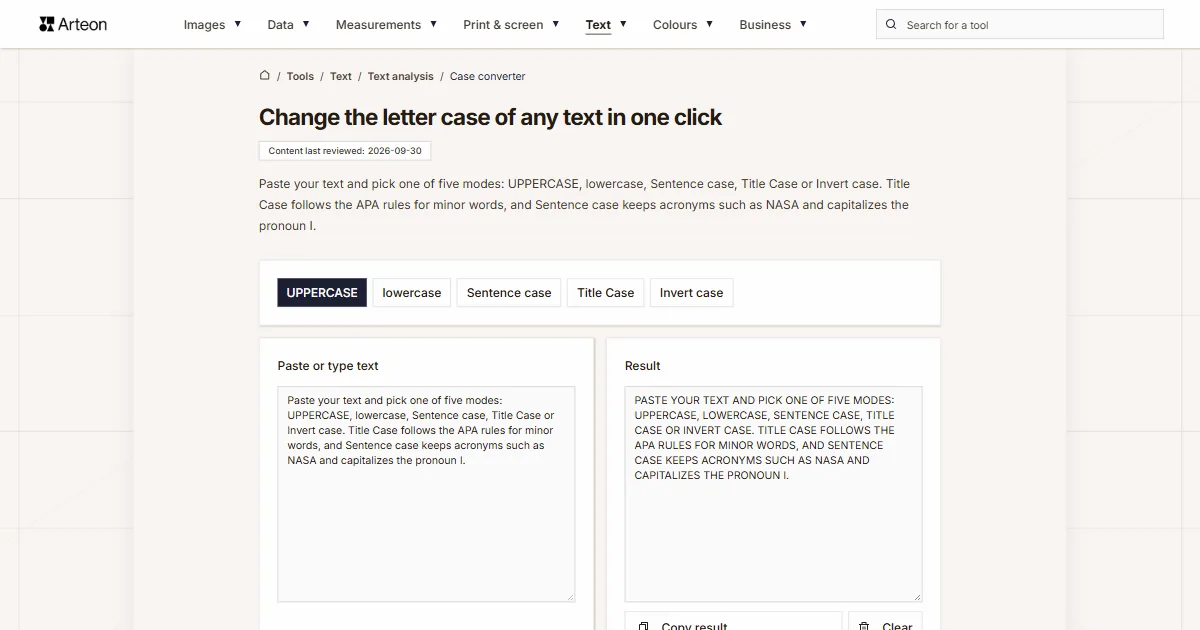
Change the letter case of any text in one click
Paste your text and pick one of five modes: UPPERCASE, lowercase, Sentence case, Title Case or Invert case. Title Case follows the APA rules for minor words, and Sentence case keeps acronyms such as NASA and capitalizes the pronoun I.
What is letter case?
Letter case is the difference between capital letters, also called uppercase letters or majuscules, and small letters, called lowercase. English needs capitals to start a sentence and for the pronoun I[1].
Capitals also mark proper nouns. In English these include personal names, nationalities and languages, days of the week, months, public holidays and place names[2]. Seasons stay lowercase, so you write Monday and July, but summer[1].
Titles and headings follow one of two styles. In title case, major words are capitalized and most minor words stay lowercase. In sentence case, most major and minor words are lowercase, and proper nouns always keep their capital[3].
How do you change the case of text?
Paste your text into the Paste or type text field and click one of the five buttons above it. The result appears straight away in the Result field, and Copy result puts it on your clipboard.
UPPERCASE turns every letter into a capital, and lowercase turns every letter into a small one. Sentence case capitalizes the first word of each sentence and each line and lowercases the rest. Title Case capitalizes every word except the minor words defined by APA Style. Invert case swaps capitals and small letters.
Sentence case knows English abbreviations. It starts no new sentence after e.g. or Dr., leaves 3.5 and arteontools.com intact, and capitalizes the pronoun I, days of the week and months. Spaces and line breaks stay in place.
Which words stay lowercase in title case?
APA Style lowercases only minor words of three letters or fewer. These are the short conjunctions and, as, but, for, if, nor, or, so and yet, the articles a, an and the, and short prepositions such as at, by, in, of, off, on, per, to, up and via[3]. Every word of four letters or more gets a capital, so With, Between and From are capitalized.
A minor word still gets a capital when it opens the title, a subtitle or the text after a colon or an em dash. Both parts of a hyphenated major word are capitalized as well, which gives Self-Report[3]. Title Case in this tool applies these rules, so the NASA report: what i learned in paris becomes The NASA Report: What I Learned in Paris.
APA uses title case for the titles of articles and books mentioned in a text, for headings and for the names of periodicals, such as Journal of Latinx Psychology or Chicago Tribune[3]. For a sentence-style title, use Sentence case and add the capitals of proper nouns by hand.
What does each mode do with the same sentence?
| Mode | Result |
|---|---|
| UPPERCASE | THE NASA REPORT: WHAT I LEARNED IN PARIS |
| lowercase | the nasa report: what i learned in paris |
| Sentence case | The NASA report: what I learned in paris |
| Title Case | The NASA Report: What I Learned in Paris |
| Invert case | THE nasa REPORT: WHAT I LEARNED IN PARIS |
How do APA title case examples come out of the tool?
| Title | Kind | Mode | Result |
|---|---|---|---|
| Train Your Mind for Peak Performance: A Science-Based Approach for Achieving Your Goals | book | Title Case | Train Your Mind for Peak Performance: A Science-Based Approach for Achieving Your Goals |
| Turning Frowns (and Smiles) Upside Down: A Multilevel Examination of Surface Acting Positive and Negative Emotions on Well-Being | article | Title Case | Turning Frowns (and Smiles) Upside Down: A Multilevel Examination of Surface Acting Positive and Negative Emotions on Well-Being |
| Journal of Latinx Psychology | periodical | Title Case | Journal of Latinx Psychology |
| Chicago Tribune | newspaper | Title Case | Chicago Tribune |
How is Title Case different from the PROPER function in Excel?
| Input | PROPER in Excel | Title Case |
|---|---|---|
| this is a TITLE | This Is A Title | This Is a Title |
| 2-way street | 2-Way Street | 2-Way Street |
| 76BudGet | 76Budget | 76BudGet |
| don't stop | Don'T Stop | Don't Stop |
What text does this tool accept, and what does it do with it?
| What you type | Mode | Result | How we write it |
|---|---|---|---|
| it costs 3.5 dollars. then we left | Sentence case | It costs 3.5 dollars. Then we left | A dot inside a number is not read as the end of a sentence |
| visit arteontools.com today | Sentence case | Visit arteontools.com today | A web address keeps its own spelling, so the link still works |
| see e.g. the table. dr. smith agreed | Sentence case | See e.g. the table. Dr. smith agreed | After “e.g.” and “Dr.” we do not start a new sentence, because both are on the English list of abbreviations |
| i think i'm right, see you on monday | Sentence case | I think I'm right, see you on Monday | The pronoun I and the days of the week always keep their capital |
| The EU And NATO Signed It | Sentence case | The EU and NATO signed it | Acronyms of two to four letters keep their capitals, so UK and NASA do not turn into ordinary words |
| WARNING: WET FLOOR | Sentence case | Warning: wet floor | A line in all capitals is lowercased first, and only then does the sentence get its capital |
| 20th century fox | Title Case | 20th Century Fox | A letter that follows a digit stays lowercase, as in 3rd and 1980s |
| o'brien and d'angelo don't care | Title Case | O'Brien and D'Angelo Don't Care | A surname takes a second capital after the apostrophe, while a contraction does not |
| self-report | Title Case | Self-Report | Both parts of a hyphenated major word take a capital in title case |
| the reign of henry VIII | Title Case | The Reign of Henry VIII | A Roman numeral keeps its capitals, even in a line typed in capitals |
| version 2.0 is out | UPPERCASE | VERSION 2.0 IS OUT | Digits and the dot have no case, so we leave them exactly as they are |
How do you change letter case in three steps?
The conversion runs in your browser, so your text stays on your device.
1. Paste your text
Type or paste your text into the Paste or type text field. It can be one sentence, a heading or a whole document.2. Choose a mode
Click one of the five buttons above the field. The result appears straight away and updates with every click.3. Copy the result
Copy result puts the text on your clipboard, and Clear empties the text field.
How do you change case in Word and Excel?
In Word, select the text and go to Home, then Change Case[5]. The list offers Sentence case, lowercase, UPPERCASE, Capitalize Each Word and tOGGLE cASE.
A keyboard shortcut is quicker. Select the text and press Shift + F3 until you see the case you want, or fn + Shift + F3 on a Mac. Word for the web doesn’t support changing case, while PowerPoint for the web does[5]. In Word for the web, paste the text here and copy the result back.
Excel has three text functions for this: UPPER, LOWER and PROPER[4]. PROPER capitalizes the first letter and any letter that follows a character other than a letter. That is why it turns don't into Don'T, and why it also capitalizes minor words such as of and the.
Which letters and words get special treatment?
In Sentence case, the pronoun I and its short forms I'm, I've, I'll and I'd always get a capital. So do the days of the week and the months. March, May and August are the exception, because they can also be a verb or an adjective in the middle of a sentence.
Acronyms of two to four letters, such as EU, NASA or PDF, keep their capitals in Sentence case and Title Case when they stand in a normal sentence. A longer word in capitals is usually emphasis, so the tool writes it as an ordinary word. A line written entirely in capitals is lowercased first, and names with a capital inside, such as iPhone or eBay, stay unchanged.
Roman numerals, such as VIII in Henry VIII, keep their capitals. In longer text pasted from a PDF, where lines break in the middle of a sentence, the line that continues the sentence stays in lowercase.
German text with the letter ß gets the capital ẞ in UPPERCASE mode. Since 2024, the official German spelling rules list ẞ first and allow SS as an alternative[6]. A choice between ẞ, as in STRAẞE and SS, as in STRASSE then appears below the mode buttons.
To see how many characters your text has after the change, open the word and character counter. A page title and description for search results can be checked in the meta title and description length checker, the reading time of a text in the reading time calculator, and sample text for a heading comes from the Lorem Ipsum generator.
Sources
- Capital letters and apostrophes — British Council, LearnEnglish
- Punctuation — Cambridge Dictionary, English Grammar Today
- Title case capitalization — APA Style
- PROPER function — Microsoft Support
- Change the capitalization or case of text — Microsoft Support
- Amtliches Regelwerk der deutschen Rechtschreibung 2024, § 25 E3 — Council for German Orthography
The results in the tables were computed by this tool's own function and checked by an automated test before publication. The rules, standards and figures the text relies on come from the sources listed above.
Content last reviewed: · written and checked by the Arteon team
Frequently asked questions about changing letter case
How do I convert uppercase text to lowercase?
Paste the text into the Paste or type text field and click lowercase. The whole text becomes lowercase, and the line breaks stay where they were.
What is the difference between title case and sentence case?
In title case, major words and every word of four letters or more are capitalized, while short minor words such as of and the stay lowercase. In sentence case, only the first word and proper nouns are capitalized.
Which words stay lowercase in APA title case?
Minor words of three letters or fewer: and, as, but, for, if, nor, or, so, yet, a, an, the, and short prepositions such as at, by, in, of, off, on, per, to, up and via. They are capitalized when they start the title, a subtitle or the text after a colon.
Does Sentence case capitalize the pronoun I?
Yes. Sentence case writes I, I'm, I've, I'll and I'd with a capital, together with the days of the week and most months. Names of people and places need a manual capital.
What is the keyboard shortcut to change case in Word?
Select the text and press Shift + F3 until you see the case you want. On a Mac, press fn + Shift + F3. Word for the web doesn’t support changing case.
Why does PROPER in Excel give Don'T?
PROPER capitalizes every letter that follows a character other than a letter, and the apostrophe is such a character. Title Case in this tool leaves contractions like don't with one capital.
Is my text sent to a server?
The conversion runs in your browser, and your text stays on your device.
Help us improve our tools
Have an idea for a new feature, found a bug, or want to suggest another tool that would make your work easier? Write to us.
Explore other useful tools

Meta title & description checker
Check title and description length in pixels. Live Google preview and optimization tips.
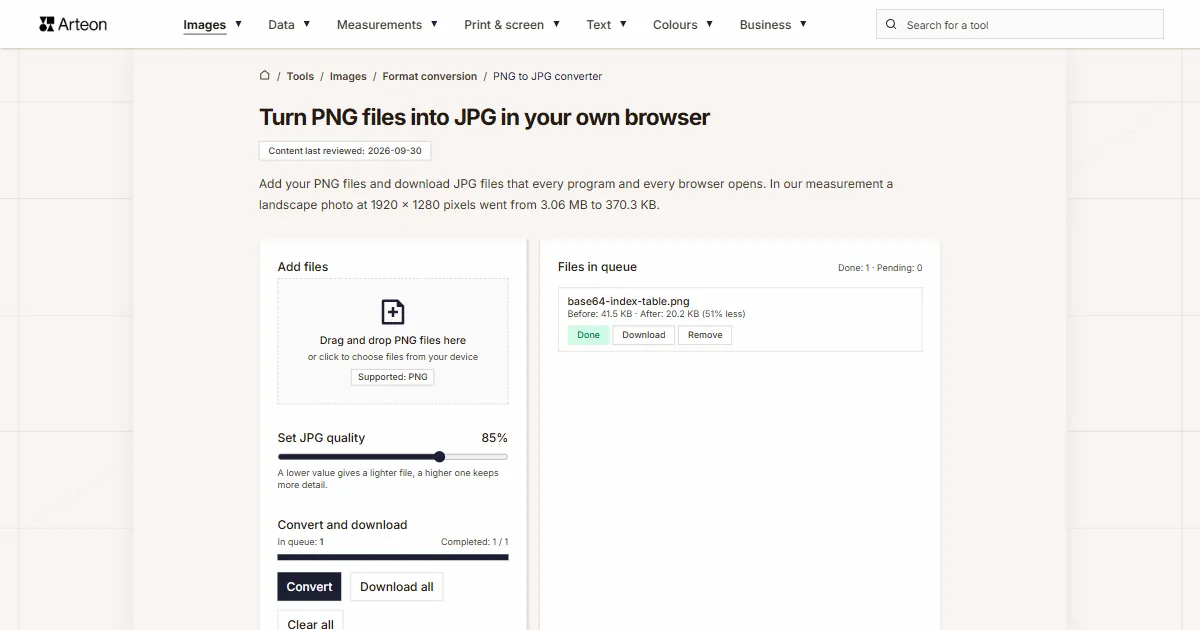
PNG to JPG
Convert PNG files to JPG in your browser. No file limits, no signup, no server uploads.

Favicon generator
Create a complete favicon.ico set for your website from one image. All required sizes, no login.
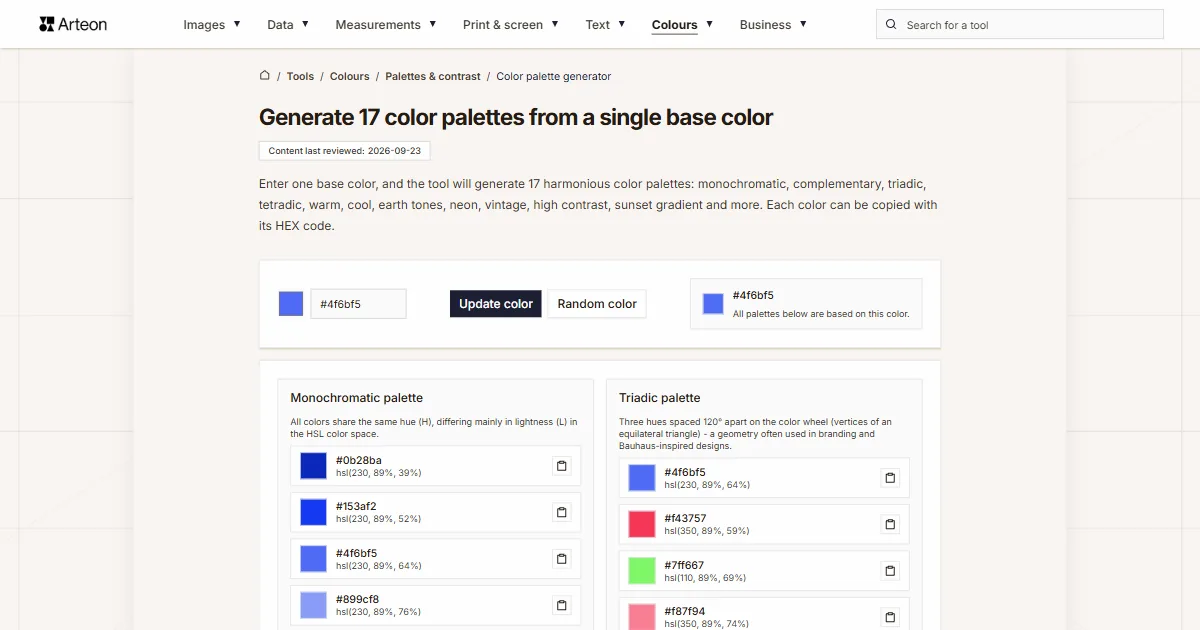
Color palette generator
Generate 17 palettes from one color: monochromatic, complementary, triadic and more. HEX codes.
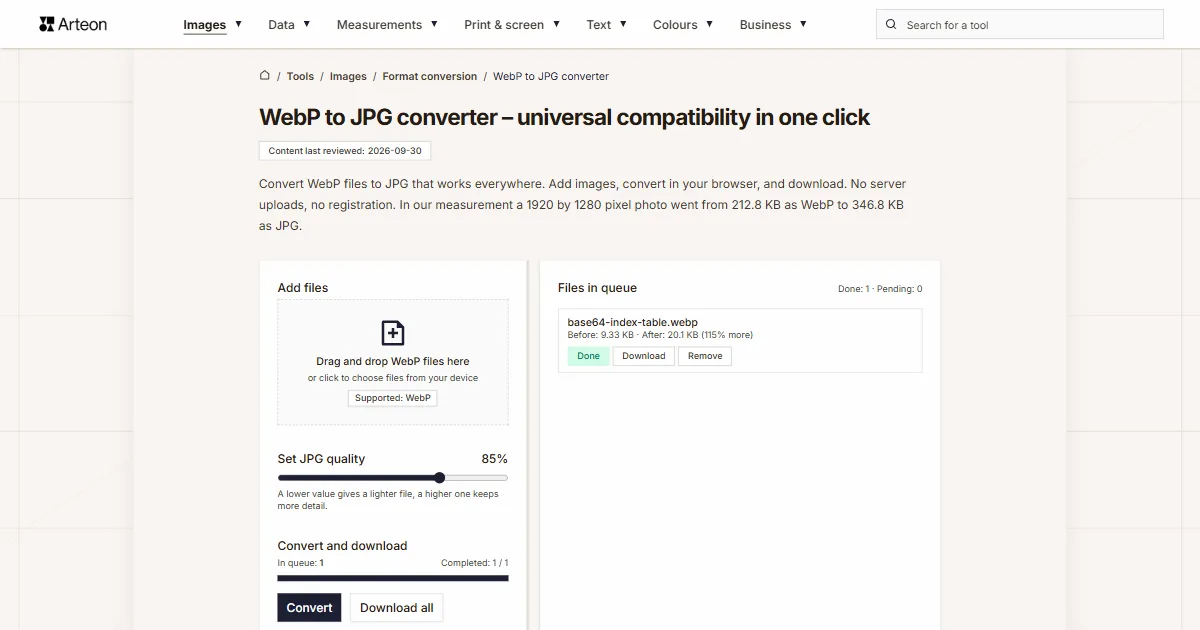
WebP to JPG
Convert WebP files to universally compatible JPG. Works in every app and platform.
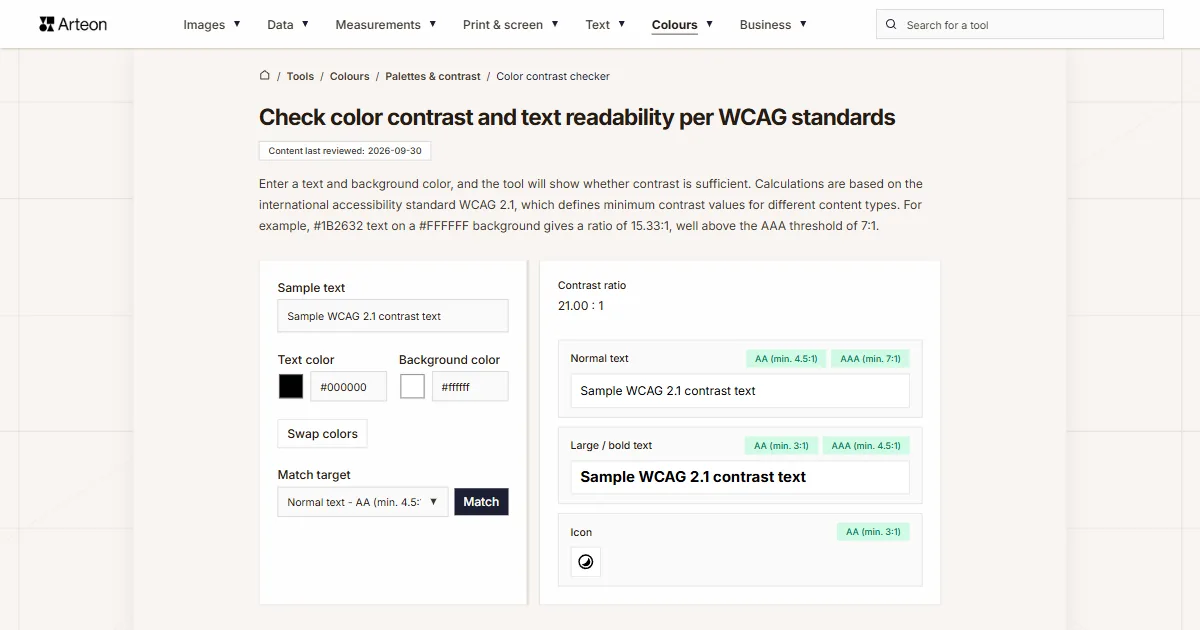
Color contrast checker
Check text and background contrast per WCAG 2.1 AA and AAA. Automatic color correction.
Free QR code generator
Create a QR code for a website, vCard business card or print. Export PNG and SVG, no registration.
Word & character counter
Count words, characters with and without spaces, sentences, paragraphs and the average sentence length.
Lorem Ipsum Generator
Free Lorem Ipsum generator — 8 text styles, paragraphs, sentences or words. Copy in one click.