Convert MB/s to Mbps
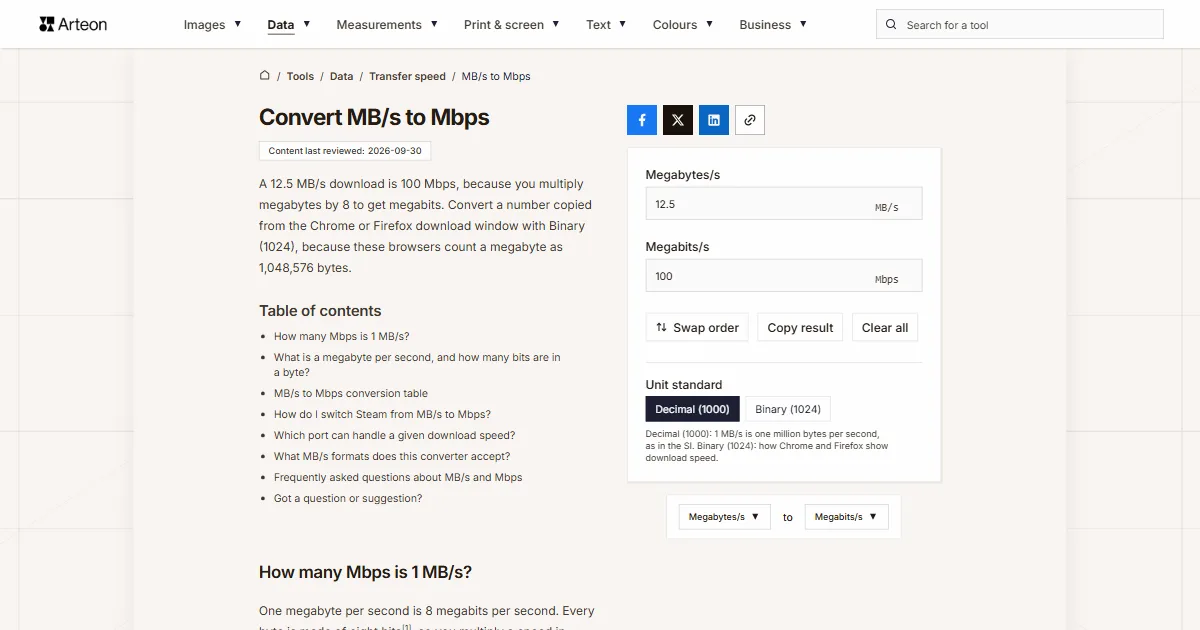
A 12.5 MB/s download is 100 Mbps, because you multiply megabytes by 8 to get megabits. Convert a number copied from the Chrome or Firefox download window with Binary (1024), because these browsers count a megabyte as 1,048,576 bytes.
How many Mbps is 1 MB/s?
One megabyte per second is 8 megabits per second. Every byte is made of eight bits[1], so you multiply a speed in MB/s by 8: Mbps = MB/s × 8. You see megabytes per second in a download window, while copying files and on a drive spec sheet, and megabits per second in your internet plan and in speed tests. Only after converting can you compare the two.
A few downloads show how it works. A 5 MB/s download equals 40 Mbps, 12.5 MB/s equals 100 Mbps, and 125 MB/s is 1,000 Mbps, which is 1 Gbps.
Convert a reading from the Chrome or Firefox download window with Binary (1024). Both browsers divide bytes by 1,024 and still label the result MB/s[2][3], so their 1 MB/s is 8.39 Mbps.
To turn a plan speed in megabits into megabytes, use the Mbps to MB/s converter.
What is a megabyte per second, and how many bits are in a byte?
A megabyte per second tells you how many million bytes of a file arrive or get copied each second. A byte is eight bits, and a bit is a single 0 or 1[1]. Any number of bits can be turned into bytes with the bits to bytes converter.
In the SI system the prefix mega means a million, so 1 MB/s is 1,000,000 bytes per second. A mebibyte per second, written MiB/s, uses a binary prefix and is 1,048,576 bytes per second[1].
A megabit per second is eight times smaller than a megabyte per second, and a kilobit per second is a thousand times smaller again. Slower rates such as a music bitrate or a video call can be turned into megabits with the kbps to Mbps converter.
MB/s to Mbps conversion table
| Speed in MB/s | Mbps (decimal MB) | Mbps (download window MB, 1024) |
|---|---|---|
| 0.1 MB/s | 0.8 Mbps | 0.839 Mbps |
| 0.25 MB/s | 2 Mbps | 2.097 Mbps |
| 0.5 MB/s | 4 Mbps | 4.194 Mbps |
| 1 MB/s | 8 Mbps | 8.389 Mbps |
| 1.5 MB/s | 12 Mbps | 12.583 Mbps |
| 2 MB/s | 16 Mbps | 16.777 Mbps |
| 2.5 MB/s | 20 Mbps | 20.972 Mbps |
| 3 MB/s | 24 Mbps | 25.166 Mbps |
| 4 MB/s | 32 Mbps | 33.554 Mbps |
| 5 MB/s | 40 Mbps | 41.943 Mbps |
| 6 MB/s | 48 Mbps | 50.332 Mbps |
| 7.5 MB/s | 60 Mbps | 62.915 Mbps |
| 8 MB/s | 64 Mbps | 67.109 Mbps |
| 10 MB/s | 80 Mbps | 83.886 Mbps |
| 12.5 MB/s | 100 Mbps | 104.858 Mbps |
| 15 MB/s | 120 Mbps | 125.829 Mbps |
| 20 MB/s | 160 Mbps | 167.772 Mbps |
| 25 MB/s | 200 Mbps | 209.715 Mbps |
| 30 MB/s | 240 Mbps | 251.658 Mbps |
| 37.5 MB/s | 300 Mbps | 314.573 Mbps |
| 40 MB/s | 320 Mbps | 335.544 Mbps |
| 50 MB/s | 400 Mbps | 419.43 Mbps |
| 60 MB/s | 480 Mbps | 503.316 Mbps |
| 62.5 MB/s | 500 Mbps | 524.288 Mbps |
| 75 MB/s | 600 Mbps | 629.146 Mbps |
| 80 MB/s | 640 Mbps | 671.089 Mbps |
| 100 MB/s | 800 Mbps | 838.861 Mbps |
| 110 MB/s | 880 Mbps | 922.747 Mbps |
| 118 MB/s | 944 Mbps | 989.856 Mbps |
| 125 MB/s | 1,000 Mbps | 1,048.576 Mbps |
| 150 MB/s | 1,200 Mbps | 1,258.291 Mbps |
| 200 MB/s | 1,600 Mbps | 1,677.722 Mbps |
| 250 MB/s | 2,000 Mbps | 2,097.152 Mbps |
| 300 MB/s | 2,400 Mbps | 2,516.582 Mbps |
| 500 MB/s | 4,000 Mbps | 4,194.304 Mbps |
| 1,000 MB/s | 8,000 Mbps | 8,388.608 Mbps |
| 1,250 MB/s | 10,000 Mbps | 10,485.76 Mbps |
How do I switch Steam from MB/s to Mbps?
Steam shows game download speed in MB/s, but one setting switches it to megabits per second, the unit internet plans use. The names below come from the English Steam client.
Open Steam settings
Click the Steam menu and choose Settings[4].Go to the Downloads tab
In the settings window, click Downloads[4].Turn on bits
Compare it with your plan
You can now compare the Mbps figure directly with your plan and your speed test, with no converting. If you prefer to keep MB/s, type the reading into the converter field to multiply it by 8.
Which port can handle a given download speed?

| Download in MB/s | Multiplied by 8 | Port speed with TCP and Ethernet headers | Slowest port that is enough |
|---|---|---|---|
| 1 MB/s | 8 Mbps | 8.4 Mbps | 100 Mbps |
| 5 MB/s | 40 Mbps | 42.1 Mbps | 100 Mbps |
| 10 MB/s | 80 Mbps | 84.3 Mbps | 100 Mbps |
| 11.8 MB/s | 94.4 Mbps | 99.4 Mbps | 100 Mbps |
| 12.5 MB/s | 100 Mbps | 105.3 Mbps | 1 Gbps |
| 25 MB/s | 200 Mbps | 210.7 Mbps | 1 Gbps |
| 50 MB/s | 400 Mbps | 421.4 Mbps | 1 Gbps |
| 100 MB/s | 800 Mbps | 842.7 Mbps | 1 Gbps |
| 118 MB/s | 944 Mbps | 994.4 Mbps | 1 Gbps |
| 125 MB/s | 1,000 Mbps | 1,053.4 Mbps | 2.5 Gbps |
| 250 MB/s | 2,000 Mbps | 2,106.8 Mbps | 2.5 Gbps |
| 295 MB/s | 2,360 Mbps | 2,486.1 Mbps | 2.5 Gbps |
| 300 MB/s | 2,400 Mbps | 2,528.2 Mbps | 5 Gbps |
| 500 MB/s | 4,000 Mbps | 4,213.7 Mbps | 5 Gbps |
| 590 MB/s | 4,720 Mbps | 4,972.2 Mbps | 5 Gbps |
| 600 MB/s | 4,800 Mbps | 5,056.4 Mbps | 10 Gbps |
| 1,000 MB/s | 8,000 Mbps | 8,427.4 Mbps | 10 Gbps |
| 1,180 MB/s | 9,440 Mbps | 9,944.3 Mbps | 10 Gbps |
| 1,250 MB/s | 10,000 Mbps | 10,534.2 Mbps | faster than 10 Gbps |
What MB/s formats does this converter accept?
| What you type | What the converter shows | Note |
|---|---|---|
| 12.5 | 100 Mbps | A plain number counts as megabytes per second, so the field multiplies it by 8 straight away. |
| 12.5 MB/s | 100 Mbps | The field reads a speed copied from a download window with its unit and keeps just the number. |
| 2.2 MB/sec | 17.6 Mbps | This is how Firefox in English writes the speed, and the field reads it like MB/s. |
| 1,250 | 10,000 Mbps | In English a comma separates thousands, so the field reads 1250. A note under the field says: Read as 1250. If you meant 1.25, type 1.25. |
| 12,5 | 100 Mbps | A decimal comma gives the same result as 12.5. |
| 850 KB/s | 6.8 Mbps | Kilobytes from a slow download are turned into 0.85 MB/s, and the field says so below. |
| 3.2 GB/s | 25,600 Mbps | Gigabytes from a drive spec sheet are turned into 3,200 MB/s, and the field says so below. |
| 100 Mbps | 100 Mbps | Megabits from Steam or your plan are turned into 12.5 MB/s, and the field says so below, so the result comes back as 100 Mbps. |
Convert other units to Megabits/s
Sources
- Prefixes for binary multiples — National Institute of Standards and Technology
- Chromium source code: speed formatting (bytes_formatting.cc) — The Chromium Authors
- Firefox source code: DownloadUtils.sys.mjs — Mozilla
- Steam client strings: steamui_english.json — Steam client translation files, SteamTracking archive
- Steam client strings: shared_english.json — Steam client translation files, SteamTracking archive
- Ethernet frame — Wikipedia
- RFC 791: Internet Protocol — IETF
- RFC 9293: Transmission Control Protocol (TCP) — IETF
Every figure in the tables was computed from the unit definitions and checked arithmetically before publication. Historical values and the names of local units come from the sources listed above.
Content last reviewed: · written and checked by the Arteon team
Frequently asked questions about MB/s and Mbps
Is 10 MB/s 10 Mbps or 80 Mbps?
It is 80 Mbps. The capital B in MB/s stands for byte, and every byte has eight bits[1].
How many Mbps do I need to download 1 GB per minute?
One gigabyte per minute is 1,000 MB in 60 seconds, or 16.67 MB/s. Multiplied by 8 that is 133.3 Mbps, and with TCP and Ethernet headers added you need a port of at least 140.5 Mbps.
How many Mbps is a USB drive’s copy speed?
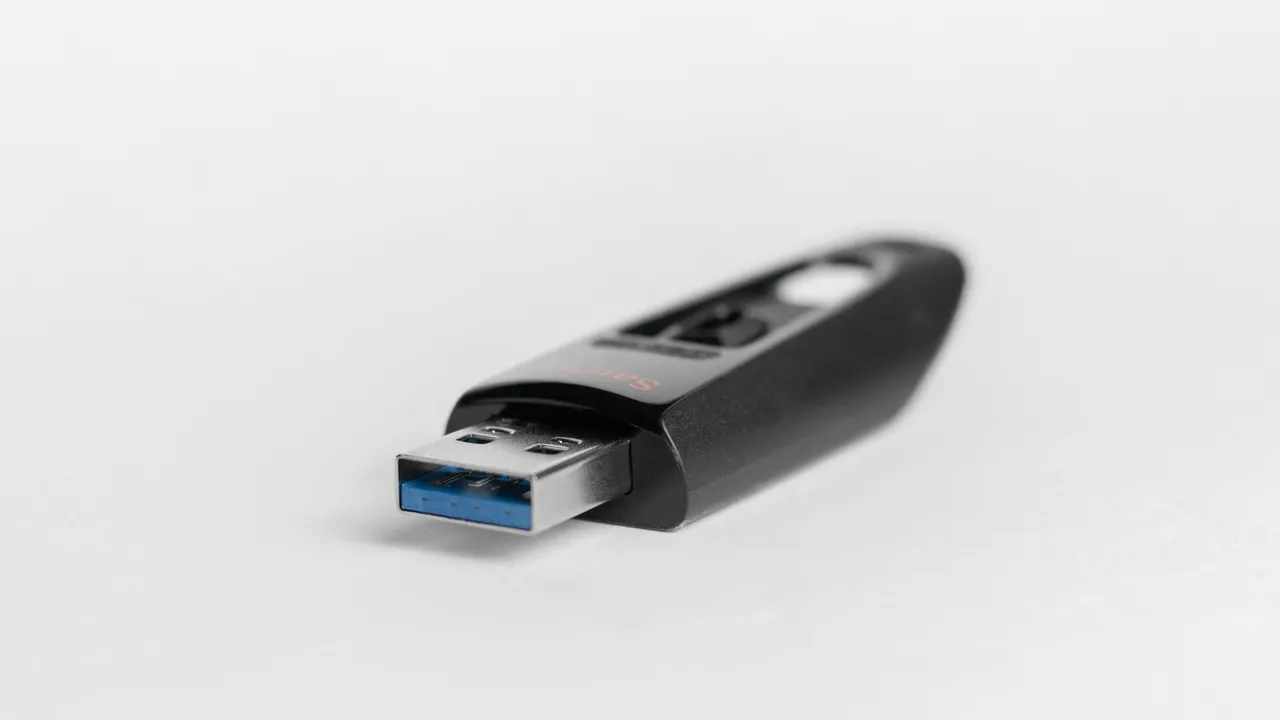
Multiply the copy speed in MB/s by 8, just as you would a download speed. Copying at 100 MB/s equals 800 Mbps, so sending that over a network needs a 1 Gbps port.
How can I convert MB/s to Mbps in my head?
Multiply by 8, which is easiest as three doublings. 15 MB/s becomes 30, then 60, then 120, so 120 Mbps.
Got a question or suggestion?
Write to us if you would like to convert another speed unit or spot a value in the tables that needs fixing.