Convert kilobytes to bits
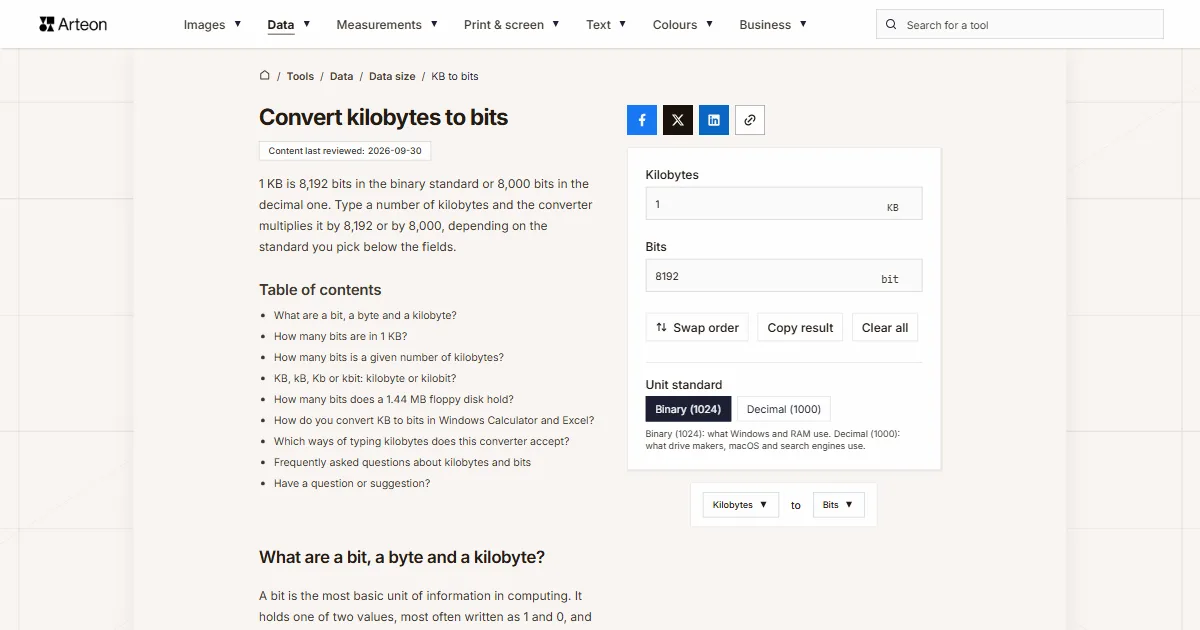
1 KB is 8,192 bits in the binary standard or 8,000 bits in the decimal one. Type a number of kilobytes and the converter multiplies it by 8,192 or by 8,000, depending on the standard you pick below the fields.
What are a bit, a byte and a kilobyte?
A bit is the most basic unit of information in computing. It holds one of two values, most often written as 1 and 0, and a group of eight bits is called a byte[1]. Four bits have a name of their own, a nibble, which is why Windows Calculator lists Nibble between Bits and Bytes.
A kilobyte is 1,000 bytes under the SI meaning of the prefix kilo, and its internationally recommended symbol is kB. When people talk about memory, though, a kilobyte often means 1,024 bytes, because memory chips are built in powers of two[2]. To keep the two apart, the IEC approved separate names for binary multiples in December 1998, so 1,024 bytes is officially a kibibyte (KiB)[3]. Windows still shows file sizes in KB with the 1,024-byte meaning. To see a kilobyte in bytes, use the KB to bytes converter.
How many bits are in 1 KB?
A kilobyte holds 8,192 bits in the binary standard and 8,000 bits in the decimal one. Both numbers come from the same step: you multiply the bytes in a kilobyte by the 8 bits in each byte, so 1,024 × 8 = 8,192 and 1,000 × 8 = 8,000.
That gives two versions of the formula:
- binary: bits = KB × 8,192,
- decimal: bits = KB × 8,000.
A 64 KB file, as File Explorer in Windows reports it, holds 524,288 bits, because Windows counts a kilobyte as 1,024 bytes. The same 64 KB read in the decimal standard comes to 512,000 bits, which is 12,288 bits fewer. The gap grows with the number of kilobytes, and the binary result is always 2.4% larger than the decimal one.
How many bits is a given number of kilobytes?
| Kilobytes | Binary (1024) | Decimal (1000) |
|---|---|---|
| 0.5 KB | 4,096 bits | 4,000 bits |
| 1 KB | 8,192 bits | 8,000 bits |
| 2 KB | 16,384 bits | 16,000 bits |
| 4 KB | 32,768 bits | 32,000 bits |
| 8 KB | 65,536 bits | 64,000 bits |
| 16 KB | 131,072 bits | 128,000 bits |
| 32 KB | 262,144 bits | 256,000 bits |
| 64 KB | 524,288 bits | 512,000 bits |
| 100 KB | 819,200 bits | 800,000 bits |
| 128 KB | 1,048,576 bits | 1,024,000 bits |
| 256 KB | 2,097,152 bits | 2,048,000 bits |
| 500 KB | 4,096,000 bits | 4,000,000 bits |
| 512 KB | 4,194,304 bits | 4,096,000 bits |
| 1,000 KB | 8,192,000 bits | 8,000,000 bits |
| 1,024 KB | 8,388,608 bits | 8,192,000 bits |
| 1,440 KB | 11,796,480 bits | 11,520,000 bits |
KB, kB, Kb or kbit: kilobyte or kilobit?
A kilobyte is eight times bigger than a kilobit, yet their abbreviations often differ by the case of a single letter. A capital B is the standard symbol for the byte. The bit is written "bit" under the IEC 80000-13 standard, while the IEEE 1541 standard uses a lowercase "b", which is easy to confuse with "B"[1]. A kilobit is 1,000 bits, written kbit[1], so 1 KB equals 8.192 kilobits in the binary standard and exactly 8 kilobits in the decimal one.
You mostly meet kilobits in connection speeds, such as a 128 kbit/s audio stream. A speed is given in bits per second, while this converter works with an amount of data.
How many bits does a 1.44 MB floppy disk hold?
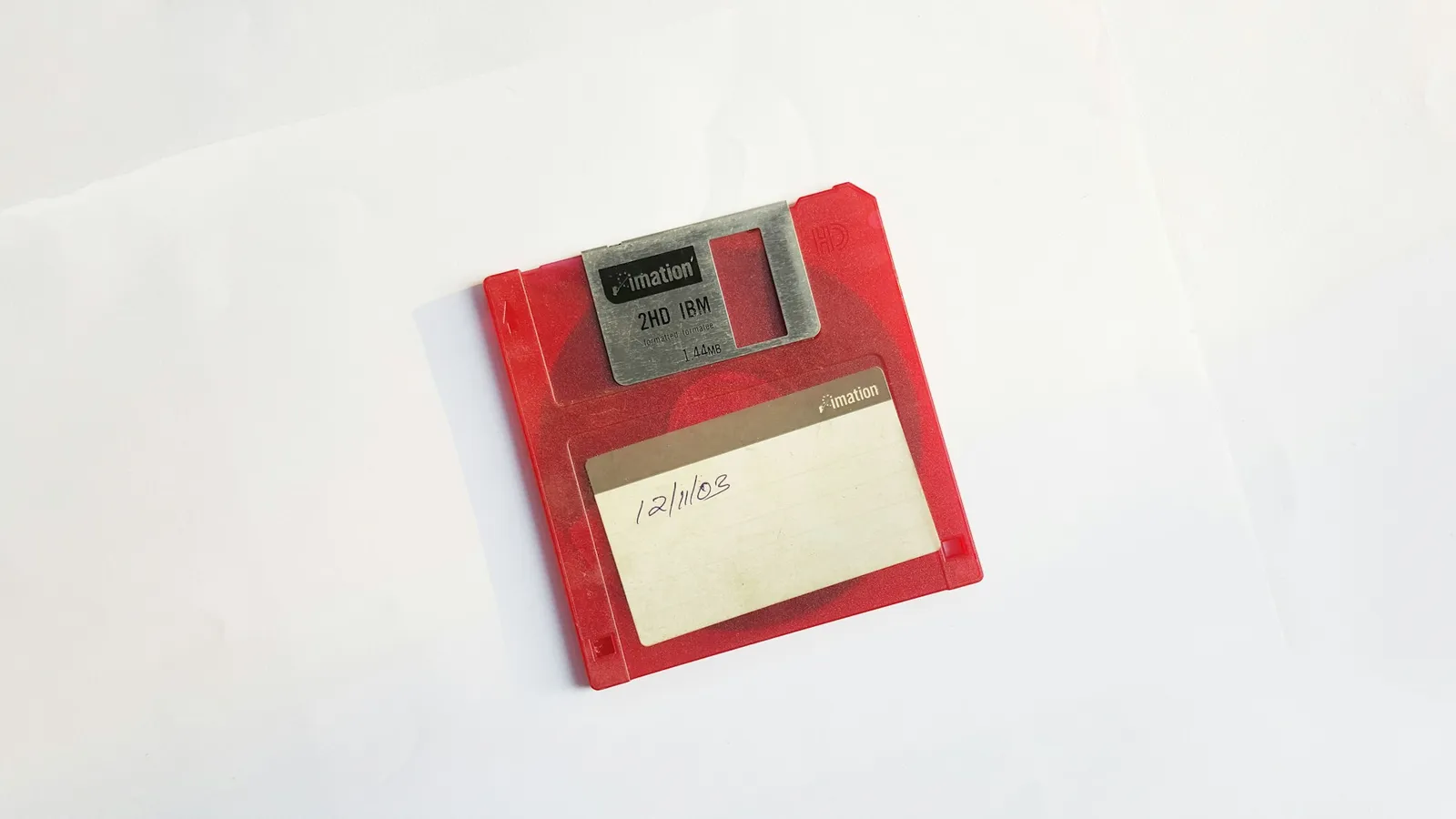
The capacity of the 3.5-inch high-density floppy was sold as 1.44 MB, a figure that mixes both standards. It stands for 1,440 kilobytes of 1,024 bytes, or 1,474,560 bytes[4]. To get the number of bits, type 1440 in the field and leave the standard on Binary (1024). The converter shows 11,796,480 bits.
How do you convert KB to bits in Windows Calculator and Excel?
Both programs convert data units, but each names the 1,024-byte kilobyte differently.
Windows Calculator
Open the Calculator menu and pick Data under Converter. The Kilobytes unit there means 1,000 bytes, so 1 kilobyte comes out as 8,000 bits. To get 8,192 bits, pick Kibibytes instead. The list also has Kilobits, abbreviated Kb, which is easy to misread as KB[5].Excel, decimal standard
Type =CONVERT(A2,"kbyte","bit"). The prefix k means 1,000 in Excel[6], so with 1 in cell A2 the formula returns 8,000.Excel, binary standard
Type =CONVERT(A2,"kibyte","bit"). The prefix ki means 1,024, so with 1 in cell A2 the formula returns 8,192.
Which ways of typing kilobytes does this converter accept?
| What you type | What the converter shows | How we read it |
|---|---|---|
| 1.5 | 12288 bit | The point separates the decimal part, so the field holds one and a half kilobytes. |
| 1,500 | 12288000 bit | A comma before three digits groups the thousands, so the field holds fifteen hundred kilobytes. A note below the field says so, and if you meant one and a half, type 1.5. |
| 1,5 | 12288 bit | A comma before a single digit can only be a decimal comma, as used across most of Europe, so we count one and a half kilobytes. |
| 1 500 | 12288000 bit | We skip the space between the thousands, so the field holds fifteen hundred kilobytes. |
| 2½ | 20480 bit | We add a ½ character copied from text to the number in front of it, so we count two and a half kilobytes. |
| 1e3 | 8192000 bit | We read spreadsheet scientific notation as it stands: 1e3 is a thousand kilobytes. |
| 64 KB | 524288 bit | The field's own unit pasted with the number does no harm, because we take the number in front of it. |
| 64 kb | 524288 bit | We also treat the lowercase abbreviation, as people type it in messages and spreadsheets, as kilobytes. |
| 8192 bit | 8192 bit | Bits pasted into the kilobytes field go in as 1 KB, with a note below the field, so the result is the same bits again. |
| 1024 bytes | 8192 bit | Bytes, such as a size copied from a file's Properties window, go into the field as 1 KB, with a note below it. |
| 2 MB | 16777216 bit | Megabytes pasted into the kilobytes field go in as 2048 KB, because a megabyte is 1,024 KB in the Binary (1024) standard. |
| 1.44 MB | 12079595.52 bit | The field turns a pasted 1.44 MB into 1474.56 KB, because in the binary standard it multiplies megabytes by 1,024. Type the disk's real capacity, 1,440 KB, in kilobytes. |
Convert other units to Bits
Convert Kilobytes to other units
Sources
- Bit — Wikipedia
- Kilobyte — Wikipedia
- Prefixes for binary multiples — National Institute of Standards and Technology
- Binary prefix — Wikipedia
- Windows Calculator source code (UnitConverterDataLoader.cs) — Microsoft, GitHub
- CONVERT function — Microsoft
- Base pair — Wikipedia
Every figure in the tables was computed from the unit definitions and checked arithmetically before publication. Historical values and the names of local units come from the sources listed above.
Content last reviewed: · written and checked by the Arteon team
Frequently asked questions about kilobytes and bits
Is 1 KB equal to 1,024 bits?
No. 1 KB is 1,024 bytes, not bits, and only multiplying by the 8 bits in each byte gives 8,192 bits. 1,024 bits is 128 bytes, or 0.125 KB.
What does kb mean in DNA, and can I convert kb to bp here?
In molecular biology, kb stands for kilobase, a unit equal to 1,000 base pairs of DNA or RNA, so 1 kb is 1,000 bp. It has nothing to do with kilobytes, and this converter does not handle it. To keep the two apart, biologists also write kbp for base pairs[7].
Have a question or suggestion?
If you spot a mistake in a table or miss a conversion, write to us.