Convert tebibytes to terabytes
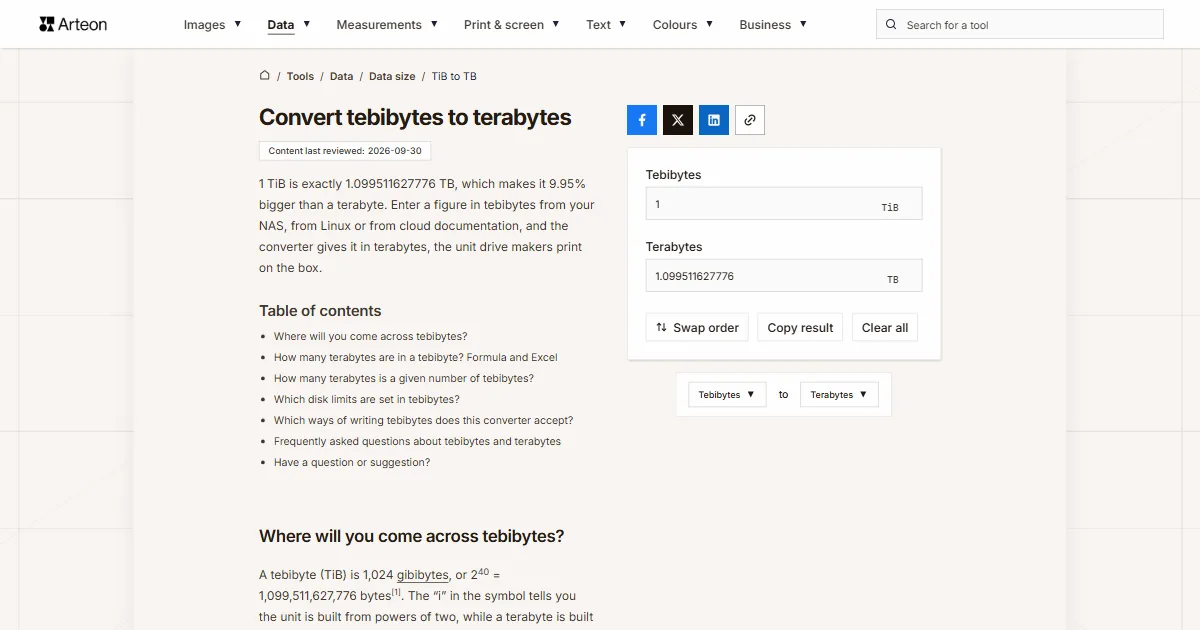
1 TiB is exactly 1.099511627776 TB, which makes it 9.95% bigger than a terabyte. Enter a figure in tebibytes from your NAS, from Linux or from cloud documentation, and the converter gives it in terabytes, the unit drive makers print on the box.
Where will you come across tebibytes?
A tebibyte (TiB) is 1,024 gibibytes, or 240 = 1,099,511,627,776 bytes[1]. The “i” in the symbol tells you the unit is built from powers of two, while a terabyte is built from thousands.
You will see tebibytes labelled as such in server and cloud documentation and on Linux. The df -h command counts in powers of 1,024 and adds a single letter to each size, so a T there means tebibytes[2].
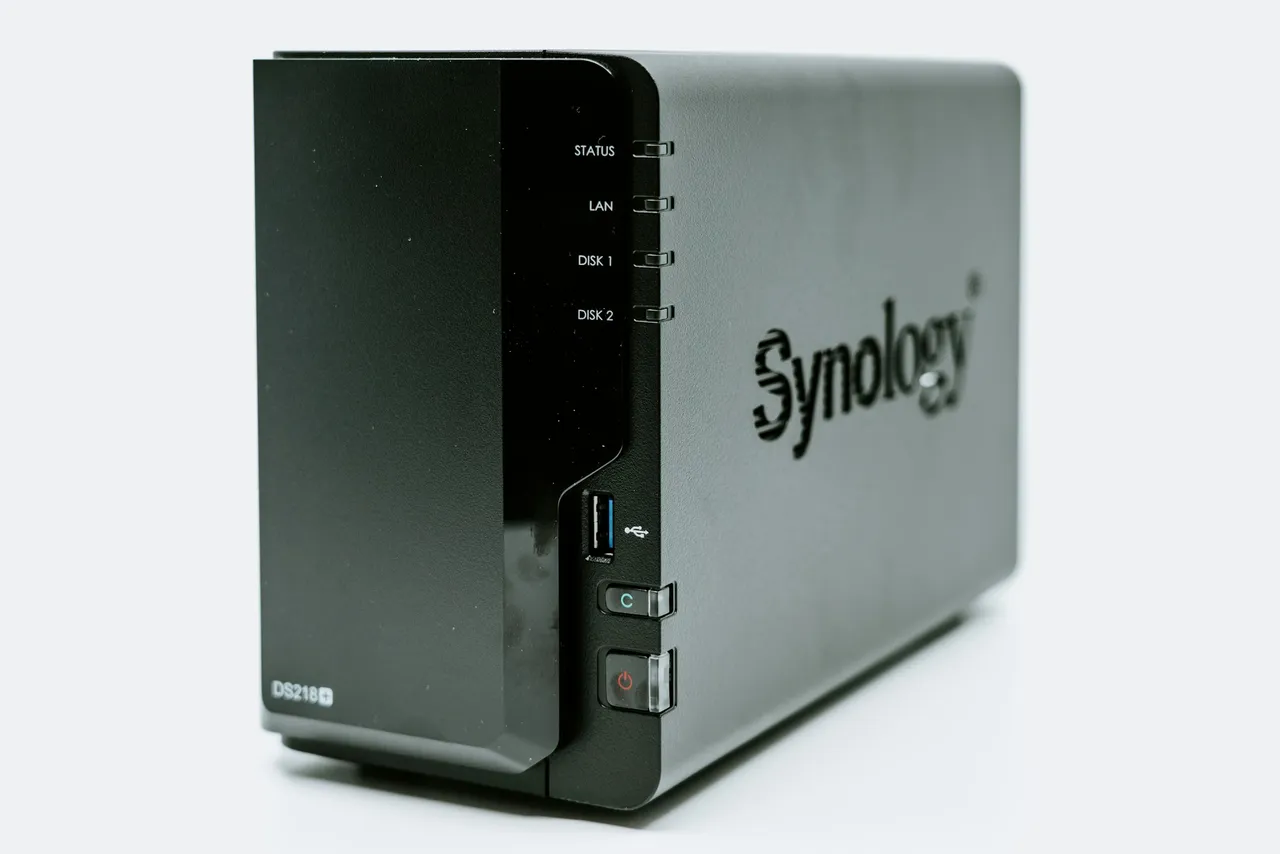
More often, tebibytes hide behind the TB symbol. A Synology NAS measures drive sizes in binary[3], and Windows does the same while labelling the result with decimal units[4]. So if File Explorer shows a drive as 14.5 TB, enter 14.5 above as tebibytes and you get the capacity in the terabytes that appear on a drive label.
How many terabytes are in a tebibyte? Formula and Excel
A tebibyte is exactly 1.099511627776 terabytes. The value ends because 240 divided by a trillion gives a decimal that terminates, so the converter shows it in full with no rounding:
- TB = TiB × 1,099,511,627,776 ÷ 1012,
- TB = TiB × 1.099511627776.
A 10 TiB cloud quota is therefore 10.99511627776 TB, almost 11 TB. When you buy drives to fill a quota like that, add up the capacities printed on their labels and compare the total with this figure.
In Excel, use =CONVERT(A2,"Tibyte","Tbyte"). The prefix “Ti” in this function stands for tebi, or 240[1]. To turn a label capacity into tebibytes, open the TB to TiB converter, and for any other pair of units use the data unit converter.
How many terabytes is a given number of tebibytes?
| Tebibytes | Terabytes |
|---|---|
| 0.5 TiB | 0.549755813888 TB |
| 1 TiB | 1.099511627776 TB |
| 2 TiB | 2.199023255552 TB |
| 4 TiB | 4.398046511104 TB |
| 8 TiB | 8.796093022208 TB |
| 10 TiB | 10.99511627776 TB |
| 16 TiB | 17.592186044416 TB |
| 20 TiB | 21.99023255552 TB |
| 32 TiB | 35.184372088832 TB |
| 50 TiB | 54.9755813888 TB |
| 64 TiB | 70.368744177664 TB |
| 100 TiB | 109.9511627776 TB |
| 256 TiB | 281.474976710656 TB |
| 1,024 TiB | 1,125.899906842624 TB |
Which disk limits are set in tebibytes?
| Limit | In tebibytes | In terabytes |
|---|---|---|
| Drive with an MBR partition table | 2 TiB | 2.199023255552 TB |
| NTFS volume with the default 4 KB cluster | 16 TiB | 17.592186044416 TB |
| Amazon EBS volume | 64 TiB | 70.368744177664 TB |
| NTFS volume according to AWS | 256 TiB | 281.474976710656 TB |
Which ways of writing tebibytes does this converter accept?
| What you type | What the converter shows | How we read it |
|---|---|---|
| 3.5 | 3.848290697216 TB | The dot is the decimal point, so the field holds three and a half tebibytes. |
| 1,024 | 1125.899906842624 TB | A comma before three digits is a thousands separator, so the field counts one thousand and twenty-four tebibytes. A note under the field says so; type one point zero two four as 1.024. |
| 1.500 | 1.649267441664 TB | A single dot is always read as a decimal point, so the field counts one and a half tebibytes. A note under the field says so; type fifteen hundred as 1500 or 1,500. |
| ½ | 0.549755813888 TB | A ½ character copied from text counts as half a tebibyte. |
| 1e3 | 1099.511627776 TB | Scientific notation from a spreadsheet is read as written, so 1e3 is a thousand tebibytes. |
| 64TiB | 70.368744177664 TB | The TiB stuck to the number, as cloud documentation writes it, is dropped and the field counts sixty-four tebibytes. |
| 14.55 TiB | 15.997894184141 TB | A capacity copied from a NAS window together with its symbol is read as 14.55 tebibytes. |
| 3.7T | 4.068193022771 TB | The T from the df -h output stands for tebibytes, so the field counts 3.7 TiB. |
| 4 TB | 4 TB | Terabytes from a label pasted into the tebibyte field are written in as 3.637979 TiB, so the result comes back to 4 TB. |
| 3,725.29 GiB | 3.999999679529 TB | Gibibytes, say from a Linux tool, are written in as 3.637979 TiB. The result is just under 4 TB because 3,725.29 is already a rounded figure. |
| 1 PB | 1000 TB | A petabyte pasted into the tebibyte field is written in as 909.494702 TiB, so the result is exactly a thousand terabytes. |
Convert other units to Terabytes
Sources
- CONVERT function — Microsoft
- df invocation — GNU Coreutils
- Why does my drive size appear smaller on Synology storage system? — Synology
- Binary prefix — Wikipedia
- Amazon EBS volume constraints — Amazon Web Services
- NTFS overview — Microsoft
Every figure in the tables was computed from the unit definitions and checked arithmetically before publication. Historical values and the names of local units come from the sources listed above.
Content last reviewed: · written and checked by the Arteon team
Frequently asked questions about tebibytes and terabytes
How do I make df show terabytes instead of tebibytes?
Use df -H or df --si. Both count in powers of 1,000, so the result uses the same units as the drive label[2].
Is 16 TiB the same as 16 TB?
No. 16 TiB is 17.592186044416 TB, more than one and a half terabytes extra. The gap grows with the number, because every tebibyte is 9.95% bigger than a terabyte.
Have a question or suggestion?
If you spot a mistake in a table or a limit set in tebibytes is missing, let us know.