Convert megabytes to mebibytes
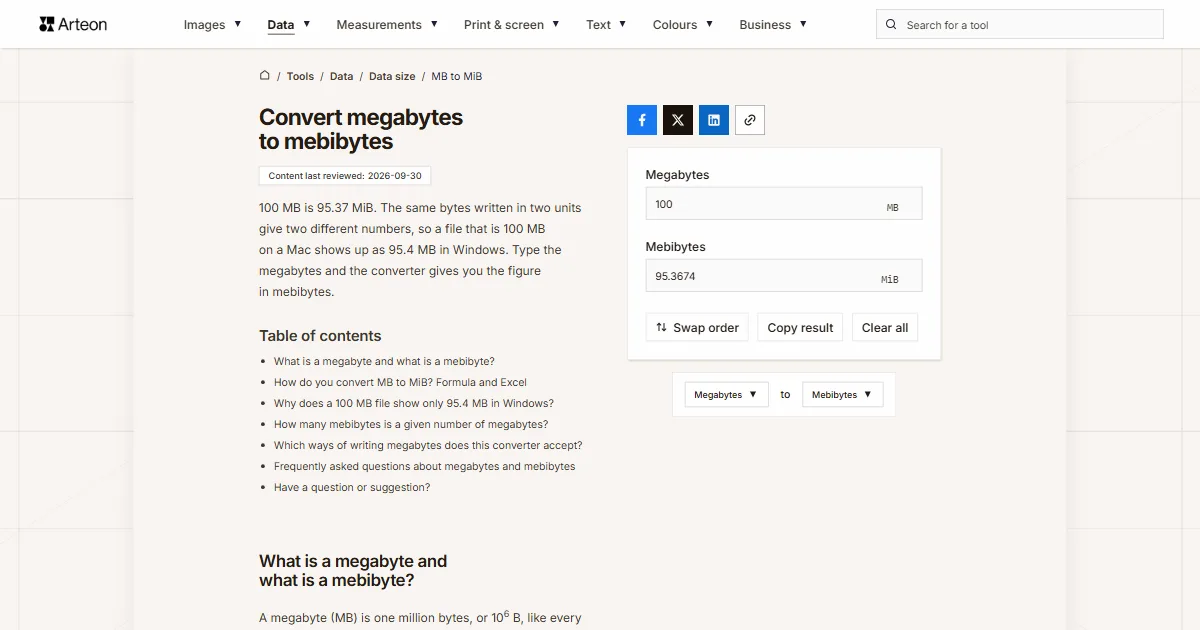
100 MB is 95.37 MiB. The same bytes written in two units give two different numbers, so a file that is 100 MB on a Mac shows up as 95.4 MB in Windows. Type the megabytes and the converter gives you the figure in mebibytes.
What is a megabyte and what is a mebibyte?
A megabyte (MB) is one million bytes, or 106 B, like every other unit with the SI prefix mega. A mebibyte (MiB) is 220 bytes, or 1,048,576 B. The IEC named it so that a size counted in powers of two would stop sharing a name with the decimal one; before that, 1,048,576 bytes was also commonly called a megabyte[1].
A mebibyte is 4.86% larger than a megabyte. For a photo from your phone that is a fraction of a megabyte, but for a 1,000 MB video it is already more than 46 units, because the same video is 953.67 MiB.
The gap grows with larger sizes, as the GB to GiB converter shows, and the data size converter handles any other pair of units.
How do you convert MB to MiB? Formula and Excel
Multiply the megabytes by one million to get bytes, then divide by 1,048,576. In one step: MiB = MB × 0.95367431640625. The factor is exact, because a million divided by 220 ends after fourteen decimal places.
A 25 MB attachment is 25 × 0.95367 = 23.84 MiB, and a 700 MB disc image is 667.57 MiB. The result always comes out about 4.6% lower than the number in megabytes.
In Excel, use =CONVERT(A2,"Mbyte","Mibyte"). In this function "Mi" stands for mebi, 220, and plain "M" for mega[2].
The MiB to MB converter goes the other way, and the Swap order button carries your result over.
Why does a 100 MB file show only 95.4 MB in Windows?
macOS reports file sizes in decimal megabytes, while Windows divides the byte count by powers of 1024 and still labels the result MB[3]. A file that Finder lists as 100 MB therefore shows 95.4 MB in File Explorer, without losing a single byte.
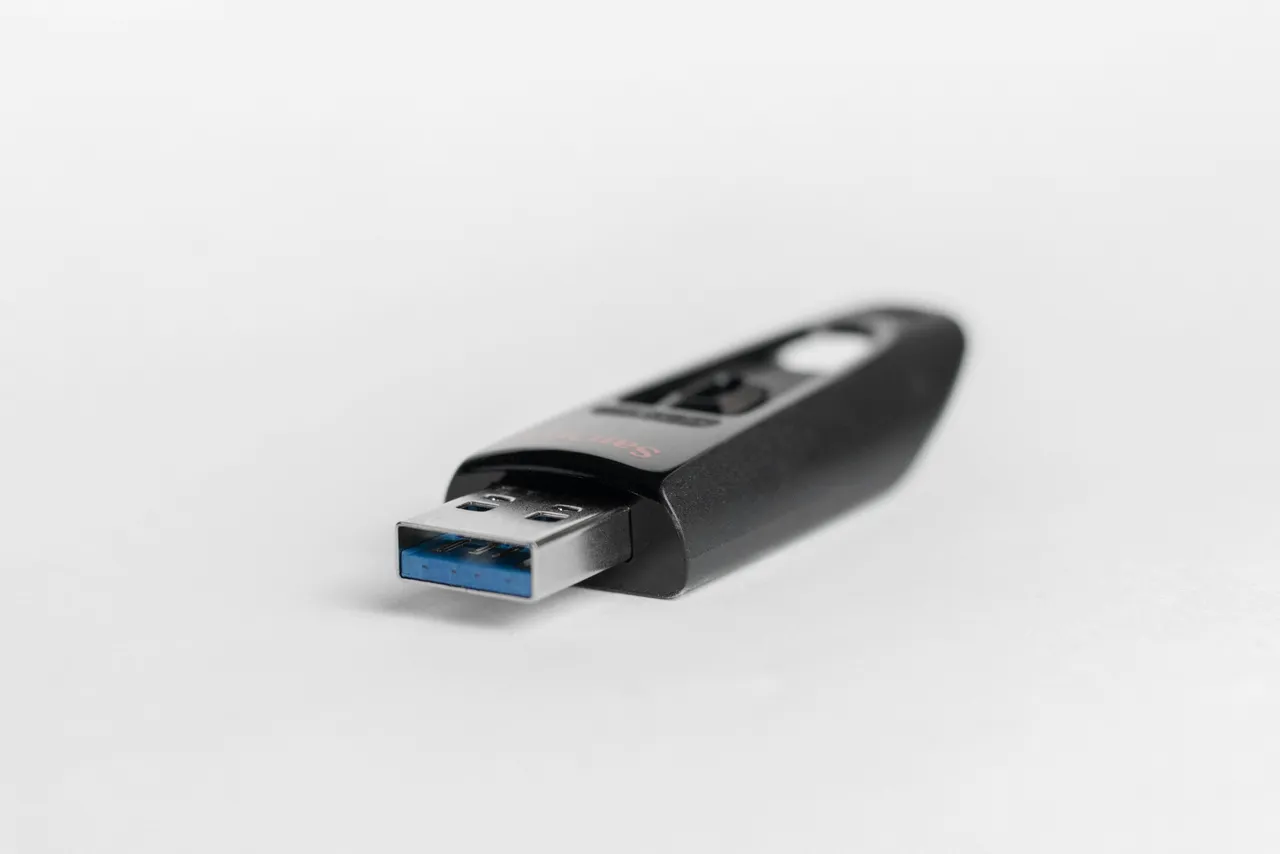
Upload limits work the same way. USCIS, the US immigration agency, accepts evidence uploaded with a form filed through its website only up to 12 MB per file[4]. If that limit is counted in decimal, a scan that Windows lists as 11.5 MB is really 12.06 MB and goes over it. In that case, run the Windows figure through the MiB to MB converter.
How many mebibytes is a given number of megabytes?
| Megabytes | Mebibytes |
|---|---|
| 1 MB | 0.9537 MiB |
| 2 MB | 1.9073 MiB |
| 5 MB | 4.7684 MiB |
| 10 MB | 9.5367 MiB |
| 25 MB | 23.8419 MiB |
| 50 MB | 47.6837 MiB |
| 100 MB | 95.3674 MiB |
| 128 MB | 122.0703 MiB |
| 250 MB | 238.4186 MiB |
| 256 MB | 244.1406 MiB |
| 500 MB | 476.8372 MiB |
| 512 MB | 488.2813 MiB |
| 700 MB | 667.572 MiB |
| 1,000 MB | 953.6743 MiB |
| 1,024 MB | 976.5625 MiB |
| 4,096 MB | 3,906.25 MiB |
| 10,000 MB | 9,536.7432 MiB |
Which ways of writing megabytes does this converter accept?
| What you type | What the converter shows | How we read it |
|---|---|---|
| 1.5 | 1.4305 MiB | The point marks the decimal part, so the field holds one and a half megabytes. |
| 1,500 | 1430.5115 MiB | A comma before three digits separates thousands in English, so the field holds fifteen hundred megabytes. A note under the field says so; type one and a half as 1.5. |
| 1.500 | 1.4305 MiB | A single dot is always read as a decimal point, so the field counts one and a half megabytes. A note under the field says so; type fifteen hundred as 1500 or 1,500. |
| 1000 | 953.6743 MiB | A plain number is read as megabytes, the unit of this field. |
| 2½ | 2.3842 MiB | A ½ sign copied from a text is added to the number in front of it. |
| 1e3 | 953.6743 MiB | Scientific notation from a spreadsheet is read as it stands: 1e3 is a thousand megabytes. |
| 100MB | 95.3674 MiB | An MB symbol stuck to the number, as in a download listing, is dropped and only the number counts. |
| 1 GB | 953.6743 MiB | A gigabyte pasted into the megabyte field is rewritten as 1000 MB, with a note under the field. |
| 1,048,576 bytes | 1 MiB | A byte count from a file's Properties window is written in the field as 1.048576 MB, which is exactly one mebibyte. |
| 95.37 MiB | 95.37 MiB | Mebibytes pasted into the megabyte field are rewritten as 100.002693 MB, so the result comes back to the same 95.37 MiB. |
| 128Mi | 128 MiB | A memory limit from a Kubernetes file, written without the letter B, is read correctly too: the field holds 134.217728 MB, and the result comes back to the same 128 MiB. |
Convert Megabytes to other units
Sources
- Megabyte — Wikipedia
- CONVERT function — Microsoft
- Binary prefix — Wikipedia
- Tips for Filing Forms Online — USCIS
Every figure in the tables was computed from the unit definitions and checked arithmetically before publication. Historical values and the names of local units come from the sources listed above.
Content last reviewed: · written and checked by the Arteon team
Frequently asked questions about megabytes and mebibytes
How many mebibytes are in a gigabyte?
A decimal gigabyte is 1,000 MB, or 953.67 MiB. The same gap on a larger scale, the 931 GB of a 1 TB drive, is explained by the GB to GiB converter.
Have a question or suggestion?
If you have spotted an error in the table or a size is missing, write to us.