Convert terabytes to tebibytes
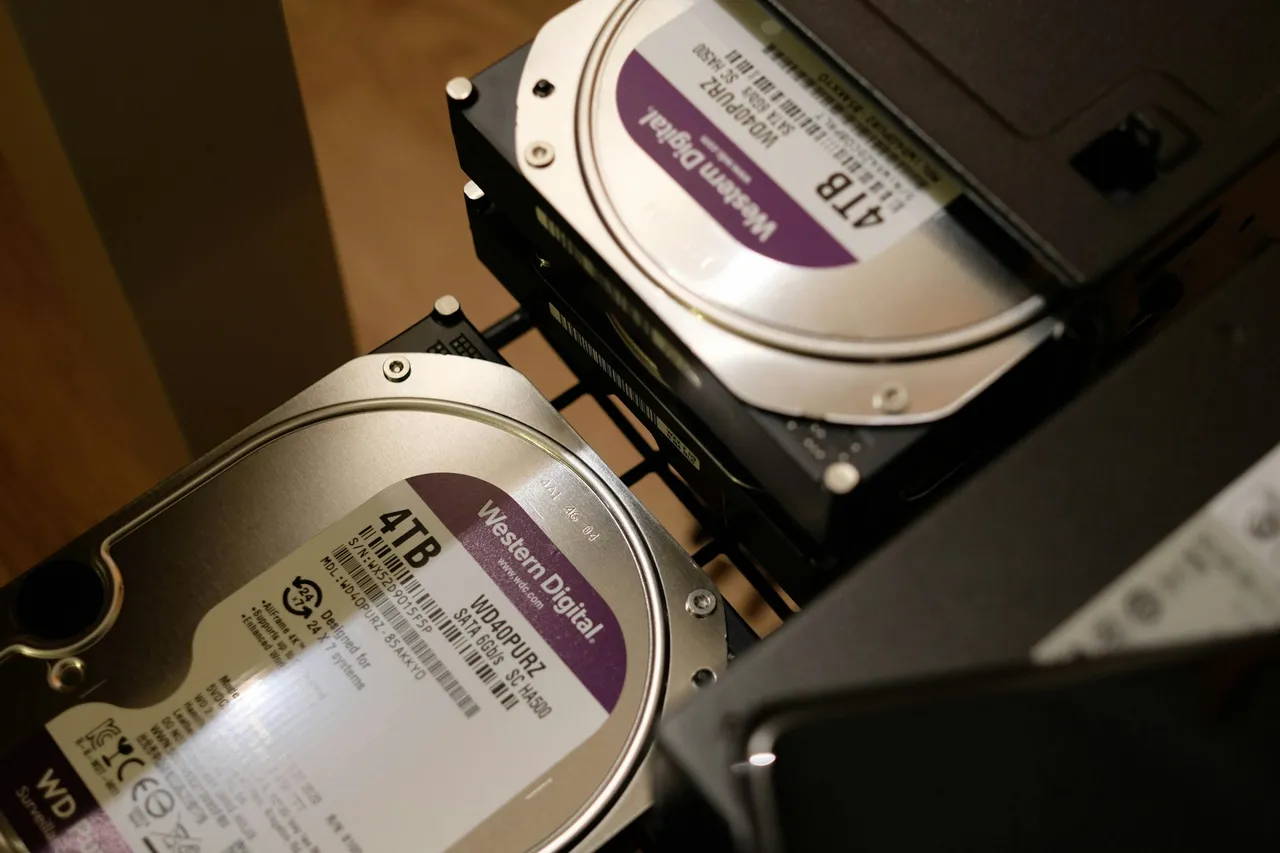
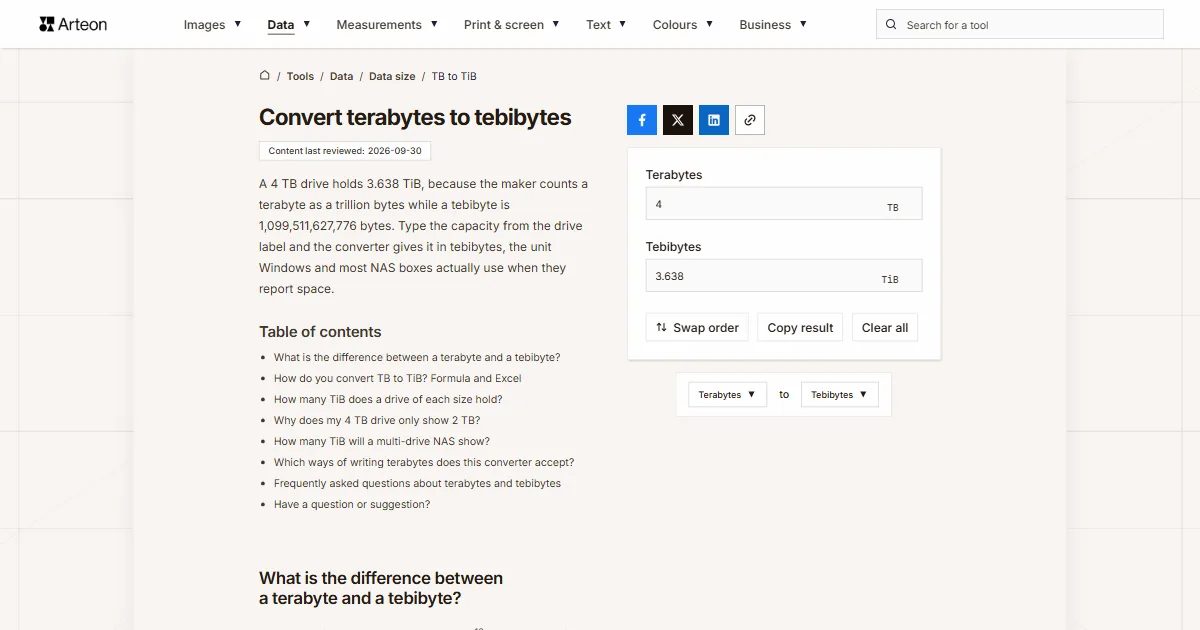
A 4 TB drive holds 3.638 TiB, because the maker counts a terabyte as a trillion bytes while a tebibyte is 1,099,511,627,776 bytes. Type the capacity from the drive label and the converter gives it in tebibytes, the unit Windows and most NAS boxes actually use when they report space.
What is the difference between a terabyte and a tebibyte?
A terabyte (TB) is a trillion bytes, or 1012 B. A tebibyte (TiB) is 240 bytes, which comes to 1,099,511,627,776 B, so it is 9.95% bigger. The International Electrotechnical Commission (IEC) defined the binary prefixes with an “i” in the symbol, such as gibi and tebi, in 1999, so that powers of two would no longer borrow the metric prefixes[1]. The SI Brochure of the International Bureau of Weights and Measures (BIPM) backs this up: kilo, mega and tera stand strictly for powers of ten, so a kilobit is 1000 bits, and the binary prefixes are the ones to use for powers of two[2].
Both units describe the same drive; they just count its bytes differently. Manufacturers state capacity in decimal, so 4 TB on the box means four trillion bytes[3]. Windows divides that byte count by powers of 1,024 but still labels the result TB[1]. That is why a brand-new 4 TB drive shows up in File Explorer as roughly 3.6 TB, even though not a single byte is missing. On a Mac the same drive reads 4 TB, because macOS, like Ubuntu and Debian, reports capacity in decimal units[1].
How do you convert TB to TiB? Formula and Excel
Multiply the terabytes by a trillion to get bytes, then divide by 240. As a shortcut, multiply the terabytes by 0.9094947:
- TiB = TB × 1012 ÷ 1,099,511,627,776,
- TiB ≈ TB × 0.9094947.
A 16 TB drive therefore holds 16 × 0.9094947, or 14.5519 TiB. The multiplier is the same for every size, so a bigger drive loses more gigabytes on screen while the percentage gap stays fixed.
In Excel, use =CONVERT(A2,"Tbyte","Tibyte"), where the prefix “Ti” stands for tebi, or 240[4]. To go the other way, open the TiB to TB converter. For gigabytes with a choice of decimal or binary counting, use the TB to GB converter. To turn label gigabytes into gibibytes, use the GB to GiB converter.
How many TiB does a drive of each size hold?
| Capacity on the label | Tebibytes |
|---|---|
| 1 TB | 0.9095 TiB |
| 2 TB | 1.819 TiB |
| 4 TB | 3.638 TiB |
| 6 TB | 5.457 TiB |
| 8 TB | 7.276 TiB |
| 10 TB | 9.0949 TiB |
| 12 TB | 10.9139 TiB |
| 14 TB | 12.7329 TiB |
| 16 TB | 14.5519 TiB |
| 18 TB | 16.3709 TiB |
| 20 TB | 18.1899 TiB |
| 22 TB | 20.0089 TiB |
| 24 TB | 21.8279 TiB |
| 26 TB | 23.6469 TiB |
| 28 TB | 25.4659 TiB |
| 30 TB | 27.2848 TiB |
| 32 TB | 29.1038 TiB |
Why does my 4 TB drive only show 2 TB?
This happens when the drive uses the MBR partition table. MBR stores the sector number in 32 bits, so with 512-byte sectors it can reach at most 232 × 512 B, which is 2 TiB. Microsoft calls this limit “2 TB” but notes that it counts in powers of two, and that the matching drive label reads about 2.2 TB[5].
On a 3 TB or 4 TB drive set up as MBR, Windows can only create partitions in the first 2 TiB, and the rest of the capacity cannot be used[5]. The fix is to initialise the drive as GPT, which addresses the full capacity, and Microsoft advises backing up important data first. If you want the computer to boot from that drive, its firmware has to support UEFI[5].
How many TiB will a multi-drive NAS show?
| Drives and RAID type | Space for data | In tebibytes |
|---|---|---|
| 2 × 4 TB, RAID 1 | 4 TB | 3.638 TiB |
| 2 × 8 TB, RAID 1 | 8 TB | 7.276 TiB |
| 4 × 4 TB, RAID 5 | 12 TB | 10.9139 TiB |
| 4 × 8 TB, RAID 5 | 24 TB | 21.8279 TiB |
| 4 × 16 TB, RAID 5 | 48 TB | 43.6557 TiB |
| 6 × 20 TB, RAID 6 | 80 TB | 72.7596 TiB |
| 8 × 24 TB, RAID 6 | 144 TB | 130.9672 TiB |
Which ways of writing terabytes does this converter accept?
| What you type | What the converter shows | How we read it |
|---|---|---|
| 3.5 | 3.1832 TiB | The dot is the decimal point, so the field holds three and a half terabytes. |
| 3,5 | 3.1832 TiB | A comma before one digit can only be a decimal comma, as used across Europe, so the result matches 3.5. |
| 1,500 | 1364.2421 TiB | A comma before three digits is a thousands separator, so the field counts fifteen hundred terabytes. A note under the field says so; type one and a half as 1.5. |
| 1.500 | 1.3642 TiB | A single dot is always read as a decimal point, so the field counts one and a half terabytes. A note under the field says so; type fifteen hundred as 1500 or 1,500. |
| ½ | 0.4547 TiB | A ½ character copied from text counts as half a terabyte. |
| 1e3 | 909.4947 TiB | Scientific notation from a spreadsheet is read as written, so 1e3 is a thousand terabytes. |
| 16TB | 14.5519 TiB | The TB stuck to the number is dropped and the field counts sixteen terabytes. |
| Capacity: 18 TB | 16.3709 TiB | From a line copied out of a shop listing we take only the number next to the symbol. |
| WD40PURZ 4TB | 3.638 TiB | The digits in the model name are not merged with the capacity, so the field counts the 4 TB from the label. |
| 500 GB | 0.4547 TiB | Gigabytes pasted into the terabyte field are written in as 0.5 TB, with a note under the field. |
| 3.64 TiB | 3.64 TiB | Tebibytes pasted into the terabyte field, say from a NAS window, are written in as 4.002222 TB, so the result comes back to 3.64 TiB. |
| 4,000,787,030,016 bytes | 3.6387 TiB | The byte count from the Properties window of a 4 TB drive becomes 4.000787 TB in the field, with a note under it. |
Convert Terabytes to other units
Sources
- Binary prefix — Wikipedia
- The International System of Units (SI), 9th edition — BIPM
- How storage capacity is measured on Apple devices — Apple
- CONVERT function — Microsoft
- Windows support for hard disks exceeding 2 TB — Microsoft
- Why does my drive size appear smaller on Synology storage system? — Synology
- Choose a RAID Type — Synology
Every figure in the tables was computed from the unit definitions and checked arithmetically before publication. Historical values and the names of local units come from the sources listed above.
Content last reviewed: · written and checked by the Arteon team
Frequently asked questions about terabytes and tebibytes
Does an SSD also show less space than the label says?
Yes. Manufacturers state the capacity of every storage device in decimal, SSDs included[3], so a 2 TB SSD holds 1.819 TiB and Windows shows it as about 1.8 TB.
Do two 4 TB drives in RAID 1 give me 8 TB?
No. RAID 1 writes the same data to both drives, so you get the space of one drive, 4 TB[7]. The NAS will show about 3.6 TB of it, because it reports tebibytes.
Have a question or suggestion?
If you spot a mistake in a table or a drive size is missing, let us know.