Convert Mbps to kbps
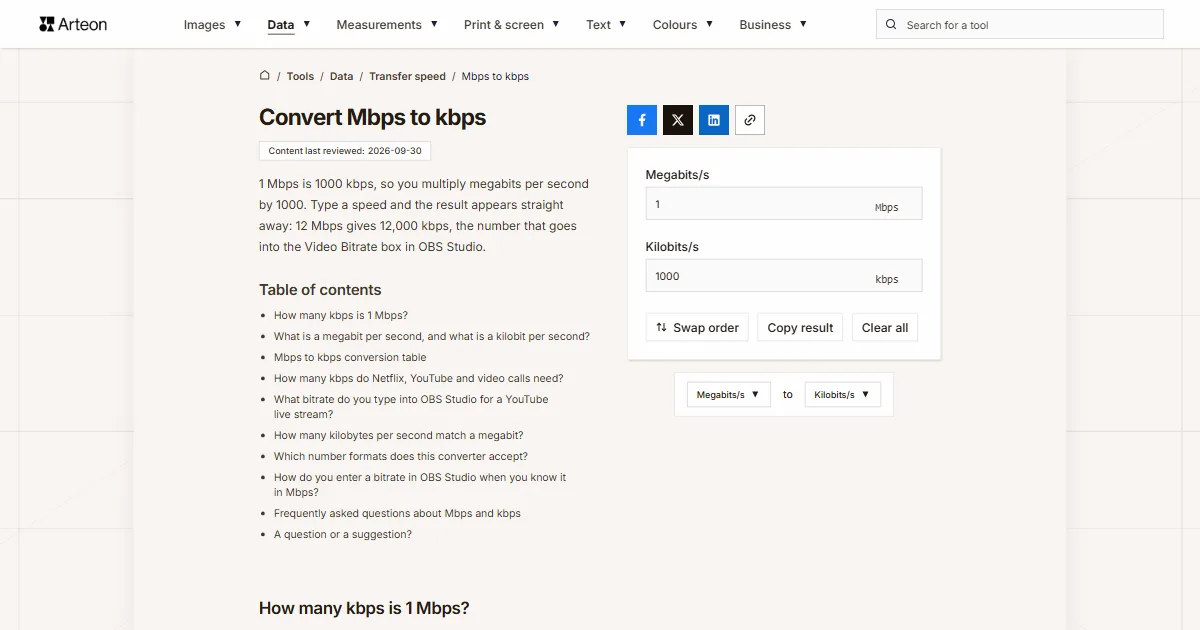
1 Mbps is 1000 kbps, so you multiply megabits per second by 1000. Type a speed and the result appears straight away: 12 Mbps gives 12,000 kbps, the number that goes into the Video Bitrate box in OBS Studio.
How many kbps is 1 Mbps?
One megabit per second is 1000 kilobits per second. You multiply the Mbps figure by 1000: kbps = Mbps × 1000[1].
Speeds from a provider’s offer and from a speed test convert the same way. A 30 Mbps line gives 30,000 kbps. A speed of 100 Mbps is 100,000 kbps.
The conversion matters wherever a field takes kilobits only and you know the line in megabits. That is how the bitrate box in streaming software works: a bitrate of 5 Mbps goes in as 5000.
Multiplying works the same way on fractions, and those turn up on slower connections. A speed of 0.5 Mbps is 500 kbps, and 0.05 Mbps is 50 kbps.
Without a calculator, add three zeros or move the decimal point three places to the right. A value written in kilobits goes back in the kbps to Mbps converter.
What is a megabit per second, and what is a kilobit per second?
A megabit per second is the unit providers use to describe a line and the one speed tests report. One megabit per second means a million bits sent every second. A bit is the smallest piece of information, a single zero or one.
A kilobit per second is the unit a thousand times smaller: a thousand bits in a second. The kilo and mega prefixes come from the SI and keep their values next to bits, a thousand and a million[1]. That is where the multiplier of 1000 between the two units comes from, while the 1024 multiplier has a unit of its own: the kibibit per second, written Kibit/s[1]. Both families of units appear side by side in the table in the kbps to Mbps converter.
Both units measure the same quantity, bit rate[2]. Choosing between them is a matter of convenient notation: megabits suit household line speeds, kilobits suit the values a program wants down to the unit.
English pages write Mbps and kbps, as Netflix help does[3].
Mbps to kbps conversion table
| Speed in Mbps | The same in kbps |
|---|---|
| 0.05 Mbps | 50 kbps |
| 0.1 Mbps | 100 kbps |
| 0.5 Mbps | 500 kbps |
| 1 Mbps | 1,000 kbps |
| 2 Mbps | 2,000 kbps |
| 3 Mbps | 3,000 kbps |
| 4 Mbps | 4,000 kbps |
| 5 Mbps | 5,000 kbps |
| 6 Mbps | 6,000 kbps |
| 8 Mbps | 8,000 kbps |
| 10 Mbps | 10,000 kbps |
| 12 Mbps | 12,000 kbps |
| 15 Mbps | 15,000 kbps |
| 20 Mbps | 20,000 kbps |
| 24 Mbps | 24,000 kbps |
| 25 Mbps | 25,000 kbps |
| 30 Mbps | 30,000 kbps |
| 35 Mbps | 35,000 kbps |
| 40 Mbps | 40,000 kbps |
| 50 Mbps | 50,000 kbps |
| 60 Mbps | 60,000 kbps |
| 80 Mbps | 80,000 kbps |
| 100 Mbps | 100,000 kbps |
| 150 Mbps | 150,000 kbps |
| 200 Mbps | 200,000 kbps |
| 250 Mbps | 250,000 kbps |
| 300 Mbps | 300,000 kbps |
| 400 Mbps | 400,000 kbps |
| 500 Mbps | 500,000 kbps |
| 600 Mbps | 600,000 kbps |
| 800 Mbps | 800,000 kbps |
| 1,000 Mbps | 1,000,000 kbps |
How many kbps do Netflix, YouTube and video calls need?

| What for | In Mbps | The same in kbps |
|---|---|---|
| Netflix, HD 720p picture | 3 Mbps | 3,000 kbps |
| Netflix, Full HD 1080p picture | 5 Mbps | 5,000 kbps |
| Netflix, 4K picture | 15 Mbps | 15,000 kbps |
| YouTube, 480p picture | 1.1 Mbps | 1,100 kbps |
| YouTube, 720p picture | 2.5 Mbps | 2,500 kbps |
| YouTube, 1080p picture | 5 Mbps | 5,000 kbps |
| YouTube, 4K picture | 20 Mbps | 20,000 kbps |
| Zoom, group call in 720p, upload | 2.6 Mbps | 2,600 kbps |
| Zoom, call in 1080p, upload | 3.8 Mbps | 3,800 kbps |
What bitrate do you type into OBS Studio for a YouTube live stream?
| Resolution and frame rate | YouTube recommendation for H.264 | Value for the Video Bitrate box |
|---|---|---|
| 4K/2160p at 60 fps | 35 Mbps | 35,000 kbps |
| 4K/2160p at 30 fps | 30 Mbps | 30,000 kbps |
| 1440p at 60 fps | 24 Mbps | 24,000 kbps |
| 1440p at 30 fps | 15 Mbps | 15,000 kbps |
| 1080p at 60 fps | 12 Mbps | 12,000 kbps |
| 1080p at 30 fps | 10 Mbps | 10,000 kbps |
| 720p at 60 fps | 6 Mbps | 6,000 kbps |
| 240p–720p at 30 fps | 4 Mbps | 4,000 kbps |
How many kilobytes per second match a megabit?
| Speed | In kbps | In kB/s | In MB/s |
|---|---|---|---|
| 1 Mbps | 1,000 kbps | 125 kB/s | 0.125 MB/s |
| 5 Mbps | 5,000 kbps | 625 kB/s | 0.625 MB/s |
| 10 Mbps | 10,000 kbps | 1,250 kB/s | 1.25 MB/s |
| 30 Mbps | 30,000 kbps | 3,750 kB/s | 3.75 MB/s |
| 100 Mbps | 100,000 kbps | 12,500 kB/s | 12.5 MB/s |
| 300 Mbps | 300,000 kbps | 37,500 kB/s | 37.5 MB/s |
| 1,000 Mbps | 1,000,000 kbps | 125,000 kB/s | 125 MB/s |
Which number formats does this converter accept?
| What you type | What the converter shows | Note |
|---|---|---|
| 12 | 12,000 kbps | A number on its own is read as megabits per second, because that is the unit on the field. |
| 12 Mbps | 12,000 kbps | The Mbps symbol that YouTube help uses is skipped when it comes with the number. |
| 0.5 | 500 kbps | The decimal point separates the fraction, exactly as you would expect. |
| 0,5 | 500 kbps | A comma followed by one or two digits can only be a decimal comma, so the result is the same. |
| 1.500 | 1,500 kbps | A single point is always read as a decimal point, so the field counts one and a half megabits per second. A note under the field says: Read as 1.5. If you meant 1500, type 1500. |
| 1,500 | 1,500,000 kbps | A comma before three digits groups thousands in English, so this is fifteen hundred megabits per second. A note under the field says: Read as 1500. If you meant 1.5, type 1.5. |
| 1 500 | 1,500,000 kbps | A space between the thousands, as written in much of Europe and in SI style, gives the same result as 1,500. |
| 500 kbps | 500 kbps | Kilobits are turned into 0.5 Mbps, a line under the field says so, and the answer comes back as 500 kbps. |
| 1 Gbps | 1,000,000 kbps | Gigabits are turned into 1,000 Mbps and a line under the field says so. |
| 12.5 MB/s | 100,000 kbps | Megabytes per second from a download window are multiplied by eight, stored as 100 Mbps and reported under the field. |
How do you enter a bitrate in OBS Studio when you know it in Mbps?
Your provider quotes the upload in megabits and streaming software asks for the bitrate in kilobits. The field and button names come from the English version of OBS Studio.
Read your upload speed
Run a speed test and note the upload figure in Mbps. Put it in the field on this page and you get the same value in kilobits: a line with a 20 Mbps upload gives 20,000 kbps.Open the output settings
In OBS Studio, click Settings and choose the Output tab on the left of the window. Leave Output Mode on Simple[7].Type the number in the Video Bitrate box
The Video Bitrate box takes a value in kilobits per second, and OBS shows a service’s limits next to it in kbps[7]. Type the number from this converter there: 10 Mbps becomes 10,000.Check what is left for the rest of the house
The value you type occupies upload bandwidth for the whole stream. On a line with a 20 Mbps upload, which is 20,000 kbps, a stream at 10,000 kbps leaves the same again for other devices.
Convert Megabits/s to other units
Sources
- Prefixes for binary multiples — National Institute of Standards and Technology
- Bit rate — Wikipedia
- Internet connection speed recommendations — Netflix
- YouTube system requirements — Google
- System requirements, including bandwidth — Zoom
- Live encoder settings, bitrates and resolutions — Google
- OBS Studio interface strings, en-US.ini — OBS Project
Every figure in the tables was computed from the unit definitions and checked arithmetically before publication. Historical values and the names of local units come from the sources listed above.
Content last reviewed: · written and checked by the Arteon team
Frequently asked questions about Mbps and kbps
Is Mb/s the same as MB/s?
A lower-case b means bits and a capital B means bytes, and one byte contains eight bits. A 100 Mb/s line therefore moves 12.5 MB/s. The first number is the one in your provider’s offer, the second is the one in a download window, and the Mbps to MB/s converter moves between them.
How many kbps is 1 Gbps?
A gigabit per second is 1000 megabits per second, which comes to 1,000,000 kilobits per second. The giga prefix stands for a billion, so that speed is a billion bits every second[1].
Does upload convert the same way as download?
Yes, the multiplier is the same in both directions of traffic. A 10 Mbps upload is 10,000 kbps, exactly as a 10 Mbps download is. Only the figures in the offer differ, because upload speed can be lower than download speed.
A question or a suggestion?
Write to us if you need another transmission unit converted or you spot a value in the tables worth correcting.