Convert a hex code to the four CMYK inks
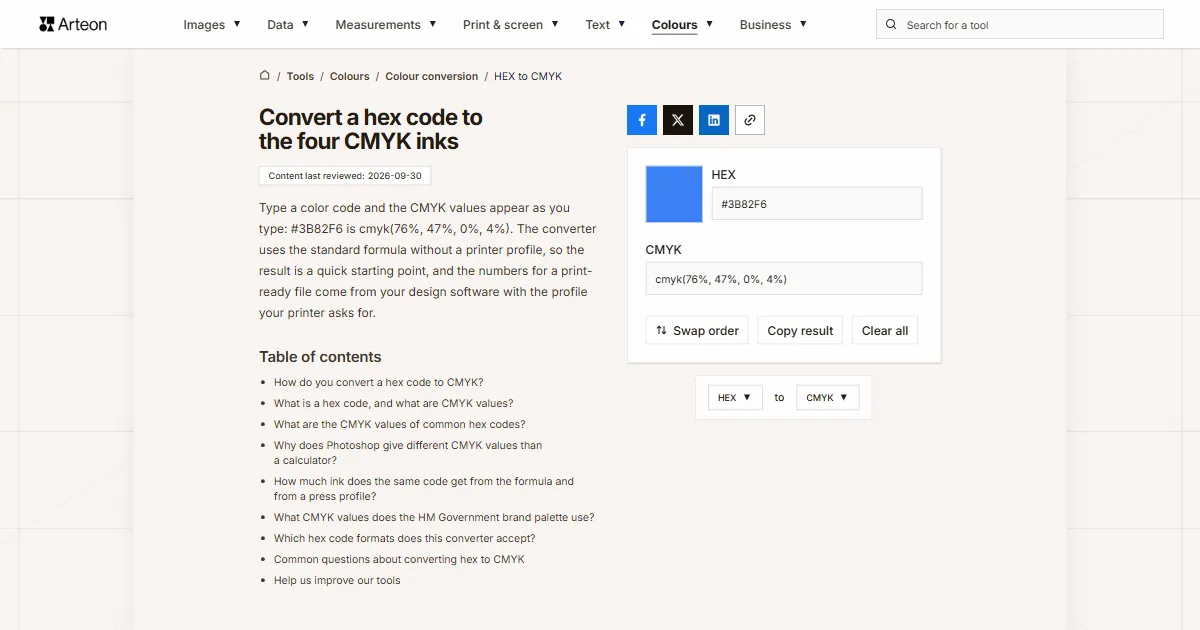
Type a color code and the CMYK values appear as you type: #3B82F6 is cmyk(76%, 47%, 0%, 4%). The converter uses the standard formula without a printer profile, so the result is a quick starting point, and the numbers for a print-ready file come from your design software with the profile your printer asks for.
How do you convert a hex code to CMYK?
First turn the code into three numbers, then turn those numbers into four ink percentages. The code #3B82F6 is three pairs of characters: 3B, 82 and F6. Each pair is a number written in hexadecimal, where the letters A to F stand for 10 to 15 after the digits 0 to 9. So 3B means 3 × 16 + 11, which is 59, 82 is 130, and F6 is 246.
The formula: K = 1 − (largest channel ÷ 255), then C = (1 − R ÷ 255 − K) ÷ (1 − K). Magenta comes from the green channel in the same way, and yellow from the blue one.
In #3B82F6 the blue channel is the brightest. 246 ÷ 255 is 0.965, so black comes out at 0.035, or 4%. Cyan is 76%, magenta 47% and yellow 0%, because the blue channel is the one that set black. The result is cmyk(76%, 47%, 0%, 4%).
You get the same answer in two steps with the HEX to RGB converter and then the RGB to CMYK converter. To go from the CMYK values in a brand guide back to a code, use the CMYK to HEX converter.
What is a hex code, and what are CMYK values?
A hex code describes a screen color in base 16. The six characters after the hash sign make three pairs for red, green and blue light, and each pair runs from 00 to FF, which is 0 to 255. Upper and lower case mean the same thing. CSS also accepts a three-character shorthand, where every character is doubled, so #38F is #3388FF, and an eight-character form whose last pair sets transparency[1]. Six characters give 256 × 256 × 256 combinations, which is 16,777,216 colors[2]. You can pull the hex codes out of any photo with the image color extractor.
CMYK describes a color as ink. The four numbers are the share of the paper covered with cyan, magenta, yellow and black, where K stands for the key plate[3]. Zero means bare paper and 100 means full coverage.
The two scales run in opposite directions. A screen gives off light, so higher pairs in a hex code make a lighter color. Paper reflects light and ink absorbs it, so higher CMYK numbers make a darker color. Ink has no transparency either, which is why the converter ignores the last pair of an eight-character code.
If your color is in another format, such as OKLCH, Lab or Android code, the color converter shows it in every format at once.
What are the CMYK values of common hex codes?
| Hex code | CSS name | CMYK values |
|---|---|---|
| #FFFFFF | white | 0%, 0%, 0%, 0% |
| #000000 | black | 0%, 0%, 0%, 100% |
| #FF0000 | red | 0%, 100%, 100%, 0% |
| #00FF00 | lime | 100%, 0%, 100%, 0% |
| #0000FF | blue | 100%, 100%, 0%, 0% |
| #FFFF00 | yellow | 0%, 0%, 100%, 0% |
| #00FFFF | aqua | 100%, 0%, 0%, 0% |
| #FF00FF | fuchsia | 0%, 100%, 0%, 0% |
| #C0C0C0 | silver | 0%, 0%, 0%, 25% |
| #808080 | gray | 0%, 0%, 0%, 50% |
| #800000 | maroon | 0%, 100%, 100%, 50% |
| #008000 | green | 100%, 0%, 100%, 50% |
| #000080 | navy | 100%, 100%, 0%, 50% |
| #800080 | purple | 0%, 100%, 0%, 50% |
| #FFA500 | orange | 0%, 35%, 100%, 0% |
Why does Photoshop give different CMYK values than a calculator?
The formula assumes perfect inks, while design software works with an ICC profile, a description of a specific set of inks, paper and press. You see the gap most clearly on black and gray. The formula always leaves at least one of the three color inks at zero and hands all of the gray to black ink, so #808080 becomes 50% black and nothing else. A press profile builds the same gray from all four inks.
Two widely used press profiles show how far apart the rules can be. GRACoL 2013, published by Idealliance, allows up to 320% total ink and uses black up to 100%[4]. PSO Coated v3 from the European Color Initiative caps total ink at 300% and stops black at 96%[5]. The profile for your job is in your printer's file specifications.
When you need numbers for a print file, open the Adobe Color Picker in Photoshop by clicking the foreground color box in the toolbox, then type the code in the # text box. The picker shows the C, M, Y and K values at the same time[6], and they follow the CMYK working space set under Edit › Color Settings[7]. If a warning triangle appears next to the swatch, the color is out of gamut for the inks, and clicking the triangle picks the closest printable match[6].
How much ink does the same code get from the formula and from a press profile?
| Hex code | Formula (this converter) | GRACoL 2013 profile | PSO Coated v3 profile |
|---|---|---|---|
| #000000 | 0%, 0%, 0%, 100% | 83%, 74%, 61%, 100% | 83%, 67%, 51%, 95% |
| #333333 | 0%, 0%, 0%, 80% | 71%, 63%, 59%, 63% | 63%, 53%, 45%, 68% |
| #808080 | 0%, 0%, 0%, 50% | 47%, 39%, 38%, 17% | 44%, 36%, 33%, 23% |
| #FF0000 | 0%, 100%, 100%, 0% | 0%, 93%, 98%, 0% | 0%, 96%, 100%, 0% |
| #0000FF | 100%, 100%, 0%, 0% | 100%, 85%, 0%, 0% | 98%, 82%, 0%, 0% |
| #3B82F6 | 76%, 47%, 0%, 4% | 75%, 46%, 0%, 0% | 76%, 47%, 0%, 0% |
| #FFCC00 | 0%, 20%, 100%, 0% | 0%, 18%, 93%, 0% | 0%, 19%, 90%, 0% |
#000000 uses 318% ink with GRACoL 2013 and 296% with PSO Coated v3, close to each profile's limit. For #3B82F6 the three columns barely differ: the formula adds 4% black that neither profile uses.What CMYK values does the HM Government brand palette use?
| Pantone | Hex code in the guidelines | CMYK in the guidelines | CMYK from the formula |
|---|---|---|---|
| 660 C | #3D7DCA | 77%, 46%, 0%, 0% | 70%, 38%, 0%, 21% |
| 241 C | #B41A83 | 33%, 97%, 0%, 0% | 0%, 86%, 27%, 29% |
| 349 C | #006938 | 90%, 32%, 93%, 24% | 100%, 0%, 47%, 59% |
| 7408 C | #F8BF00 | 2%, 27%, 96%, 0% | 0%, 23%, 100%, 3% |
| 1805 C | #B2292E | 21%, 94%, 80%, 13% | 0%, 77%, 74%, 30% |
| 424 C | #707271 | 54%, 42%, 43%, 27% | 2%, 0%, 1%, 55% |
Which hex code formats does this converter accept?
| What you type | What the converter shows | How we read it |
|---|---|---|
| #3B82F6 | cmyk(76%, 47%, 0%, 4%) | A full code with the hash sign, as in a stylesheet or in Figma, is converted as it is. |
| 3b82f6 | cmyk(76%, 47%, 0%, 4%) | A code without the hash sign and in lower case works too, because case does not change a hex code. |
| #38F | cmyk(80%, 47%, 0%, 0%) | We expand the three-character shorthand by doubling each character, so we calculate #3388FF. |
| #3B82F680 | cmyk(76%, 47%, 0%, 4%) | We drop the last pair, which sets transparency, because ink on paper has none. |
| color: #3B82F6; | cmyk(76%, 47%, 0%, 4%) | From a line copied out of a stylesheet or browser developer tools we take only the code. |
| "#3B82F6" | cmyk(76%, 47%, 0%, 4%) | We remove the quotation marks that come with a code copied from a JSON file or JavaScript. |
| ##3B82F6 | cmyk(76%, 47%, 0%, 4%) | A double hash appears when you paste a code into a spot that already had one, so we read it as a single hash. |
Convert other units to CMYK
Convert HEX to other units
Sources
- CSS Color Module Level 4: The RGB Hexadecimal Notations — W3C
- Web colors — Wikipedia
- CMYK color model — Wikipedia
- GRACoL2013_CRPC6.icc — profile registry entry — International Color Consortium
- PSOcoated_v3.icc — profile registry entry — International Color Consortium
- Choose colors in Adobe Photoshop — Adobe
- Color settings in Photoshop — Adobe
- Little CMS — Marti Maria
- Downloads: ICC profiles from ECI — European Color Initiative
- HMG Identity Guidelines 2022 — Government Communication Service
- Color Bridge Guide Coated — Pantone
- Pantone Guides With Suffix Of PC or EC — X-Rite
Every figure in the tables was computed from the unit definitions and checked arithmetically before publication. Historical values and the names of local units come from the sources listed above.
Content last reviewed: · written and checked by the Arteon team
Common questions about converting hex to CMYK
Will the printed color look the same as the hex color on screen?
Not always. The most saturated screen colors lie outside what four inks can reproduce on paper. We converted pure blue #0000FF to the PSO Coated v3 profile and back to the screen, and it came back as rgb(29, 60, 145), a much darker blue. Pure green #00FF00 came back as rgb(102, 179, 41), while gray #808080 came back unchanged. For a large print run, ask your printer for a hard proof.
Can I convert a hex code to a Pantone color?
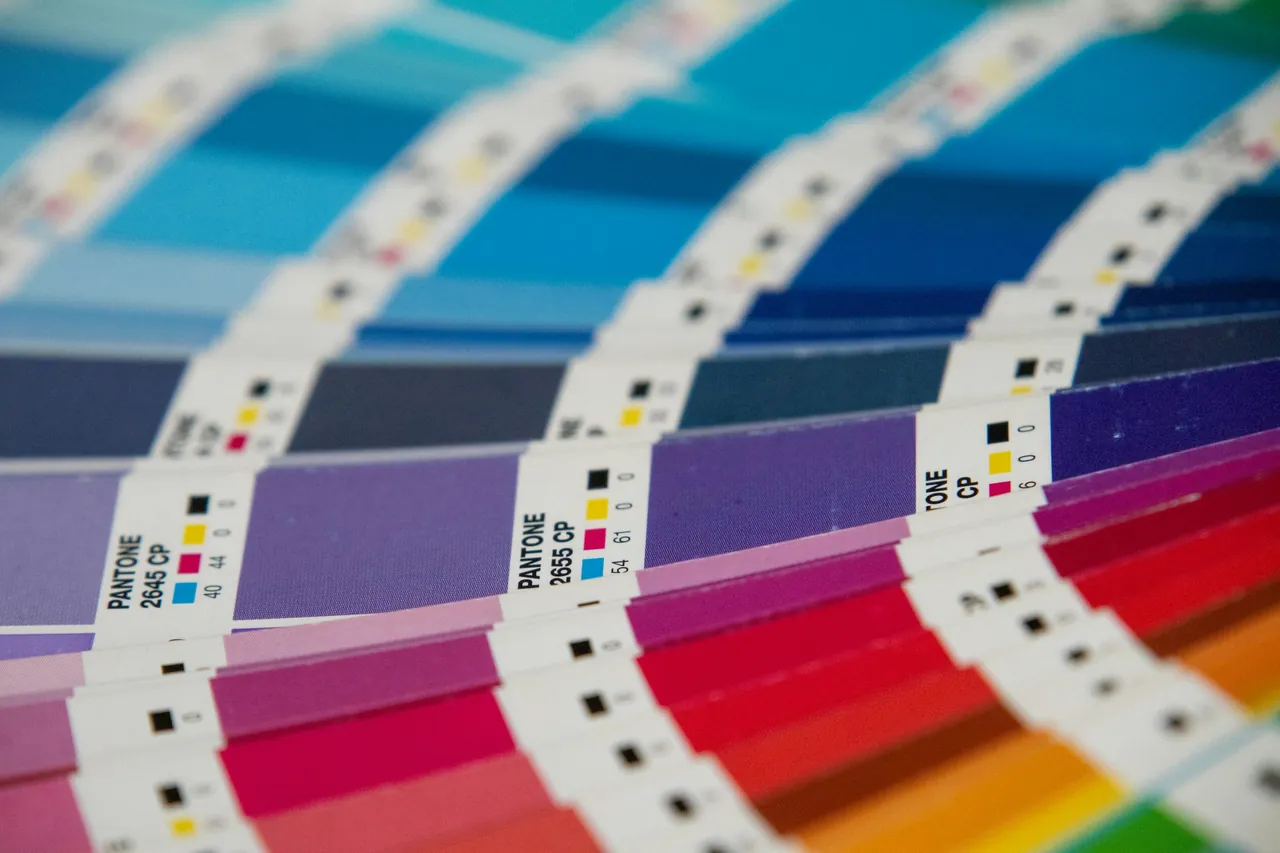
Not with a formula. Pantone colors are premixed inks, each with its own number in the guide. The Pantone Color Bridge guide shows the closest matches: it compares 2,587 Pantone colors side by side with their closest CMYK values and also lists HTML and RGB values[11]. Swatches marked CP in that guide are CMYK simulations on coated paper[12].
What if my color is in RGB rather than hex?
Enter the three numbers in the RGB to CMYK converter, which uses the same formula. This field only accepts hex codes, and anything else brings up a message with an example of a valid code.
Does white #FFFFFF mean white ink when printed?
No. cmyk(0%, 0%, 0%, 0%) means no ink at all, so the paper shows through. On white paper you get white, and on cream or gray stock you get the color of the paper.
Help us improve our tools
Have an idea for a feature, spotted a bug, or want to suggest another tool? Send us a message.