Convert bytes to bits
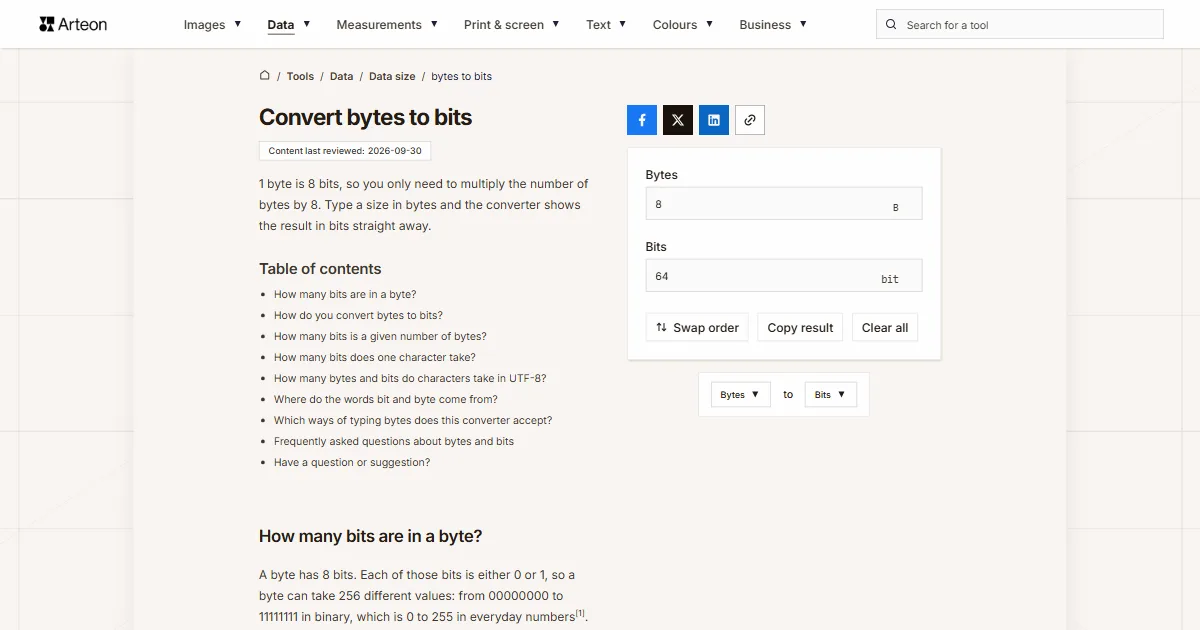
1 byte is 8 bits, so you only need to multiply the number of bytes by 8. Type a size in bytes and the converter shows the result in bits straight away.
How many bits are in a byte?
A byte has 8 bits. Each of those bits is either 0 or 1, so a byte can take 256 different values: from 00000000 to 11111111 in binary, which is 0 to 255 in everyday numbers[1].
A byte can also be split into two halves of 4 bits each. Such a half is called a nibble, sometimes spelled nybble, and it matches exactly one hexadecimal digit[1].
How do you convert bytes to bits?
Multiply the number of bytes by 8: bits = bytes × 8. A size of 4 B is 4 × 8 = 32 bits, and 1,024 B is 8,192 bits. Going the other way means dividing by 8, which the bits to bytes converter does for you.
A larger unit has to become bytes first. A kilobyte is 1,000 or 1,024 bytes depending on the standard, so it gives 8,000 or 8,192 bits. The data unit converter handles both. A megabyte works the same way and gives 8,000,000 or 8,388,608 bits, both of which the data unit converter shows when you pick MB or MiB.
How many bits is a given number of bytes?
| Bytes | Bits |
|---|---|
| 1 byte | 8 bits |
| 2 bytes | 16 bits |
| 3 bytes | 24 bits |
| 4 bytes | 32 bits |
| 6 bytes | 48 bits |
| 8 bytes | 64 bits |
| 10 bytes | 80 bits |
| 16 bytes | 128 bits |
| 32 bytes | 256 bits |
| 64 bytes | 512 bits |
| 100 bytes | 800 bits |
| 128 bytes | 1,024 bits |
| 256 bytes | 2,048 bits |
| 512 bytes | 4,096 bits |
| 1,000 bytes | 8,000 bits |
| 1,024 bytes | 8,192 bits |
How many bits does one character take?
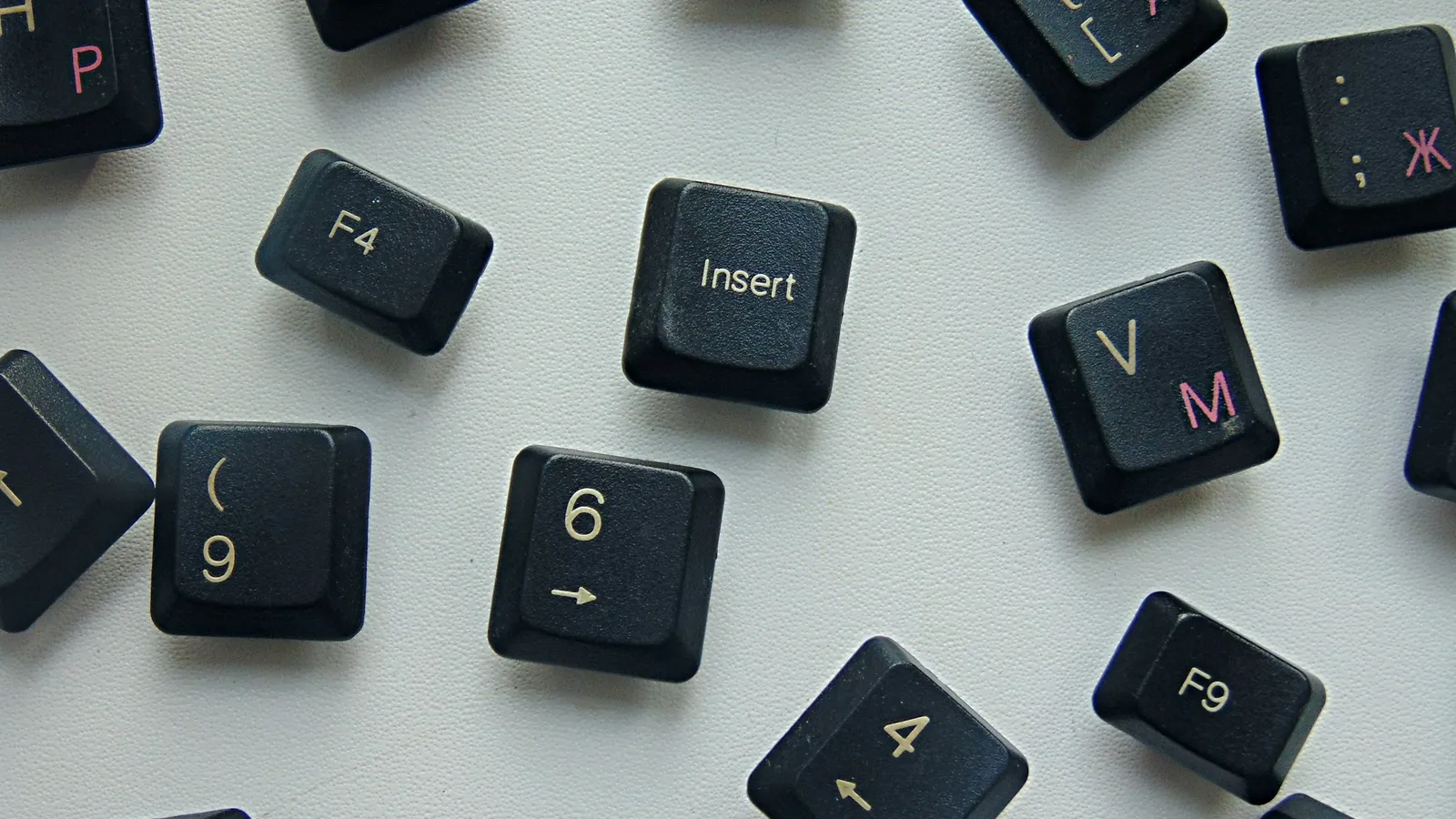
Text saved in UTF-8 takes between 1 and 4 bytes per character[2]. Plain English letters, digits and spaces fit in 1 byte, or 8 bits. Letters with accents and the pound sign need 2 bytes, or 16 bits.
So the word résumé has 6 letters but takes 8 bytes in UTF-8, which is 64 bits: each é uses 2 bytes and the other four letters 1 byte each.
How many bytes and bits do characters take in UTF-8?
| Character | Bytes in UTF-8 | Bits |
|---|---|---|
| Letter A, a digit or a space | 1 B | 8 bits |
| Letter é or ñ | 2 B | 16 bits |
| Pound sign £ | 2 B | 16 bits |
| Russian letter Ж | 2 B | 16 bits |
| Euro sign € | 3 B | 24 bits |
| Emoji | 4 B | 32 bits |
Where do the words bit and byte come from?
Bit is short for binary digit. John W. Tukey shortened the term this way in a Bell Labs memo dated 9 January 1947, and a year later Claude E. Shannon used the word bit in his paper “A Mathematical Theory of Communication”[3].
The word byte appeared in 1956 in Werner Buchholz’s papers for the IBM Stretch computer[4]. It is a deliberate respelling of bite, chosen so that it could not accidentally turn into bit[1].
Which ways of typing bytes does this converter accept?
| What you type | What the converter shows | How we read it |
|---|---|---|
| 1.5 | 12 bit | The point marks the decimal part, so the field holds one and a half bytes. |
| 1,5 | 12 bit | A comma before a single digit is a decimal comma, as in much of Europe, so the result is the same as for 1.5. |
| 1,500 | 12000 bit | A comma before three digits separates the thousands, so the field holds one thousand five hundred bytes. A hint below the field confirms how we read it. |
| 1 500 | 12000 bit | A space between the thousands is ignored, so the field holds one thousand five hundred bytes. |
| 64 B | 512 bit | The field’s own unit pasted with the number does no harm, because we take the number in front of it. |
| 256 bytes | 2048 bit | A size copied with the word bytes, for example from a file’s Properties window, reads as a number of bytes. |
| 32 bits | 32 bit | Bits pasted into the bytes field become 4 bytes, with a note below it, so the result is the same 32 bits again. |
| 1 KB | 8000 bit | A kilobyte counts as 1000 bytes here, because this pair has no standard switch. For 8192 bits from a 1024-byte kilobyte, convert KiB in the data unit converter. |
| ½ | 4 bit | The ½ character copied from text reads as half a byte. |
| 2e3 | 16000 bit | Scientific notation from a spreadsheet is read as it stands: 2e3 is two thousand bytes. |
Convert other units to Bits
Convert Bytes to other units
Sources
- Byte — Wikipedia
- RFC 3629: UTF-8, a transformation format of ISO 10646 — RFC Editor
- Bit — Wikipedia
- Timeline of the IBM Stretch/Harvest Era (1956–1961) — Computer History Museum
- RFC 791: Internet Protocol — RFC Editor
- Built-in Types — Python documentation
Every figure in the tables was computed from the unit definitions and checked arithmetically before publication. Historical values and the names of local units come from the sources listed above.
Content last reviewed: · written and checked by the Arteon team
Frequently asked questions about bytes and bits
What is the difference between an octet and a byte?
How do I convert bytes to bits in Python?
Multiply the length of a bytes object by 8. A bytes object is a sequence of single bytes, so len(data) returns the number of bytes and len(data) * 8 the number of bits. To find how many bits a whole number needs, use int.bit_length(): (255).bit_length() returns 8[6].
Have a question or suggestion?
If you spot a mistake in a table or miss a conversion, write to us.