Convert points to millimeters
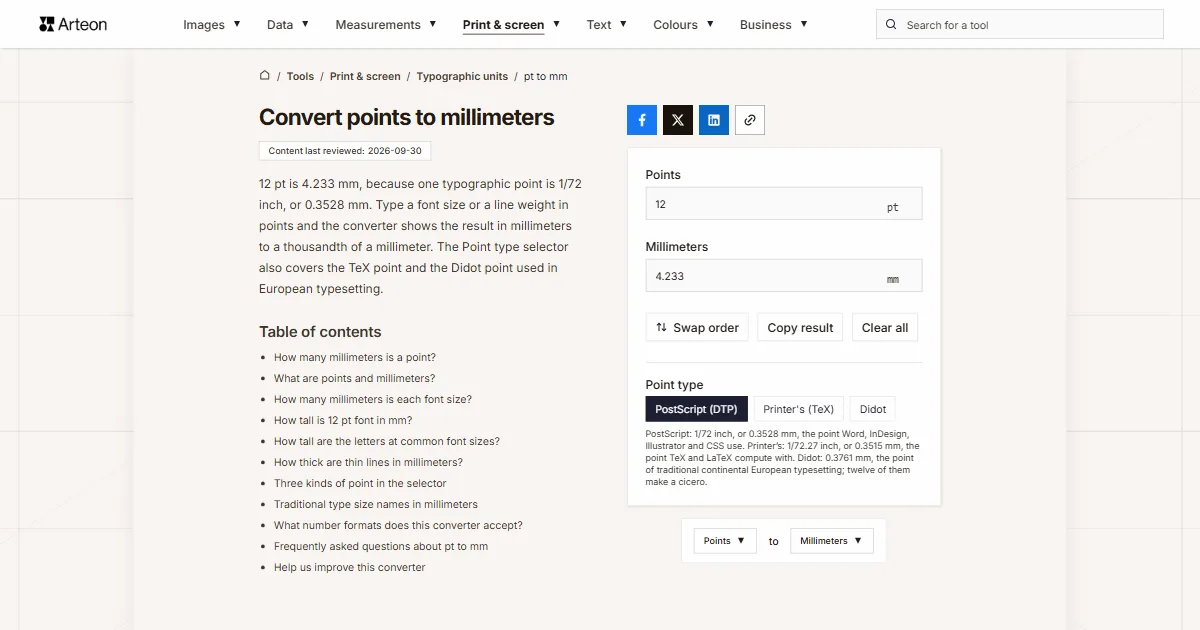
12 pt is 4.233 mm, because one typographic point is 1/72 inch, or 0.3528 mm. Type a font size or a line weight in points and the converter shows the result in millimeters to a thousandth of a millimeter. The Point type selector also covers the TeX point and the Didot point used in European typesetting.
How many millimeters is a point?
One point is 0.3528 mm, so you get millimeters by multiplying the number of points by 0.3528. Twelve points come to 4.233 mm, and 72 points to exactly 25.4 mm, which is one inch.
Formula: millimeters = points × 25.4 ÷ 72
Both numbers come straight from the definitions. A point is 1/72 inch and an inch is exactly 25.4 mm, and the CSS standard writes down both values[1]. Word works the same way, with 72 points to the inch[2].
If you think in inches rather than millimeters, a millimeter is 1/25.4 inch, a little under 1/25. Two shortcuts help with mental math: 3 points are almost exactly a millimeter (1.058 mm), and 10 points are 3.5 mm. To go the other way, from millimeters to points, use the mm to pt converter; the Swap order button takes you there in one click.
What are points and millimeters?
The typographic point is the smallest unit of type measurement. Font size, line spacing and stroke weight are all set in points, and twelve points make a pica. A millimeter is a thousandth of a meter, and it is the unit a print shop uses for trim size, bleed and margins almost everywhere outside the United States.
That is why the two units meet in any print job with a metric spec. A UK business card is 85 × 55 mm, yet the name on it is set in points, so checking whether a line of type fits a 60 mm space means switching from one unit to the other. The same goes for a table rule, a crop mark or a caption under a photo.
Points also have a fixed link to pixels: at 96 pixels per inch one point is 1.333 pixels, which the pt to px converter works out. A size in pixels turns into millimeters with the px to mm converter, and a size in inches with the inches to mm converter.
How many millimeters is each font size?
| Font size | DTP point | Didot point |
|---|---|---|
| 6 pt | 2.117 mm | 2.256 mm |
| 7 pt | 2.469 mm | 2.632 mm |
| 8 pt | 2.822 mm | 3.009 mm |
| 9 pt | 3.175 mm | 3.385 mm |
| 10 pt | 3.528 mm | 3.761 mm |
| 10.5 pt | 3.704 mm | 3.949 mm |
| 11 pt | 3.881 mm | 4.137 mm |
| 12 pt | 4.233 mm | 4.513 mm |
| 13 pt | 4.586 mm | 4.889 mm |
| 14 pt | 4.939 mm | 5.265 mm |
| 16 pt | 5.644 mm | 6.017 mm |
| 18 pt | 6.35 mm | 6.769 mm |
| 20 pt | 7.056 mm | 7.521 mm |
| 22 pt | 7.761 mm | 8.273 mm |
| 24 pt | 8.467 mm | 9.026 mm |
| 28 pt | 9.878 mm | 10.53 mm |
| 32 pt | 11.289 mm | 12.034 mm |
| 36 pt | 12.7 mm | 13.538 mm |
| 48 pt | 16.933 mm | 18.051 mm |
| 60 pt | 21.167 mm | 22.564 mm |
| 72 pt | 25.4 mm | 27.077 mm |
| 96 pt | 33.867 mm | 36.102 mm |
| 144 pt | 50.8 mm | 54.153 mm |
How tall is 12 pt font in mm?
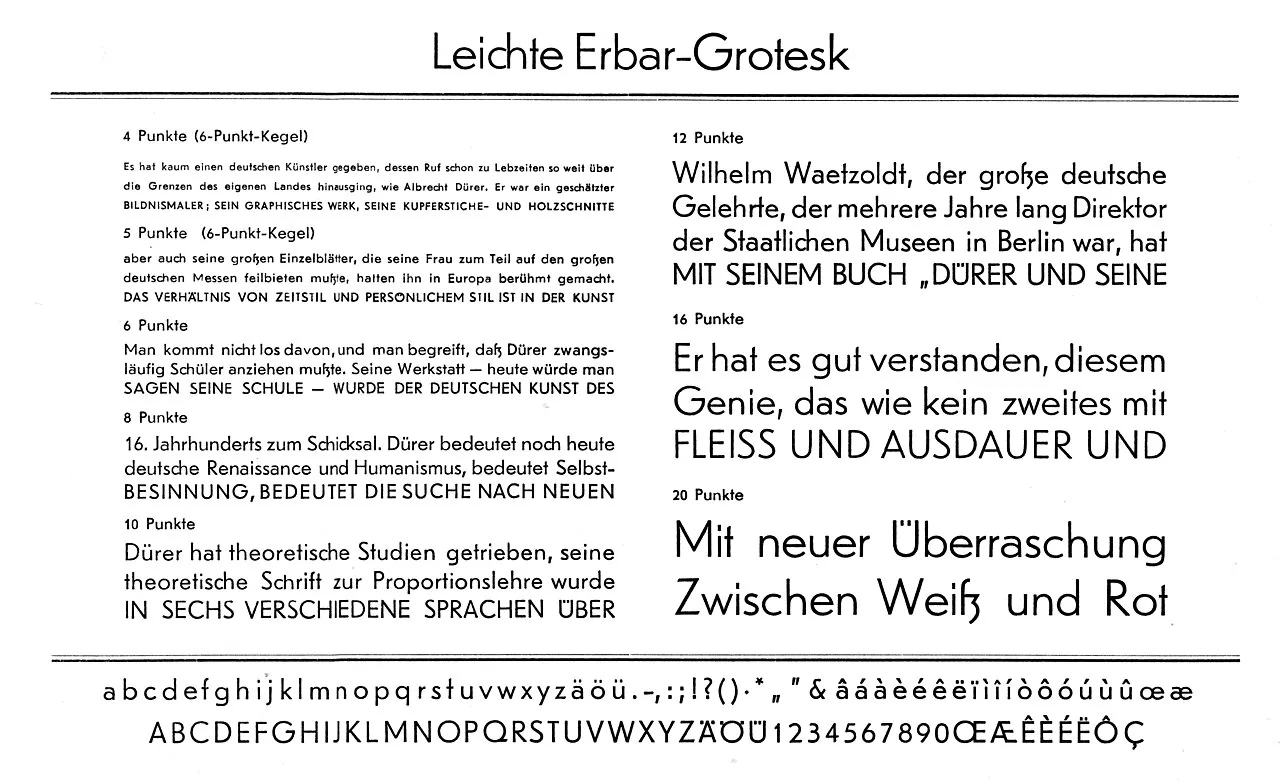
The letters are shorter than 4.233 mm. In metal type, the point size was the height of the metal body the letter stood on, not the height of the letter itself. In digital type, the designer of each typeface decides how tall the letters are in relation to that size[3].
The designer records the capital height and the x-height in the font file as a share of the font size[4]. We read those values from the Arial, Times New Roman and Calibri files that ship with Windows 11. A capital letter takes up 71.6% of the font size in Arial, 66.2% in Times New Roman and 63.2% in Calibri. At 12 pt, a capital H in Arial is therefore 3.03 mm tall, and in Calibri 2.67 mm.
The lowercase x is shorter still, and it is what makes text look big or small. At 12 pt, Arial gives an x that is 2.2 mm tall and Times New Roman one that is 1.89 mm tall, which is why Times looks smaller at the same point size.

How tall are the letters at common font sizes?
| Font size | Arial: capital | Arial: x-height | Times New Roman: capital | Calibri: capital |
|---|---|---|---|---|
| 8 pt | 2.02 mm | 1.46 mm | 1.87 mm | 1.78 mm |
| 9 pt | 2.27 mm | 1.65 mm | 2.1 mm | 2.01 mm |
| 10 pt | 2.53 mm | 1.83 mm | 2.34 mm | 2.23 mm |
| 11 pt | 2.78 mm | 2.01 mm | 2.57 mm | 2.45 mm |
| 12 pt | 3.03 mm | 2.2 mm | 2.8 mm | 2.67 mm |
| 14 pt | 3.54 mm | 2.56 mm | 3.27 mm | 3.12 mm |
| 16 pt | 4.04 mm | 2.93 mm | 3.74 mm | 3.57 mm |
| 18 pt | 4.55 mm | 3.29 mm | 4.2 mm | 4.01 mm |
| 20 pt | 5.05 mm | 3.66 mm | 4.67 mm | 4.46 mm |
| 24 pt | 6.06 mm | 4.39 mm | 5.61 mm | 5.35 mm |
| 36 pt | 9.1 mm | 6.59 mm | 8.41 mm | 8.02 mm |
| 48 pt | 12.13 mm | 8.78 mm | 11.21 mm | 10.7 mm |
| 72 pt | 18.19 mm | 13.17 mm | 16.82 mm | 16.05 mm |
How thick are thin lines in millimeters?
| Line weight | Millimeters |
|---|---|
| 0.1 pt | 0.035 mm |
| 0.25 pt | 0.088 mm |
| 0.3 pt | 0.106 mm |
| 0.5 pt | 0.176 mm |
| 0.75 pt | 0.265 mm |
| 1 pt | 0.353 mm |
| 1.5 pt | 0.529 mm |
| 2 pt | 0.706 mm |
| 3 pt | 1.058 mm |
| 4 pt | 1.411 mm |
| 6 pt | 2.117 mm |
Three kinds of point in the selector
Over the history of printing, the word point has meant several different lengths. The Point type selector under the fields switches the calculation to one of the three you can still find in files.
PostScript (DTP) is the point of 1/72 inch, or 0.3528 mm. Word, page layout programs and browsers use it, so it is the default.
Printer's (TeX) is 1/72.27 inch, or 0.3515 mm. It is the old American point, and Donald Knuth took this value for TeX, so LaTeX measures with it too[5]. A LaTeX document set in 12pt uses this point.
Didot is the point of traditional continental European typesetting. The converter uses 0.376065 mm, the value TeX writes as dd, which became the standard in Germany and in Central and Eastern Europe[5]. Twelve Didot points make a cicero, the European counterpart of the pica.
Traditional type size names in millimeters
| Name | Points | Printer's point | DTP point |
|---|---|---|---|
| agate (US), ruby (UK) | 5.5 | 1.933 mm | 1.94 mm |
| nonpareil | 6 | 2.109 mm | 2.117 mm |
| minion | 7 | 2.46 mm | 2.469 mm |
| brevier | 8 | 2.812 mm | 2.822 mm |
| bourgeois | 9 | 3.163 mm | 3.175 mm |
| long primer | 10 | 3.515 mm | 3.528 mm |
| small pica | 11 | 3.866 mm | 3.881 mm |
| pica | 12 | 4.218 mm | 4.233 mm |
| English | 14 | 4.92 mm | 4.939 mm |
| great primer | 18 | 6.326 mm | 6.35 mm |
What number formats does this converter accept?
| What you type | What the converter shows | How we read it |
|---|---|---|
| 12 | 4.233 mm | We read a bare number as points, because that is the unit of the field. |
| 10.5 | 3.704 mm | A point separates the decimals in English, and that is how we read it. |
| 10,5 | 3.704 mm | A comma before a single digit comes from a European keyboard, so we read it as a decimal comma. |
| 1/2 | 0.176 mm | We work out a fraction with a slash ourselves, so half a point does not need to become 0.5 first. |
| 10½ | 3.704 mm | A ½ character copied from a document is added to the number in front of it. |
| 12pt | 4.233 mm | The pt pasted with the number is the unit of the field, so we drop it. |
| 16px | 4.233 mm | Pixels copied from a style sheet turn into points at 96 to 72, so 16 px becomes 12 pt. |
| 1 in | 25.4 mm | An inch pasted into the points field becomes 72 points first, so the result is the same length in millimeters. |
| 12 dd | 4.513 mm | The dd abbreviation from LaTeX means a Didot point, so we turn it into DTP points before working out millimeters. |
| 1,500 | 529.167 mm | Three digits follow the comma, so we read it as a thousands separator and work with fifteen hundred points. A note under the field shows the other possible reading, 1.5. |
Convert other units to Millimeters
Convert Points to other units
Sources
- CSS Values and Units Module Level 4 — W3C
- Application.InchesToPoints method (Word) — Microsoft Learn
- Em (typography) — Wikipedia
- OS/2 and Windows metrics table (OpenType 1.9.1) — Microsoft Learn
- Point (typography) — Wikipedia
- Traditional point-size names — Wikipedia
- Agate (typography) — Wikipedia
Every figure in the tables was computed from the unit definitions and checked arithmetically before publication. Historical values and the names of local units come from the sources listed above.
Content last reviewed: · written and checked by the Arteon team
Frequently asked questions about pt to mm
How do I find the font size of printed text?
Measure the height of a capital letter, ideally an H, with a ruler and divide it by the share of the font size that capitals take up in that typeface. In Arial the share is 0.716, so a capital 3.03 mm tall comes from a font size of 4.23 mm. Type that into the mm to pt converter and you get 12 pt.
Is text on screen the same size in millimeters as on paper?
Not always. On paper, 12 pt is 4.233 mm. On screen, the browser turns points into pixels at a fixed 72 to 96, and how many millimeters a pixel takes up depends on the pixel density of the display and on the zoom level.
How precise is the result?
Three decimal places, which is a thousandth of a millimeter. That is enough even for hairlines: 0.25 pt gives 0.088 mm, while two decimals would round it to 0.09 mm.
How do I convert points to centimeters?
Convert the points to millimeters and divide by ten. Twelve points are 4.233 mm, or 0.4233 cm, and 72 points are 2.54 cm. The pt to cm converter gives the result in centimeters straight away, along with capital heights at large sizes.
Help us improve this converter
Missing a value in the charts or spotted a wrong result? Write to us; we read every message ourselves.