Convert Tbps to Gbps
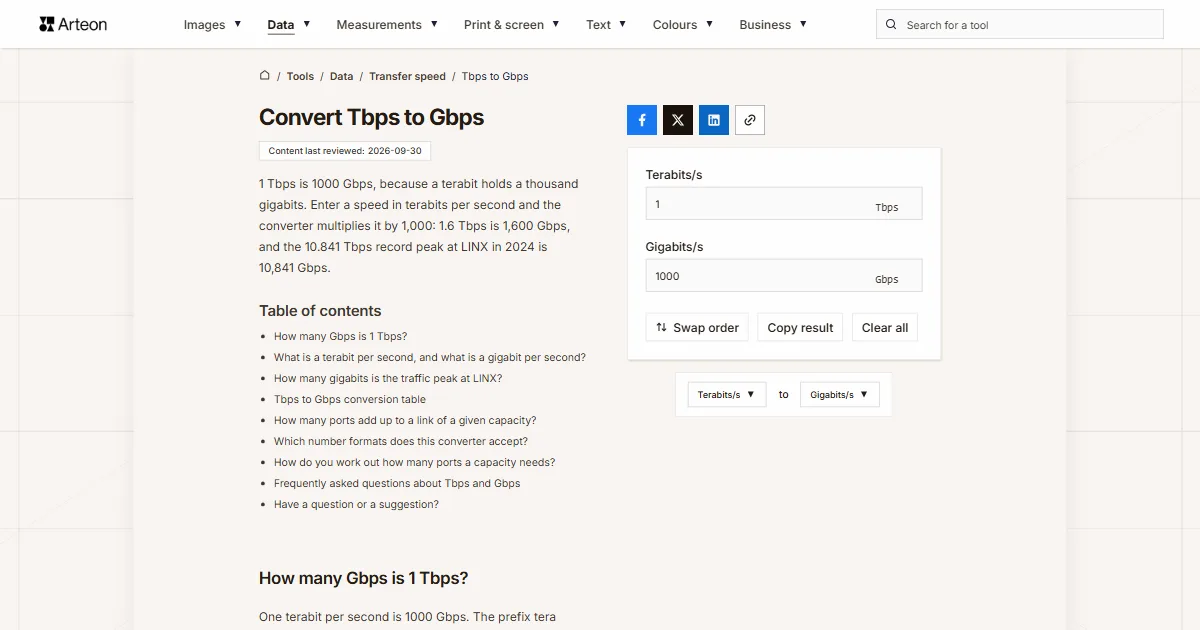
1 Tbps is 1000 Gbps, because a terabit holds a thousand gigabits. Enter a speed in terabits per second and the converter multiplies it by 1,000: 1.6 Tbps is 1,600 Gbps, and the 10.841 Tbps record peak at LINX in 2024 is 10,841 Gbps.
How many Gbps is 1 Tbps?
One terabit per second is 1000 Gbps. The prefix tera means a trillion and giga a billion[1], so you multiply the figure in terabits by 1,000: Gbps = Tbps × 1000.
In your head, move the decimal point three places to the right or add three zeros. 1.6 Tbps is 1,600 Gbps, 0.8 Tbps is 800 Gbps and 25.6 Tbps is 25,600 Gbps.
What is a terabit per second, and what is a gigabit per second?
A terabit per second is a trillion bits sent every second, and a gigabit per second is a billion[1]. Both units count bits, zeros and ones, and eight bits make a byte[2]. The bits to bytes converter turns bits into bytes.
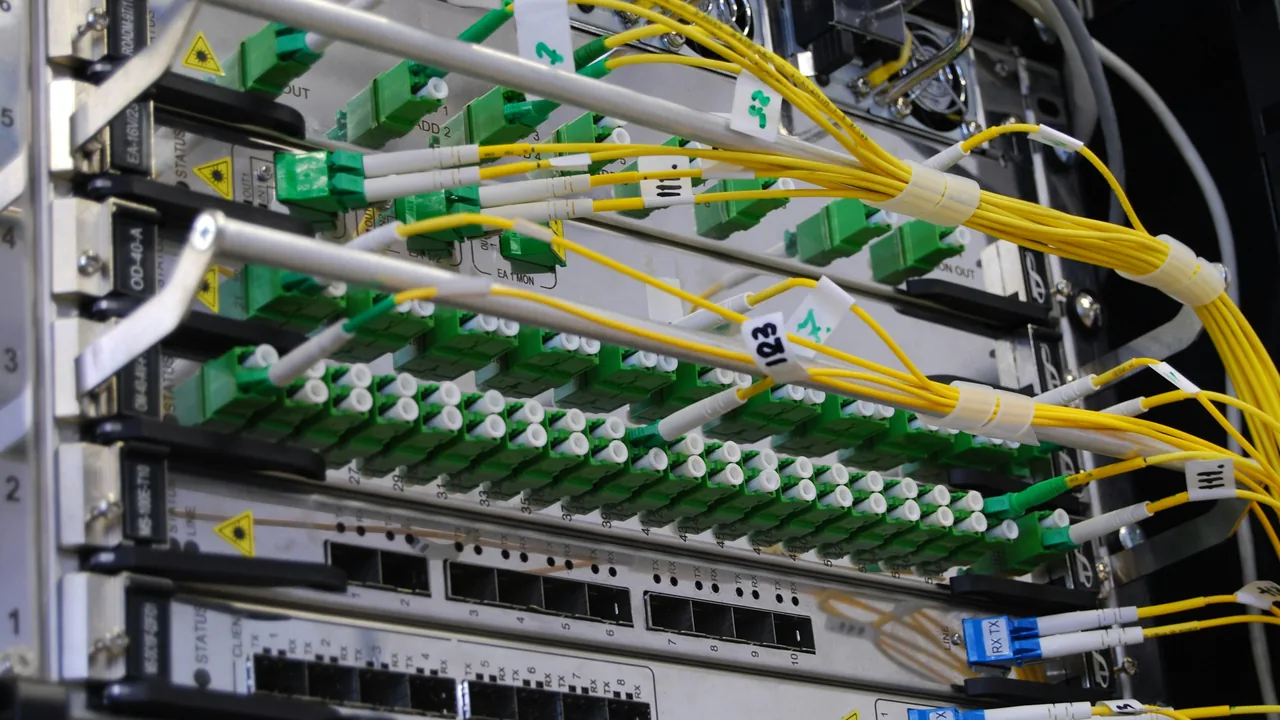
Terabits describe the traffic of whole networks and the capacity of switches, while equipment is bought as ports of 100, 400 or 800 Gbit/s. That is why the same capacity has to be written both ways. A home connection given in megabits goes through the Mbps to Gbps converter, and a speed in bytes per second through the data transfer rate converter.
How many gigabits is the traffic peak at LINX?
The London Internet Exchange, LINX, is where hundreds of networks swap traffic directly with each other. In its review of 2024, LINX reported its highest-ever traffic, a peak of over 10.841 terabits per second, up from 9.229 Tbps in 2023 and 7.424 Tbps in 2022[3].
In gigabits those peaks are 7,424 Gbps, 9,229 Gbps and 10,841 Gbps. The jump from 2022 to 2024 is 3,417 Gbps, which is more than thirty-four 100 Gbps ports running flat out. The same review puts the connected network capacity at 72.91 Tbps in 2024, or 72,910 Gbps[3].
Tbps to Gbps conversion table
| Speed in Tbps | The same in Gbps |
|---|---|
| 0.001 Tbps | 1 Gbps |
| 0.01 Tbps | 10 Gbps |
| 0.025 Tbps | 25 Gbps |
| 0.04 Tbps | 40 Gbps |
| 0.1 Tbps | 100 Gbps |
| 0.2 Tbps | 200 Gbps |
| 0.4 Tbps | 400 Gbps |
| 0.8 Tbps | 800 Gbps |
| 1 Tbps | 1,000 Gbps |
| 1.6 Tbps | 1,600 Gbps |
| 2 Tbps | 2,000 Gbps |
| 3.2 Tbps | 3,200 Gbps |
| 4 Tbps | 4,000 Gbps |
| 6.4 Tbps | 6,400 Gbps |
| 8 Tbps | 8,000 Gbps |
| 10 Tbps | 10,000 Gbps |
| 12.8 Tbps | 12,800 Gbps |
| 16 Tbps | 16,000 Gbps |
| 20 Tbps | 20,000 Gbps |
| 22 Tbps | 22,000 Gbps |
| 25.6 Tbps | 25,600 Gbps |
| 32 Tbps | 32,000 Gbps |
| 51.2 Tbps | 51,200 Gbps |
| 100 Tbps | 100,000 Gbps |
| 120 Tbps | 120,000 Gbps |
| 180 Tbps | 180,000 Gbps |
| 200 Tbps | 200,000 Gbps |
| 250 Tbps | 250,000 Gbps |
| 352 Tbps | 352,000 Gbps |
| 400 Tbps | 400,000 Gbps |
How many ports add up to a link of a given capacity?
| Capacity | The same in Gbps | 100 Gbit/s ports | 400 Gbit/s ports | 800 Gbit/s ports |
|---|---|---|---|---|
| 0.8 Tbps | 800 Gbps | 8 | 2 | 1 |
| 1.6 Tbps | 1,600 Gbps | 16 | 4 | 2 |
| 3.2 Tbps | 3,200 Gbps | 32 | 8 | 4 |
| 6.4 Tbps | 6,400 Gbps | 64 | 16 | 8 |
| 12.8 Tbps | 12,800 Gbps | 128 | 32 | 16 |
| 25.6 Tbps | 25,600 Gbps | 256 | 64 | 32 |
| 51.2 Tbps | 51,200 Gbps | 512 | 128 | 64 |
| 102.4 Tbps | 102,400 Gbps | 1,024 | 256 | 128 |
Which number formats does this converter accept?
| What you type | What the converter shows | Note |
|---|---|---|
| 1 | 1,000 Gbps | We read a bare number as terabits per second, because that is the label on the field. |
| 1.6 | 1,600 Gbps | The point marks the decimal part, so this is one point six terabits per second. |
| 1,000 | 1,000,000 Gbps | A comma before three digits separates thousands, so we read a thousand terabits. A hint appears below the field, and if you meant one terabit, type 1. |
| 10.841 Tbps | 10,841 Gbps | This is how LINX wrote its 2024 record. We read the point as the decimal mark, and a hint appears below the field because three digits follow it. |
| 3.2 Tb/s | 3,200 Gbps | Tb/s is the same terabits per second, so the field just takes the number. |
| 800 Gbps | 800 Gbps | We turn gigabits into terabits, so the field shows 0.8, and a note below the field tells you about the conversion. |
| 1 TB/s | 8,000 Gbps | We turn terabytes per second into terabits, so the field shows 8, and a note below the field tells you about the conversion. |
| 1 1/2 | 1,500 Gbps | We read the mixed number as one and a half terabits per second. |
How do you work out how many ports a capacity needs?
Capacity is quoted in terabits, but equipment is bought as ports counted in gigabits. The steps use 6.4 Tbps as the example.
Enter the capacity
Type 6.4 into the Terabits/s field or paste 6.4 Tb/s with its unit. The converter shows 6400 Gbps in the Gigabits/s field.Divide by the port speed
6400 Gbps divided by 400 gives sixteen 400 Gbit/s ports. The same figure is eight 800 Gbit/s ports or sixty-four 100 Gbit/s ports.Check that the figure is in bits
Port speeds are given in bits and storage array performance in bytes. If the figure comes from a drive description, the right tool is the data transfer rate converter.Convert the other way
The Swap order button opens the Gbps to Tbps converter with the result, so 6400 Gbps takes you back to 6.4 Tbps in one click.
Convert other units to Gigabits/s
Convert Terabits/s to other units
Sources
- Metric (SI) Prefixes — National Institute of Standards and Technology
- Byte — Wikipedia
- 2024 - A LINX Year in Review — LINX
- Terabit Ethernet — Wikipedia
- Data-rate units — Wikipedia
Every figure in the tables was computed from the unit definitions and checked arithmetically before publication. Historical values and the names of local units come from the sources listed above.
Content last reviewed: · written and checked by the Arteon team
Frequently asked questions about Tbps and Gbps
How many megabytes per second is 1 Tbit/s?
It is 125,000 MB/s, or 125 GB/s, because a byte holds eight bits[2]. The data transfer rate converter does this sum both ways.
Is there a single 1 Tbit/s port?
The Ethernet standards describe two values right next to a terabit: IEEE approved 800 Gbit/s in February 2024, and the 802.3dj project describes 1.6 Tbit/s[4]. A round 1 Tbit/s is not a port speed in those standards.
Is 10 Tbps of traffic 10 TB of data per second?
No. Tbps counts bits and TB counts bytes, so 10 Tbps is 1.25 TB per second. A capital B always means byte, and a byte has eight bits[2].
Have a question or a suggestion?
Write to us if you need another speed unit converted or spot a value in the tables worth correcting.