Convert millimeters to meters
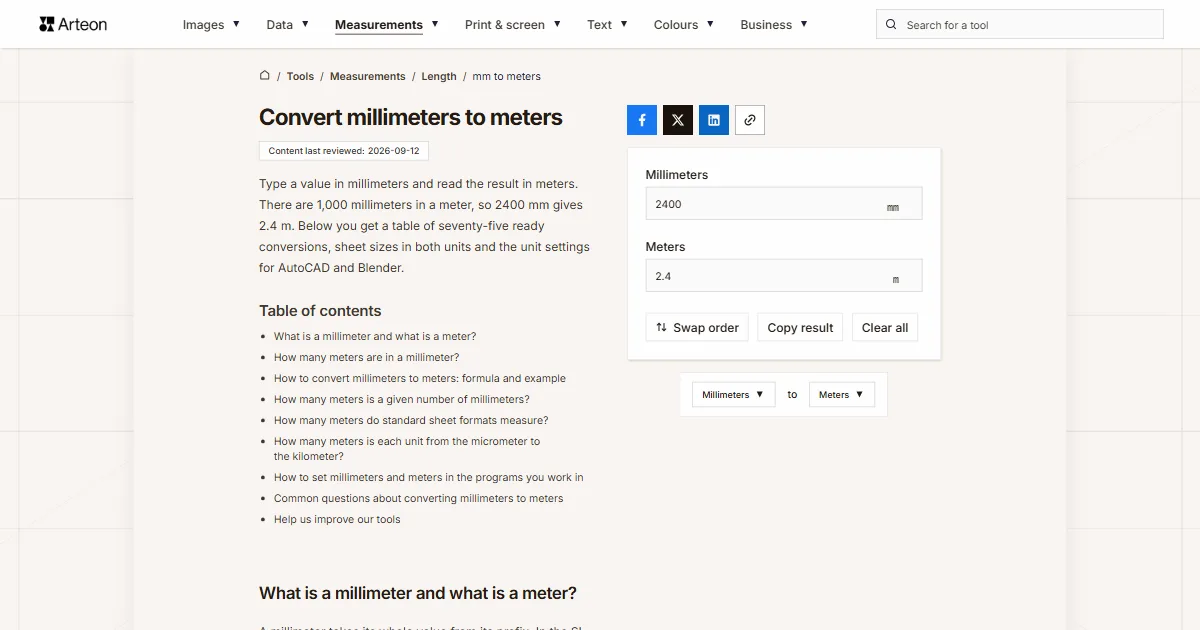
Type a value in millimeters and read the result in meters. There are 1,000 millimeters in a meter, so 2400 mm gives 2.4 m. Below you get a table of seventy-five ready conversions, sheet sizes in both units and the unit settings for AutoCAD and Blender.
What is a millimeter and what is a meter?
A millimeter takes its whole value from its prefix. In the SI system milli- stands for one thousandth, so a millimeter is one thousandth of a meter and carries the symbol mm[1]. The same prefix appears on other units: a milligram is a thousandth of a gram, a milliliter a thousandth of a liter.
The meter is one of the seven SI base units, and the millimeter draws its length from it. Since 1983 the meter has been the distance light travels in vacuum in 1/299,792,458 of a second[2]. Before that its value came from a platinum-iridium bar kept near Paris, and between 1960 and 1983 from the wavelength of light emitted by krypton-86[2].
Which of the two you reach for depends on the size of the thing you are describing. Millimeters carry sheet thickness, drill diameters and part dimensions on a drawing. Meters take over where the millimeter figure grows long: room height, worktop length and the perimeter of a plot.
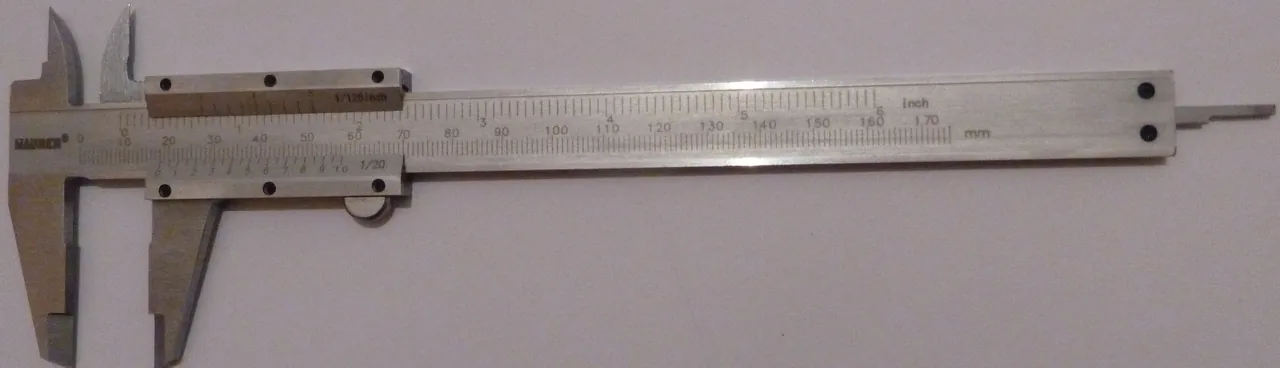
How many meters are in a millimeter?
A millimeter is 0.001 meters, and a meter contains 1,000 millimeters. To turn millimeters into meters you divide by one thousand: 2,400 mm gives 2.4 m.
In decimal writing this comes down to moving the point three places to the left. A dimension of 1,500 mm becomes 1.5 m that way. A dimension of 250 mm gives 0.25 m. There are fewer than a thousand millimeters here, so the answer falls below one meter.
The field at the top of the page does the same arithmetic while you type. It reads both the point and the comma, so 3.5 and 3,5 return the same result.
How to convert millimeters to meters: formula and example
The formula has one shape: meters = millimeters ÷ 1000. The same arithmetic can be written as multiplying by 0.001, because dividing by a thousand and multiplying by one thousandth land on the same number.
Take a dimension of 6,000 mm. Divide 6,000 by 1,000 and you get 6 m. Decimal values behave the same way: 92.4 mm divided by a thousand gives 0.0924 m.
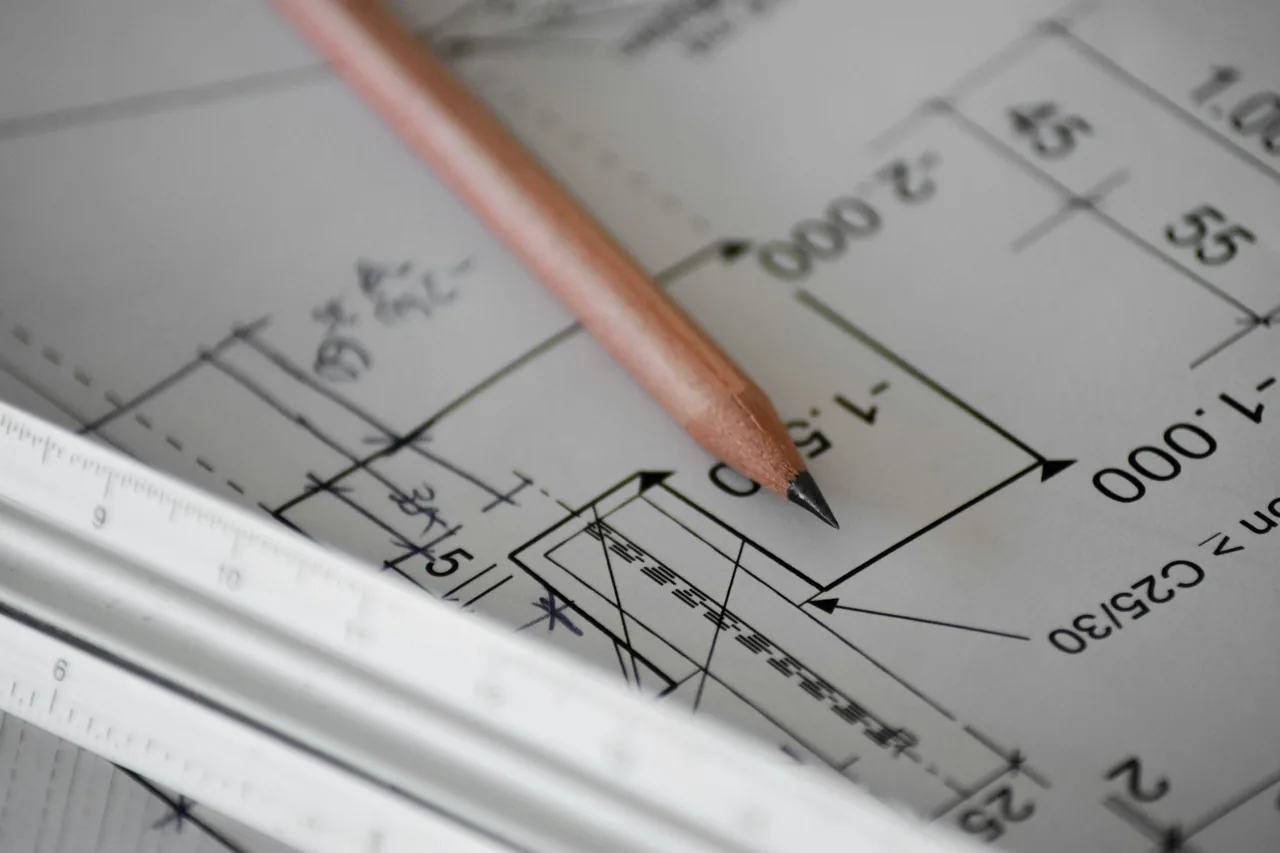
On a technical drawing the numbers beside dimensions can stand with no unit symbol, and that is what the standard allows. ISO 129-1 lets the predominant unit be stated once — on the drawing itself or in an associated document — and left out of the individual dimensions. A dimension given in a different unit then carries that unit[3]. So a bare “2400” on a plan means 2,400 of that declared unit. When the drawing declares the millimeter, the meters are for you to work out.
The same dimension reads in centimeters on the millimeters to centimeters converter. The way back is on the meters to millimeters converter. The kilometer reading comes from the millimeters to kilometers converter, where the divisor grows from a thousand to a million.
How many meters is a given number of millimeters?
| Millimeters | Meters |
|---|---|
| 0.01 mm | 0.00001 m |
| 0.02 mm | 0.00002 m |
| 0.05 mm | 0.00005 m |
| 0.1 mm | 0.0001 m |
| 0.15 mm | 0.00015 m |
| 0.2 mm | 0.0002 m |
| 0.25 mm | 0.00025 m |
| 0.3 mm | 0.0003 m |
| 0.5 mm | 0.0005 m |
| 0.8 mm | 0.0008 m |
| 1 mm | 0.001 m |
| 1.5 mm | 0.0015 m |
| 2 mm | 0.002 m |
| 3 mm | 0.003 m |
| 3.5 mm | 0.0035 m |
| 4 mm | 0.004 m |
| 5 mm | 0.005 m |
| 6 mm | 0.006 m |
| 8 mm | 0.008 m |
| 9 mm | 0.009 m |
| 9.5 mm | 0.0095 m |
| 10 mm | 0.01 m |
| 12 mm | 0.012 m |
| 15 mm | 0.015 m |
| 20 mm | 0.02 m |
| 25 mm | 0.025 m |
| 30 mm | 0.03 m |
| 40 mm | 0.04 m |
| 50 mm | 0.05 m |
| 55 mm | 0.055 m |
| 60 mm | 0.06 m |
| 65 mm | 0.065 m |
| 67 mm | 0.067 m |
| 70 mm | 0.07 m |
| 75 mm | 0.075 m |
| 80 mm | 0.08 m |
| 85 mm | 0.085 m |
| 90 mm | 0.09 m |
| 92.4 mm | 0.0924 m |
| 100 mm | 0.1 m |
| 120 mm | 0.12 m |
| 150 mm | 0.15 m |
| 200 mm | 0.2 m |
| 250 mm | 0.25 m |
| 300 mm | 0.3 m |
| 400 mm | 0.4 m |
| 500 mm | 0.5 m |
| 600 mm | 0.6 m |
| 635 mm | 0.635 m |
| 700 mm | 0.7 m |
| 720 mm | 0.72 m |
| 750 mm | 0.75 m |
| 800 mm | 0.8 m |
| 880 mm | 0.88 m |
| 900 mm | 0.9 m |
| 914 mm | 0.914 m |
| 1,000 mm | 1 m |
| 1,050 mm | 1.05 m |
| 1,100 mm | 1.1 m |
| 1,200 mm | 1.2 m |
| 1,500 mm | 1.5 m |
| 1,700 mm | 1.7 m |
| 1,800 mm | 1.8 m |
| 2,000 mm | 2 m |
| 2,500 mm | 2.5 m |
| 3,000 mm | 3 m |
| 4,000 mm | 4 m |
| 4,500 mm | 4.5 m |
| 5,000 mm | 5 m |
| 6,000 mm | 6 m |
| 7,000 mm | 7 m |
| 8,000 mm | 8 m |
| 9,000 mm | 9 m |
| 9,900 mm | 9.9 m |
| 64,000 mm | 64 m |
How many meters do standard sheet formats measure?
| Format | Size in millimeters | Size in meters |
|---|---|---|
| A0 | 841 × 1189 mm | 0.841 × 1.189 m |
| A1 | 594 × 841 mm | 0.594 × 0.841 m |
| A2 | 420 × 594 mm | 0.42 × 0.594 m |
| A3 | 297 × 420 mm | 0.297 × 0.42 m |
| A4 | 210 × 297 mm | 0.21 × 0.297 m |
| A5 | 148 × 210 mm | 0.148 × 0.21 m |
| A6 | 105 × 148 mm | 0.105 × 0.148 m |
| Letter | 216 × 279 mm | 0.216 × 0.279 m |
| Legal | 216 × 356 mm | 0.216 × 0.356 m |
| Tabloid | 279 × 432 mm | 0.279 × 0.432 m |
How many meters is each unit from the micrometer to the kilometer?
| Unit | Symbol | Value in meters | Scientific notation |
|---|---|---|---|
| Micrometer | µm | 0.000001 m | 1 × 10⁻⁶ m |
| Millimeter | mm | 0.001 m | 1 × 10⁻³ m |
| Centimeter | cm | 0.01 m | 1 × 10⁻² m |
| Decimeter | dm | 0.1 m | 1 × 10⁻¹ m |
| Metre | m | 1 m | 1 × 10⁰ m |
| Kilometer | km | 1,000 m | 1 × 10³ m |
How to set millimeters and meters in the programs you work in
The field at the top of the page covers a single number. When you are converting a whole drawing or a whole column of dimensions, the unit gets set once inside the program.
AutoCAD 2027: the UNITS command
Type UNITS on the command line and press Enter. The Drawing Units dialog box opens, and it controls the precision and display formats for coordinates, distances and angles. The Insertion Scale section inside that box governs the scale of blocks and drawings inserted into the current drawing, which is where you pick millimeters or meters[5]. In a language version other than English, type the command with an underscore as _UNITS: Autodesk gives every command a local and a global name, and the underscore calls the global one[6].Blender 5.2 LTS: the Units panel
Open Properties, go to the Scene tab and expand the Units panel. Set Unit System to Metric and Length to Millimeters or Meters — that field decides what Blender displays lengths in. The Adaptive setting in the same field picks the unit from the size of the value, so small dimensions read in millimeters and large ones in meters[7].Spreadsheet: the CONVERT function
The formula reads =CONVERT(A1,"mm","m"). The unit code is built from the prefix and the symbol of the meter, so "mm" is a millimeter and "m" a meter[8]. Metric prefixes attach to any metric unit code the same way, which is where "km" and "cm" come from.Checking the result on one cell
The formula =A1/1000 returns the same number and works in every spreadsheet, Google Sheets and LibreOffice Calc included. Before you drag it down a whole column, put 2400 in cell A1 and check that the answer reads 2.4. A #VALUE! message in place of the result means Excel does not read the content of cell A1 as a number, for example when a unit has been typed next to the value. Leave just the number in the cell[9].
Convert other units to Meters
Convert Millimeters to other units
Sources
- Metric (SI) Prefixes — National Institute of Standards and Technology
- SI Units – Length (definitions of the meter since 1793) — National Institute of Standards and Technology
- ISO 129-1:2018, Technical product documentation (TPD) — Presentation of dimensions and tolerances, clause 4.3 — International Organization for Standardization
- International standard paper sizes (ISO 216) — University of Cambridge, Computer Laboratory
- AutoCAD 2027 Help: UNITS (Command) — Autodesk
- About Command Macros (local and global command names) — Autodesk
- Blender Manual: Scene Properties — Units — Blender Foundation
- CONVERT function — Microsoft
- How to correct a #VALUE! error — Microsoft
Every figure in the tables was computed from the unit definitions and checked arithmetically before publication. Historical values and the names of local units come from the sources listed above.
Content last reviewed: · written and checked by the Arteon team
Common questions about converting millimeters to meters
How many meters is 1000 mm?
A thousand millimeters is exactly 1 meter. The meter is divided into a thousand equal parts and each of them is a millimeter, so both figures describe the same length.
How many meters is 100 mm?
A hundred millimeters is 0.1 meters, that is one tenth of a meter. The same length has a name of its own as well: it is a decimeter.
How many meters is 0.5 mm?
Half a millimeter is 0.0005 meters. That is the diameter of, among other things, the 0.5 lead in a mechanical pencil.
How many meters is 6000 mm?
Six thousand millimeters is 6 meters. The figure ends in three zeros, so moving the point three places to the left leaves a whole number.
Where does the figure of 1,000 millimeters in a meter come from?
From the prefix milli-, which stands for one thousandth of the base unit in the SI system. A thousand such parts make up a meter.
How do you write millimeters as meters in scientific notation?
One millimeter is written as 1 × 10⁻³ m, because a thousandth of a meter is ten to the power of minus three. Other values keep the same multiplier: 25 mm is 25 × 10⁻³ m, that is 2.5 × 10⁻² m.
How do you convert millimeters to meters in your head?
Move the decimal point three places to the left. The number 3500 becomes 3.5 that way, and 75 becomes 0.075. Three places come from the meter containing a thousand millimeters, and a thousand carries three zeros.
Does the field accept a plain fraction and a comma?
Yes. The field reads 0.5 and 0,5 as the same value, and a plain fraction typed as 1/2 or 1 1/2 converts just like a decimal. The result appears while you type, with no separate button to press.
Help us improve our tools
Got an idea for a new feature, found a bug or want to suggest another tool? Write to us — we reply within 24 hours.