Convert typographic points to centimeters
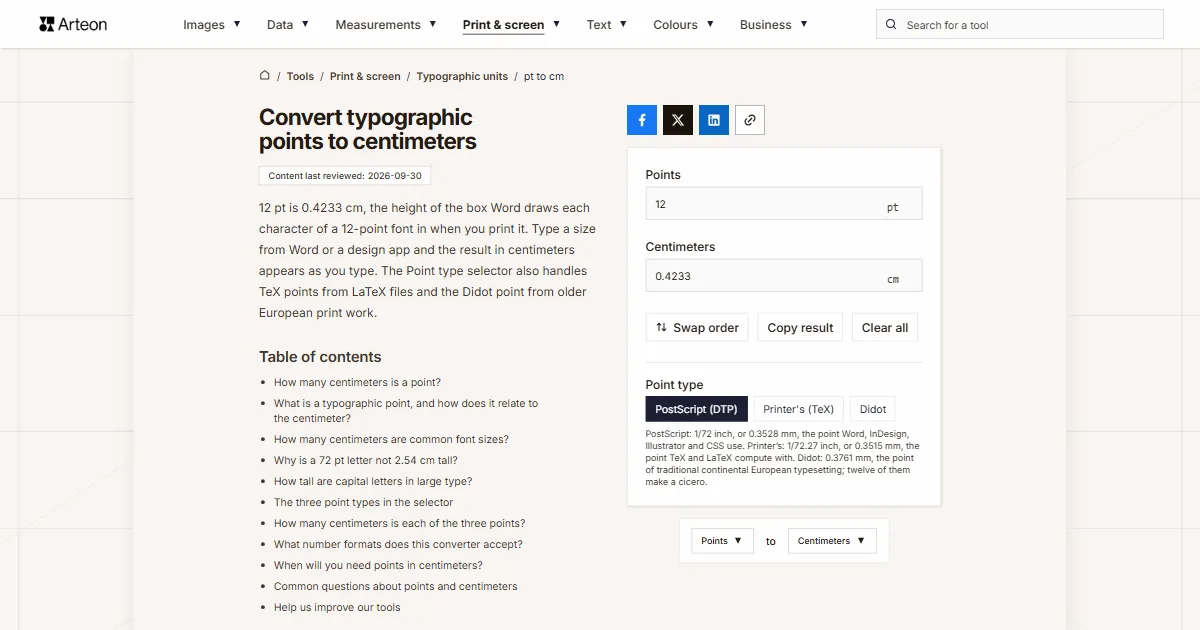
12 pt is 0.4233 cm, the height of the box Word draws each character of a 12-point font in when you print it. Type a size from Word or a design app and the result in centimeters appears as you type. The Point type selector also handles TeX points from LaTeX files and the Didot point from older European print work.
How many centimeters is a point?
One point is 0.0353 cm. A point is 1/72 of an inch, and an inch is exactly 2.54 cm.[1]
The formula is centimeters = points × 2.54 ÷ 72. A 12-point font gives 12 × 2.54 ÷ 72 = 0.4233 cm, and a 72-point font gives exactly 2.54 cm, because 72 points make one inch.
If you think in inches, the same numbers are simpler still: 12 pt is 1/6 inch and 72 pt is 1 inch. The reverse direction, from a measurement to a font size, is handled by the centimeters to points converter.
What is a typographic point, and how does it relate to the centimeter?
The typographic point is the unit used for type size in every word processor and layout app. Word, InDesign and web browsers all use the point of 1/72 inch, and the CSS specification defines the pt unit the same way.[1] Twelve points make a pica, the unit page layout apps use for column widths, and the pica to px converter turns picas into pixels.
The centimeter is a hundredth of a meter and the unit a metric ruler shows next to its millimeter ticks. Because the point is defined through the inch and the inch through the centimeter, the conversion is exact. For inches on their own, there is the cm to inches converter.
On screen, the same type is measured in pixels instead: at the standard 96 pixels per inch, 12 points is 16 pixels. The pt to px converter does that calculation.
How many centimeters are common font sizes?
| Font size | Centimeters |
|---|---|
| 6 pt | 0.2117 cm |
| 8 pt | 0.2822 cm |
| 9 pt | 0.3175 cm |
| 10 pt | 0.3528 cm |
| 10.5 pt | 0.3704 cm |
| 11 pt | 0.3881 cm |
| 12 pt | 0.4233 cm |
| 14 pt | 0.4939 cm |
| 16 pt | 0.5644 cm |
| 18 pt | 0.635 cm |
| 20 pt | 0.7056 cm |
| 24 pt | 0.8467 cm |
| 28 pt | 0.9878 cm |
| 36 pt | 1.27 cm |
| 48 pt | 1.6933 cm |
| 72 pt | 2.54 cm |
| 96 pt | 3.3867 cm |
| 144 pt | 5.08 cm |
| 200 pt | 7.0556 cm |
| 288 pt | 10.16 cm |
| 500 pt | 17.6389 cm |
| 1,000 pt | 35.2778 cm |
| 1,638 pt | 57.785 cm |
Why is a 72 pt letter not 2.54 cm tall?
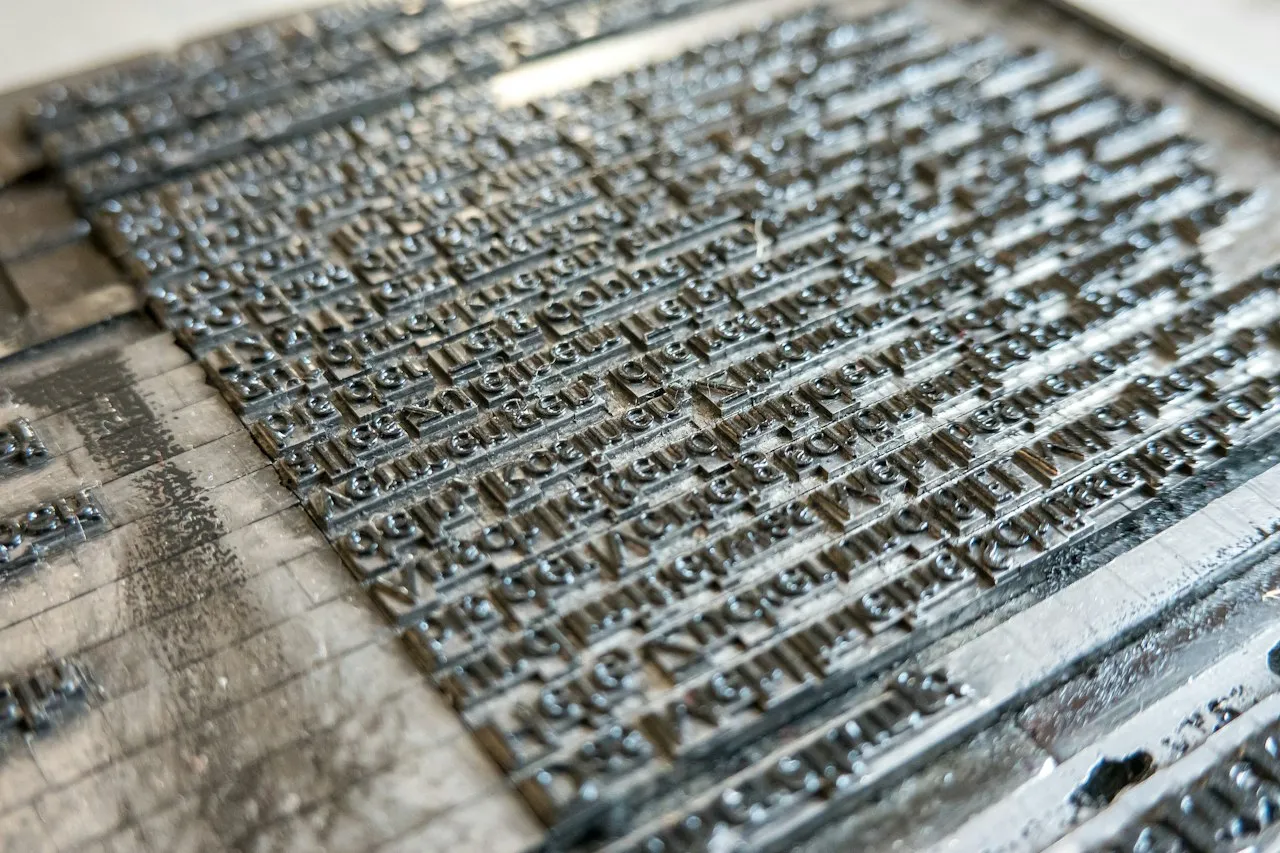
Font size measures the box each character sits in, not the letter itself. In metal type it was the height of the metal body the letter was cast on. In a digital font it is the em square, which the designer fills with the letters plus the space above and below them, so the point size says nothing direct about how tall the printed letters are.[3]
Every font file stores the height of its capital letters in its metrics table.[4] We read it from the fonts that ship with Windows 11: capitals take up 71.6% of the size in Arial, 72.7% in Verdana, 66.2% in Times New Roman and 63.2% in Calibri. A 72 pt heading in Arial therefore has capitals 1.82 cm tall, while the same size in Calibri gives 1.60 cm. For body text between 10 and 14 pt, letter heights are easier to read in millimeters, and the pt to mm converter has that table.
That gap matters for headlines, posters and cut vinyl lettering, where the order states the height of the letters. If you know the letter height you need, the centimeters to points converter turns it into a font size.
How tall are capital letters in large type?
| Font size | Arial | Calibri | Times New Roman | Verdana |
|---|---|---|---|---|
| 36 pt | 0.91 cm | 0.80 cm | 0.84 cm | 0.92 cm |
| 48 pt | 1.21 cm | 1.07 cm | 1.12 cm | 1.23 cm |
| 60 pt | 1.52 cm | 1.34 cm | 1.40 cm | 1.54 cm |
| 72 pt | 1.82 cm | 1.60 cm | 1.68 cm | 1.85 cm |
| 96 pt | 2.43 cm | 2.14 cm | 2.24 cm | 2.46 cm |
| 120 pt | 3.03 cm | 2.67 cm | 2.80 cm | 3.08 cm |
| 144 pt | 3.64 cm | 3.21 cm | 3.36 cm | 3.69 cm |
| 200 pt | 5.05 cm | 4.46 cm | 4.67 cm | 5.13 cm |
| 250 pt | 6.32 cm | 5.57 cm | 5.84 cm | 6.41 cm |
| 300 pt | 7.58 cm | 6.69 cm | 7.01 cm | 7.69 cm |
| 400 pt | 10.11 cm | 8.92 cm | 9.34 cm | 10.26 cm |
| 500 pt | 12.63 cm | 11.14 cm | 11.68 cm | 12.82 cm |
| 600 pt | 15.16 cm | 13.37 cm | 14.01 cm | 15.39 cm |
| 800 pt | 20.22 cm | 17.83 cm | 18.69 cm | 20.52 cm |
| 1,000 pt | 25.27 cm | 22.29 cm | 23.36 cm | 25.65 cm |
| 1,200 pt | 30.32 cm | 26.75 cm | 28.03 cm | 30.78 cm |
| 1,638 pt | 41.39 cm | 36.51 cm | 38.26 cm | 42.01 cm |
The three point types in the selector
The word “point” covers three units that are close in length but not identical. The Point type selector below the fields switches the calculation between them.
PostScript (DTP) is the point of exactly 1/72 inch used by Word, Adobe apps and browsers. It is selected by default, so a size copied from any office app converts without changing anything.
Printer's (TeX) is the older American point of 1/72.27 inch. Donald Knuth kept it for TeX, so in a LaTeX document pt means this point and bp means the PostScript one.[3] A 12pt LaTeX document therefore sets its type 0.4218 cm tall rather than 0.4233 cm.
Didot is the point of traditional continental European typesetting. The converter uses 0.376065 mm, the value of the German standard DIN 16507-1 and of the TeX unit dd.[3] You will only need it when a size comes from older German, French or Eastern European print documentation.
How many centimeters is each of the three points?
| Point type | 1 point | 12 points | 72 points |
|---|---|---|---|
| PostScript (DTP) | 0.0353 cm | 0.4233 cm | 2.54 cm |
| Printer's (TeX) | 0.0351 cm | 0.4218 cm | 2.5305 cm |
| Didot | 0.0376 cm | 0.4513 cm | 2.7077 cm |
What number formats does this converter accept?
| What you type | What the converter shows | Note |
|---|---|---|
| 12 | 0.4233 cm | A number without a unit is read as points, because that is the unit of this field. |
| 10.5 | 0.3704 cm | The decimal point works as usual, and Word lets you set a size in half points. |
| 10,5 | 0.3704 cm | A decimal comma, common in size lists from European suppliers, is read the same way as the point. |
| 1,000 | 35.2778 cm | A comma followed by three digits is read as a thousands separator, so this is one thousand points. A note under the field shows the other possible reading, 1. |
| 3/4 | 0.0265 cm | We work out a slash fraction ourselves, which helps with line weights given as a fraction of a point. |
| 10½ | 0.3704 cm | A ½ character copied from a document is added to the number in front of it. |
| 12 pt | 0.4233 cm | A unit pasted along with the number does no harm, because the field keeps just the number. |
| 12-point | 0.4233 cm | The hyphenated form from phrases such as “12-point font” is read as 12 points. |
| 2.54 cm | 2.54 cm | Centimeters pasted into the points field are first turned into 72 points, so the result comes back to the same length. |
| font-size: 12pt; | 0.4233 cm | A line copied from a CSS stylesheet is read together with its unit and the rest is ignored. |
When will you need points in centimeters?
Business cards and labels
A US business card is 3.5 × 2 inches, or 8.89 × 5.08 cm, and a UK card is 85 × 55 mm. Contact details set in 8 pt have a character box 0.28 cm tall, which tells you how many lines fit on the short side.Headings and posters
A poster title set at 96 pt in Arial has capitals 2.43 cm tall, and at 200 pt they reach 5.05 cm, so you can plan the height of the lettering before you print.Shop signs and vinyl letters
When a sign maker asks for the letter height in centimeters, convert the size from your Word or PowerPoint mock-up here and check that the letters fit the window.LaTeX files and old print jobs
Sizes from a LaTeX document convert correctly once you choose Printer's (TeX), and sizes from older European print documentation once you choose Didot.
Convert other units to Centimeters
Convert Points to other units
Sources
- CSS Values and Units Module Level 4 — W3C
- Change the font size — Microsoft Support
- Point (typography) — Wikipedia
- OS/2 — OS/2 and Windows Metrics Table — Microsoft Learn
- Font — APA Style
Every figure in the tables was computed from the unit definitions and checked arithmetically before publication. Historical values and the names of local units come from the sources listed above.
Content last reviewed: · written and checked by the Arteon team
Common questions about points and centimeters
Is a 12 pt font also 0.42 cm on screen?
Not necessarily. A screen shows type in pixels, and the physical size of a pixel depends on the monitor and on your system zoom. On paper printed at 100%, 12 pt is always 0.4233 cm.
How can I work out a font size from a printout?
Measure a capital H and divide the height by the capital height of the typeface. For Arial that is 0.716, so a letter 1.82 cm tall means a size of 2.54 cm, which is 72 pt. The centimeters to points converter does the last step for you.
Is a CSS point the same as a Word point?
Yes. The CSS specification defines 1pt as 1/72 inch, the same value as the PostScript point in Word and design apps.
What size does an APA paper use, and how big is it in centimeters?
APA Style (7th edition) accepts several fonts, including 12-point Aptos or Times New Roman, 11-point Calibri, Arial or Georgia, and 10-point Computer Modern, the default font of LaTeX.[5] A 12-point size is 0.4233 cm and an 11-point size is 0.3881 cm. In LaTeX the 10-point size uses the TeX point, so choose Printer's (TeX) in the selector to get 0.3515 cm.
Does the result depend on the printer's DPI?
No. Points and centimeters are both lengths, so the ratio between them never changes. DPI only matters once you work in pixels, and the cm to px converter handles that.
Help us improve our tools
Have an idea for a feature, found a bug, or want to suggest another tool? Write to us, we read every message.