Convert kibibytes to kilobytes
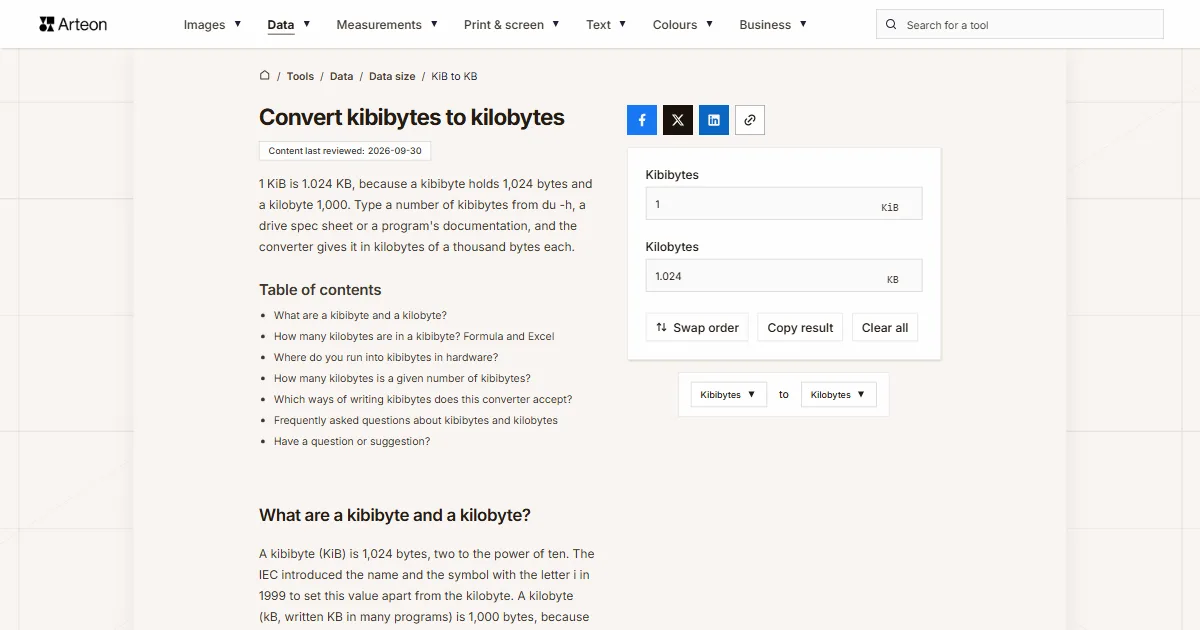
1 KiB is 1.024 KB, because a kibibyte holds 1,024 bytes and a kilobyte 1,000. Type a number of kibibytes from du -h, a drive spec sheet or a program's documentation, and the converter gives it in kilobytes of a thousand bytes each.
What are a kibibyte and a kilobyte?
A kibibyte (KiB) is 1,024 bytes, two to the power of ten. The IEC introduced the name and the symbol with the letter i in 1999 to set this value apart from the kilobyte. A kilobyte (kB, written KB in many programs) is 1,000 bytes, because the metric prefix kilo means a thousand[1].
One kibibyte therefore holds 24 bytes more than a kilobyte. Across a few kibibytes the gap is a few dozen bytes, but it grows in step with the number: 1,000 KiB is already 1,024 KB.
How many kilobytes are in a kibibyte? Formula and Excel
A kibibyte is 1.024 KB. To convert kibibytes to kilobytes, multiply by 1.024: KB = KiB × 1.024. A 64 KiB file is 65.536 KB, and 512 KiB is 524.288 KB. The result is always 2.4% bigger than the number of kibibytes.
In Excel, type =CONVERT(A2,"kibyte","kbyte"). In this function the prefix “ki” stands for kibi and “k” for kilo[2].
The KB to KiB converter works the other way. To get bytes, multiply kibibytes by 1,024; the KB to bytes converter does the same for kilobytes. Bigger binary units are handled by the MiB to MB converter and the GiB to GB converter.
Where do you run into kibibytes in hardware?
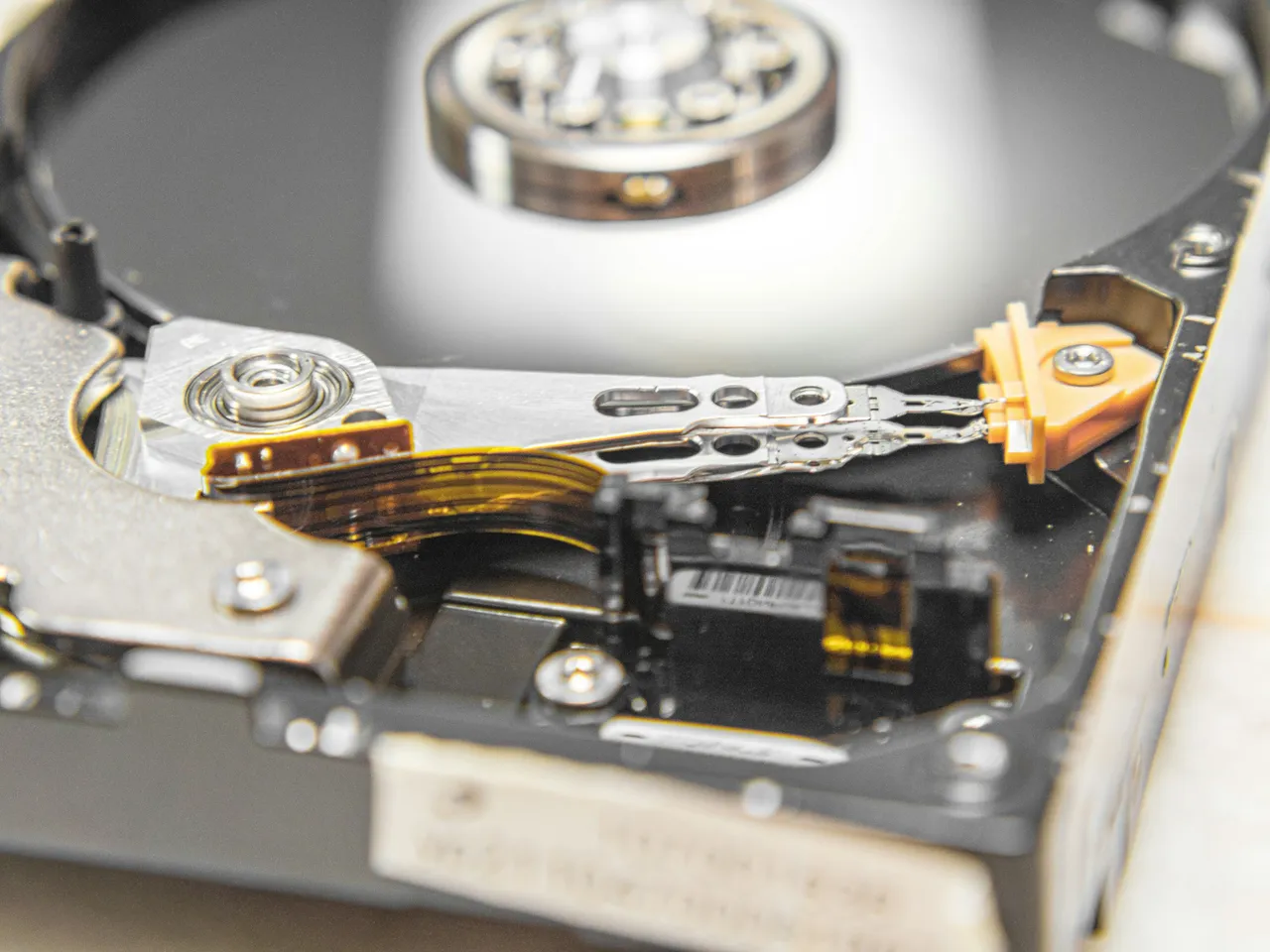
The smallest piece of data a drive writes in one go is a sector. Older drives used 512-byte sectors, while Advanced Format drives use 4,096-byte sectors, exactly 4 KiB[3]. In kilobytes that is 4.096 KB.
How many kilobytes is a given number of kibibytes?
| Kibibytes | Kilobytes |
|---|---|
| 1 KiB | 1.024 KB |
| 2 KiB | 2.048 KB |
| 4 KiB | 4.096 KB |
| 8 KiB | 8.192 KB |
| 16 KiB | 16.384 KB |
| 32 KiB | 32.768 KB |
| 64 KiB | 65.536 KB |
| 128 KiB | 131.072 KB |
| 256 KiB | 262.144 KB |
| 512 KiB | 524.288 KB |
| 1,000 KiB | 1,024 KB |
| 1,024 KiB | 1,048.576 KB |
| 4,096 KiB | 4,194.304 KB |
| 1,048,576 KiB | 1,073,741.824 KB |
Which ways of writing kibibytes does this converter accept?
| What you type | What the converter shows | How we read it |
|---|---|---|
| 1.5 | 1.536 KB | The point marks the decimal part, so the field holds one and a half kibibytes. |
| 1,500 | 1,536 KB | A comma before three digits groups thousands, so we count fifteen hundred kibibytes. A note under the field says how we read it, and if you meant one and a half, type 1.5. |
| 1,5 | 1.536 KB | A comma before a single digit can only be a decimal comma, the way European spreadsheets write it, so we count one and a half kibibytes. |
| 1,000 | 1,024 KB | The comma separates thousands, so the field holds a thousand kibibytes. A note under the field says how we read it. |
| 2½ | 2.56 KB | We add the ½ character copied from a document to the number in front of it. |
| 1e3 | 1,024 KB | We read spreadsheet scientific notation as it is: 1e3 means a thousand kibibytes. |
| 4.0K | 4.096 KB | This is how du -h on Linux shows a file size. The letter K stands for kibibytes there, so we drop it and count 4 KiB. |
| 4 KB | 4 KB | Kilobytes pasted into the kibibytes field are written in as 3.90625 KiB, with a note under the field, so the result comes back to the same 4 KB. |
| 4,096 bytes | 4.096 KB | We first turn the byte count into kibibytes. The field holds 4 KiB and the result is 4.096 KB. A note under the field says how we read the comma in 4,096. |
| 1 MiB | 1,048.576 KB | A mebibyte pasted into the kibibytes field is written in as 1024 KiB, with a note under the field. |
| 0.5 | 0.512 KB | A number below one works too: half a kibibyte is 512 bytes. |
Convert other units to Kilobytes
Sources
- Binary prefix — Wikipedia
- CONVERT function — Microsoft
- Advanced Format — Wikipedia
- NTFS overview — Microsoft Learn
- Correct disk space problems on NTFS volumes — Microsoft Learn
- BS EN IEC 80000-13:2025 — BSI Knowledge
Every figure in the tables was computed from the unit definitions and checked arithmetically before publication. Historical values and the names of local units come from the sources listed above.
Content last reviewed: · written and checked by the Arteon team
Frequently asked questions about kibibytes and kilobytes
Why does a file take up more space on disk than its size?
Because the file system hands out space in whole clusters. The default NTFS cluster is 4 KB[4], and NTFS grows a file’s allocation in multiples of the cluster size[5]. A 5,000-byte file therefore takes up two clusters, which is 8,192 bytes. Windows gives the cluster size in KB but counts it in powers of 1,024, so a cluster holds 4,096 bytes, which is 4 KiB or 4.096 KB.
Which British Standard covers the kibibyte?
BS EN IEC 80000-13:2025, the UK edition of the international standard on quantities and units in information science and technology[6]. It gives the names, symbols and definitions of these units, including the binary prefixes such as kibi.
Have a question or suggestion?
If you have spotted an error in the table or a value is missing, write to us.