Update of 16 November 2026: the Arteon blog starts with six photo guides
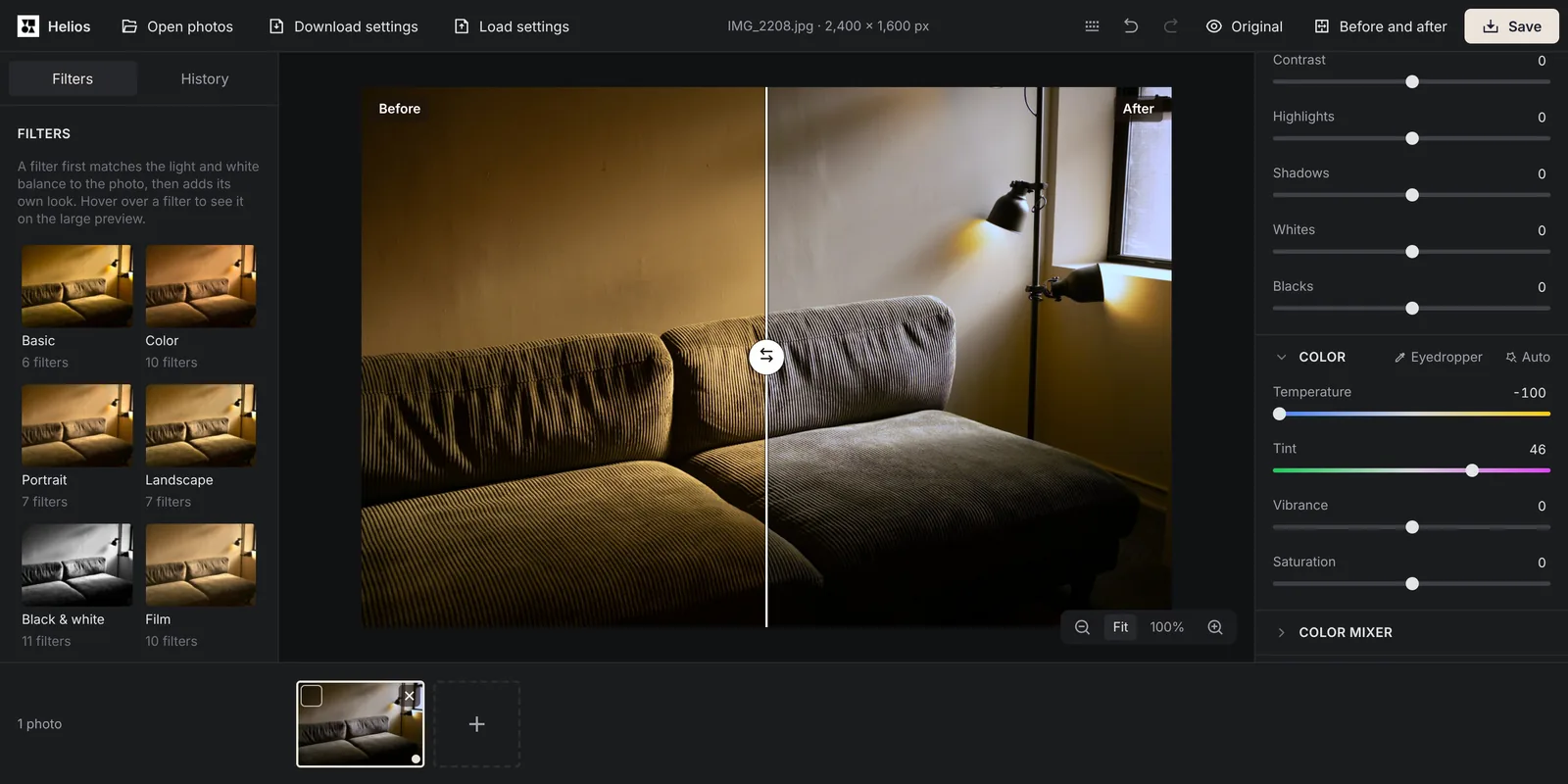
Arteon now has a blog. Each guide explains one task step by step and shows it in our free tools, with screenshots of where to click and photos before and after the edit. The first six guides are about editing photos in Helios. See what the 16 November 2026 update brings.
A blog with step-by-step guides
The blog is a new section of the site, separate from this News page. News tells you what changed on the site, and the blog explains how to do a task yourself, such as fixing a photo or converting a file. On every English page, you will find it in the footer, next to News.
Every guide shows the task in our tools as it really looks, with screenshots of the buttons and sliders you need. Where an edit changes the photo, the guide shows the photo before and after. Facts that don’t come from our tools, such as colour temperatures or how cameras measure light, link to their sources, and the guide lists those sources at the end.
For now the blog is in English only.
The first six guides
All six guides are about the Helios photo editor:
- How to convert RAW to JPG for free covers CR3, NEF, ARW and DNG files from Canon, Nikon, Sony and other cameras.
- How to edit RAW photos for free goes through the edits in the order that works best on a RAW file.
- How to batch edit photos shows how to copy the settings of one photo to a whole set.
- How to fix a dark photo explains which slider brightens which kind of dark photo without washing out the sky.
- How to remove a yellow tint from a photo shows how to fix the white balance with one click of the Eyedropper.
- How to remove the location from a photo lists what hidden data a photo carries and what Helios removes when it saves.
Changes on the Helios page
The English Helios page now links to the guides. Where a guide covers a topic in more detail, such as converting RAW files, brightening dark photos, removing a yellow tint, editing many photos at once or removing the location, the page gives a shorter answer and a link to the guide.
Other changes
In Helios, Select all now also selects photos that are still opening. Before, it selected only the photos that had already opened, so a large set had to be selected again once it finished loading. Deselect also cancels the selection of photos that are still opening.
The address for questions about Arteon Tools is now contact@arteontools.com. The contact page, the privacy policy and the terms of service in every language use the new address.
More news
 Published:
Update of 22 November 2026: a new look for every Arteon tool
Every page of Arteon tools now has a new design. Converters show the field you type in more clearly, the formula behind the result and the same value in related units. Image, colour, text and business tools have new layouts, and category pages explain what each group of tools does. This post shows each change next to how the same tool looked before.Read the full post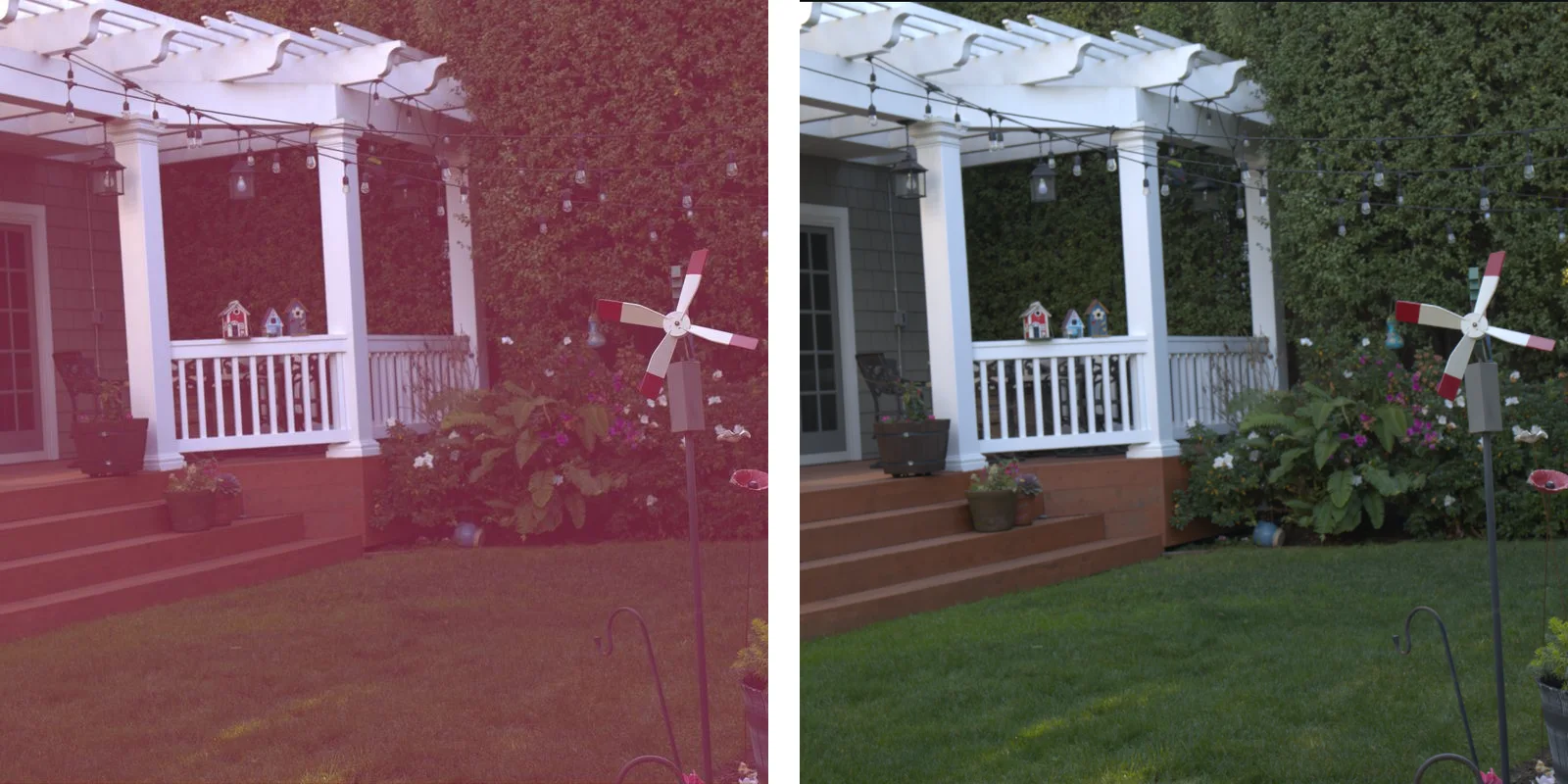 Published:
Update of 20 November 2026: nine new guides and newer cameras in Helios
The blog gets nine new guides about photo editing, and each of them is based on tests we ran ourselves in Helios. Helios now uses a newer RAW decoder, so files from cameras such as the Canon EOS R6 Mark III and the Sony α7 V open with the right colours. Sony ARW files saved in a smaller RAW size no longer show up as damaged. See what the 20 November 2026 update brings.Read the full post Published:
Update of 6 November 2026: ten new languages, Helios and print and screen converters
Arteon tools now work in 18 languages. This update adds Arabic, Indonesian, Turkish, Greek, Ukrainian, Romanian, Thai, Japanese, Vietnamese and Hindi, each with the Helios photo editor and part of the Print and screen category. The Helios guide now explains how your work is saved in the browser, and the privacy policy describes it in every language. See the details of the 6 November 2026 update.Read the full post